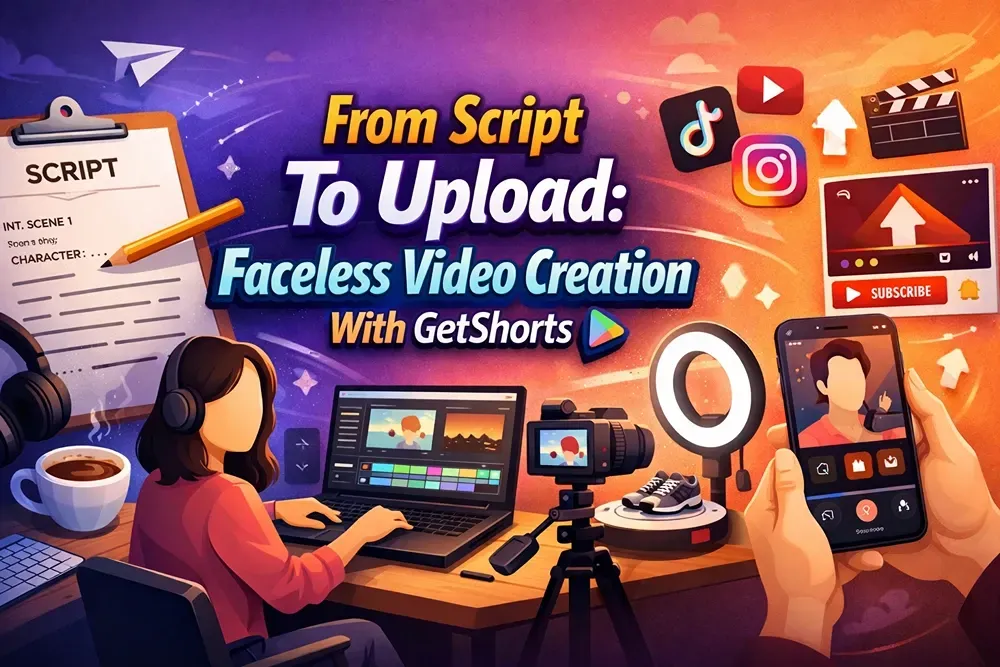
From Script To Upload: Faceless Video Creation With Getshorts
Why A Workflow Matters For Faceless Video Creation?
From Script To Upload: Faceless Video Creation With GetShorts
Step 1 - Planning Your Faceless Video
Step 3 – Selecting Video Style And Visuals
Step 4 – Adding Voiceovers And Captions
Step 5 – Editing And Enhancing The Video
Step 6 – Exporting And Uploading
Step 7 – Post-Publishing Optimization
Final Thoughts – From Script To Upload Made Easy With Getshorts
Ques1. Do I Need Editing Skills to Use GetShorts.AI?
Ques2. Can I Create Videos Faster with GetShorts.AI?
Ques3. Does GetShorts.AI Support Voiceovers and Captions?
Creating videos doesn't have to be difficult or time-consuming. With GetShorts, you can turn a simple script into an upload-ready video in just a few steps. No camera, no editing skills, no screen time required.
From adding visuals and voiceovers to automatically syncing captions, GetShorts makes the entire process effortless. It's perfect for creators who want consistent content, save hours of effort, and grow their audience without showing their face.
Why A Workflow Matters For Faceless Video Creation?
A clear workflow makes creating faceless videos quick and stress-free. When you follow defined steps, such as scripting, creating visuals, recording a voiceover, and uploading, you avoid confusion and save a significant amount of time.
A good workflow also keeps your content consistent and high-quality. Instead of guessing what to do next, you can focus on creating great videos, posting regularly, and growing your channel tirelessly.
From Script To Upload: Faceless Video Creation With GetShorts
Look at these steps on how getshorts.ai help you to get out of the script to upload.
Step 1 - Planning Your Faceless Video
Planning is the first and most important step in creating faceless videos. Clearly define your video's topic, target audience, and main message. Write a simple script and choose your preferred video style. Proper planning saves time and helps you create smooth, focused videos.
Step 2 – Writing The Script
Writing a script gives your faceless video a clear direction. Keep the language simple, engaging, and easy to understand. Focus on one idea at a time and write as you speak. A good script makes your video feel more natural, clear, and impactful to viewers.

Step 3 – Selecting Video Style And Visuals
Choosing the right video style and visuals brings your script to life. Choose a style that matches your content, such as stock clips, animations, or AI visuals. Make sure the visuals support your message and engage viewers. Good visuals make faceless videos more engaging and easier to watch.
Step 4 – Adding Voiceovers And Captions
Adding voiceovers and captions makes your faceless videos more engaging and easier to understand. A clear voiceover helps convey your message naturally, while captions assist viewers who watch without sound.

Using both together improves clarity, maintains attention, and makes your content more easily understandable. This step helps your videos connect better with a wider audience.
Step 5 – Editing And Enhancing The Video
Editing and enhancing your video makes your content look professional and smooth. Trim unnecessary parts, adjust timing, and add smooth transitions where needed. You can also improve the visuals, background music, and pacing. Good editing keeps the video clear, engaging, and fun, making viewers more likely to watch until the end.
Step 6 – Exporting And Uploading
Exporting and uploading is the final step in creating a faceless video. Choose the appropriate video size and quality for the platform you're posting to. Once exported, upload the video with a clear title, description, and tags to help it reach a wider audience.
Step 7 – Post-Publishing Optimization
Post-publishing optimization helps your video perform better after it goes live. Add the right hashtags, an engaging caption, and a strong thumbnail. Share the video on other platforms and check analytics to understand what works and improve future videos.
Final Thoughts – From Script To Upload Made Easy With Getshorts
Creating faceless videos doesn't have to be difficult or time-consuming. With GetShorts, the entire process, from planning and scripting to editing and uploading, becomes simple and easy. This platform helps you stay organized, save time, and create high-quality videos, even if you don't have any prior editing experience.
So, what are you looking for, just start and be consistent.
FAQ
Ques1. Do I Need Editing Skills to Use GetShorts.AI?
Ans - No, GetShorts.ai is beginner-friendly and handles most of the editing automatically.
Ques2. Can I Create Videos Faster with GetShorts.AI?
Ans - Yes, GetShorts helps you go from script to upload in much less time.
Ques3. Does GetShorts.AI Support Voiceovers and Captions?
Ans - Yes, you can easily add AI voiceovers and captions to your videos.
Ques4. Where Can I Upload Videos Made with GetShorts?
Ans - You can upload them to platforms like YouTube Shorts, Instagram Reels, and TikTok.
Ques5. Can Faceless Videos Still Get Good Engagement?
Ans - Yes, faceless videos can achieve high engagement when they feature clear visuals, strong storytelling, and helpful or entertaining content.


