
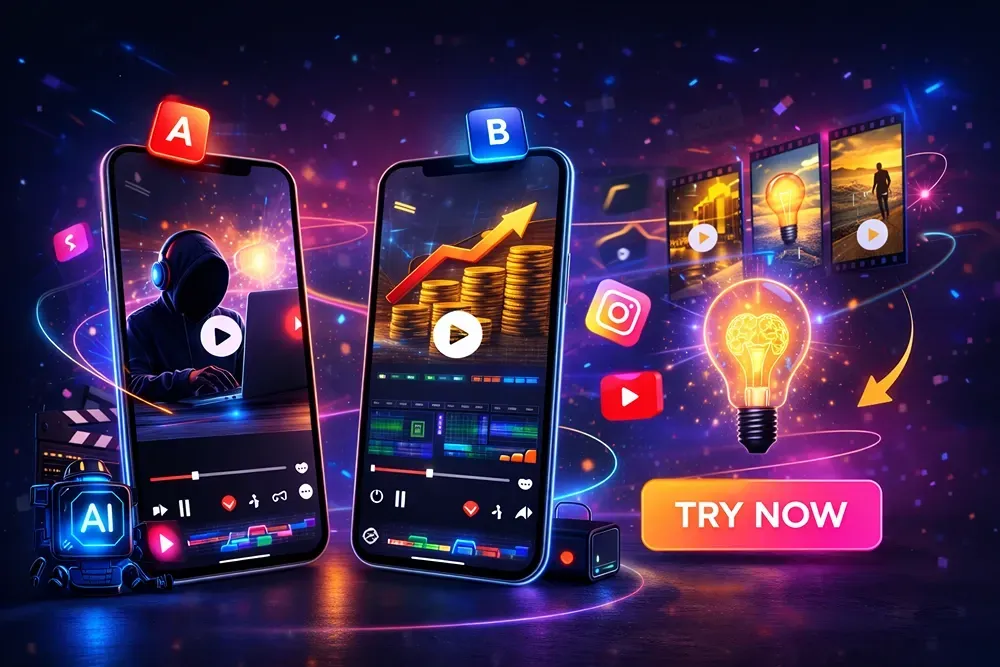
A/B Testing Faceless Videos Made With GetShorts.AI: Thumbnails, Hooks & CTAs
What is A/B Testing and Why It Matters for Faceless Creators?
Setting Up A/B Tests for Your Faceless Videos
Design principles that attract clicks
Text vs no-text thumbnail tests
Using AI to auto-generate multiple thumbnail versions
Experimenting With Hooks and Intros
Ques1. What Is A/B Testing In Faceless Videos?
Ques2. Why Are Thumbnails Important For A/B Testing?
Ques3. How Do Hooks Affect Video Performance?
A/B testing is one of the smartest ways to grow your faceless video channel using Getshorts.ai. Instead of guessing what works, you test different thumbnails, hooks, and CTAs to see which actually drive more clicks, watch time, and engagement.
A small change in the first 3 seconds or a stronger call-to-action can double your results. With the right testing strategy, you don't just create videos, you build a data-driven content system that grows faster and performs better every time.
What is A/B Testing and Why It Matters for Faceless Creators?
A/B testing YouTube videos means creating two different versions of the same video element, like a thumbnail, hook, or CTA, and testing which one performs better. For unrecognised creators, this is extremely powerful because success depends heavily on visuals and the first few seconds.
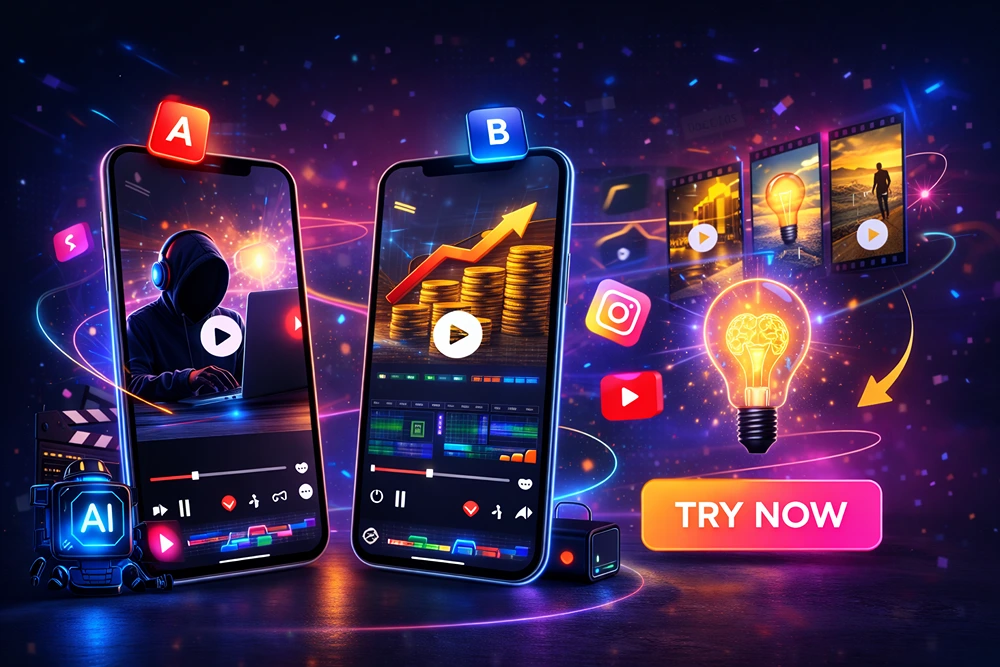
With proper thumbnail testing and hook testing for Shorts, you can see which ones drive more clicks and more watch time.
Tools like GetShorts.ai A/B testing help simplify and speed up this process. Instead of guesswork, you use real data for faceless video optimization, helping your channel grow smarter and faster.
Setting Up A/B Tests for Your Faceless Videos
Setting up A/B tests for your faceless videos is one of the smartest ways to improve performance without creating new content. The idea is simple: test two versions of an element and use real data to see which one performs better.
Start by choosing a specific element to test, like the thumbnail, hook (first 3–5 seconds), title, or call-to-action. Avoid changing multiple elements at once, as you won't know what actually caused the improvement. For example, you could create two thumbnails with different text styles or colours, or test two different hooks to see which one gets viewers to stay longer.
Next, create Version A and Version B. Publish them strategically, either by using built-in testing tools, posting at similar times, or running them to similar audiences. Make sure the rest of the video stays the same.
After publishing, track key metrics like click-through rate (CTR), view time, average view time, and audience retention. Give the test plenty of time to gather relevant data before deciding on a winner.
Once you've identified the best-performing versions, apply those insights to your future videos. Over time, consistent A/B testing helps you optimize your faceless content, increase engagement, and grow your channel faster, without having to guess what works.
Testing Different Thumbnails
In what ways can you test the thumbnails -
Design principles that attract clicks
A good thumbnail should be simple, clear, and eye-catching so it grabs attention immediately. Use bright or high-contrast colors to make it stand out in the feed. Have one main focal point instead of adding too many elements. A clean and organized design works better than a cluttered one.
Avoid using too much text, just use a few strong words if necessary. The most important thing is that people should understand the message within a second, even if they're viewing it on a small mobile screen.
Text vs no-text thumbnail tests
Create two versions of the same thumbnail, one with bold, small text and one without any text. Some people like clear words that quickly explain the video, while others prefer a clean image-only look. Post both versions and see which one gets more clicks and better engagement.
Using AI to auto-generate multiple thumbnail versions
AI tools can create many different thumbnail styles, colors, and layouts in just a few minutes. Instead of designing everything manually, you can automatically create multiple versions.
This saves a lot of time and effort. It also makes it easier to test different ideas and see which thumbnails perform best. With AI, you can experiment more and improve your video results faster.
Experimenting With Hooks and Intros
Experimenting is vital to make a confirm decisions. Here is the step -
Why do the first 3 seconds decide success?
The first 3 seconds are crucial, as viewers decide almost immediately whether to continue watching or scroll away. On platforms like Shorts and Reels, attention spans are incredibly short. If your intro seems boring, slow, or unclear, people will leave without even giving your content a chance.
A strong hook immediately grabs attention, generates curiosity, and clearly demonstrates value. When viewers are immediately interested, they're more likely to watch the entire video.
Testing storytelling vs curiosity-based openings
You can test two different hook styles in your video. One could start with a short story that connects emotionally with viewers. The other could begin with a bold statement or an interesting question that piques curiosity. Post both versions and see which one gets people watching longer and improves retention.
How to use GetShorts.ai to tweak intros fast
With GetShorts.ai, you can quickly edit your script, change the opening hook, and create multiple intro versions in just minutes. You don't have to start from scratch every time. This makes A/B testing much faster and more efficient. Instead of spending hours editing, you can quickly test different ideas and focus on finding the best-performing intro.
Conclusion
The smartest way to maximize faceless videos created with GetShorts.AI is through A/B testing. Instead of guessing what works, test different thumbnails, hooks, and CTAs to see what actually increases clicks, watch time, and engagement. Small changes, like a stronger first 3 seconds or a clearer call-to-action, can make a big difference in results.
When you constantly test and improve, your content becomes data-driven, not random. Over time, this strategy helps you build a faster-growing, more optimized, and more profitable faceless video channel.
FAQ
Ques1. What Is A/B Testing In Faceless Videos?
Ans - A/B testing means creating two versions of a thumbnail, hook, or CTA and seeing which one performs better based on clicks, watch time, and engagement.
Ques2. Why Are Thumbnails Important For A/B Testing?
Ans - Thumbnails determine whether people will click on your video. Testing different designs helps you find the style that attracts the most viewers.
Ques3. How Do Hooks Affect Video Performance?
Ans - Hooks grab attention in the first few seconds. A strong hook keeps viewers watching longer and improves retention.
Ques4. Can Getshorts.Ai Help With A/B Testing?
Ans - Yes, GetShorts.AI allows you to quickly edit scripts, change hooks, and create multiple video versions for testing.
Ques5. How Long Should I Run An A/B Test?
Ans - Let the test run until you've collected enough data, usually a few days, so you can make clear decisions based on the results.