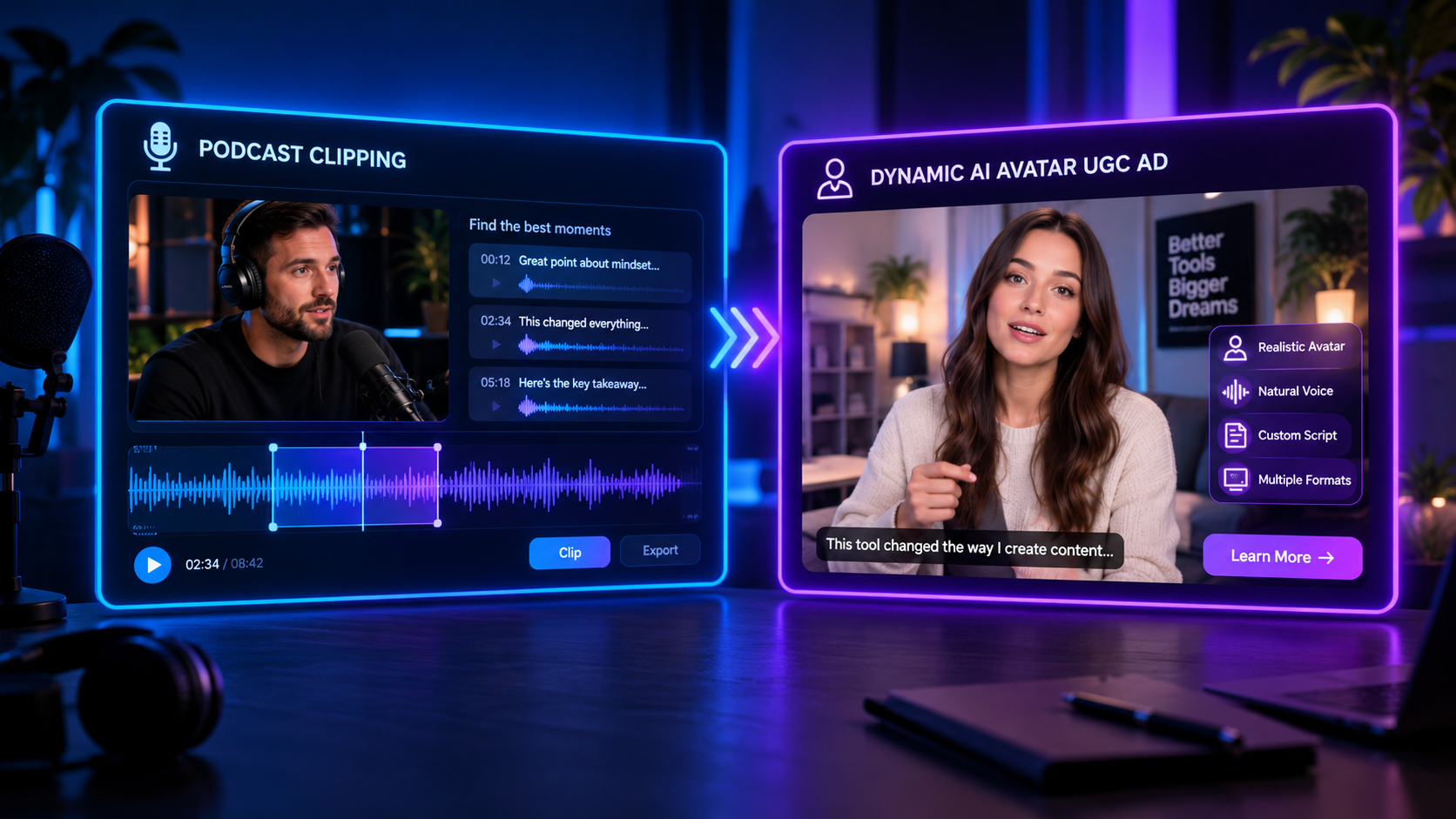
Best AI Video Generator for Ads: 5 Tools Tested Head-to-Head
Table of Contents
E-commerce advertising has evolved into a speed game. Relying on traditional video production limits your ability to test hooks and scale campaigns. AI video generators have stepped in to solve this bottleneck, allowing brands to launch talking-head and stock-based ads in minutes. But with dozens of platforms claiming to be the best, finding the right tool for your ad budget is challenging. You need a dedicated best ai video generator for ads comparison.
In this guide, we take five of the top AI-native ad platforms and test them head-to-head. We evaluate avatar realism, timeline flexibility, voice cloning quality, social publishing automation, and pricing structures so you can select the perfect platform for your brand's growth.
What Makes a Great AI Video Generator for Ads?#
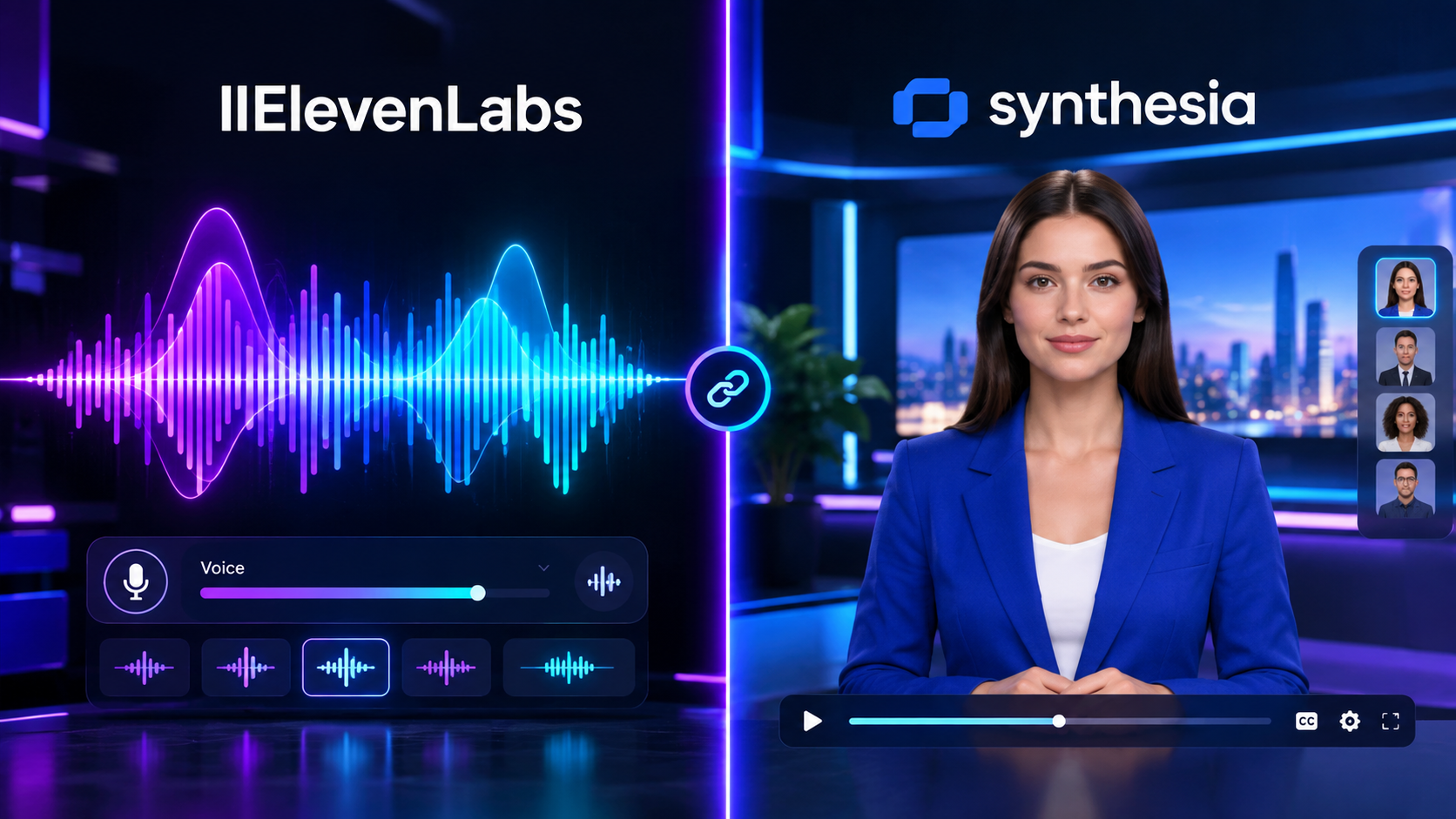
Not all video editors are optimized for advertising. A corporate training tool like Synthesia focuses on slide presentations, which fail on social feeds. A great ad-focused generator must have:
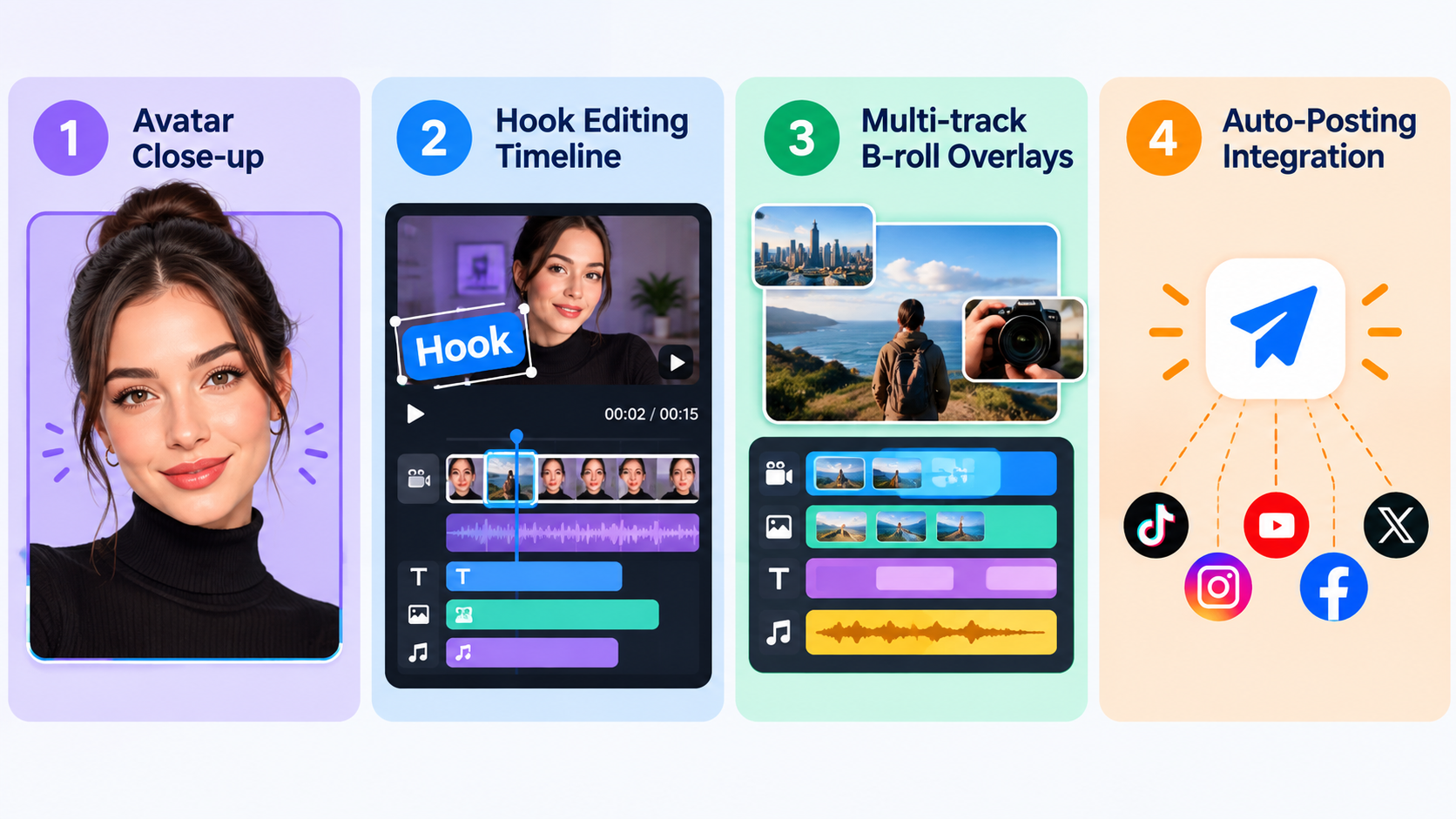
- Authentic UGC Avatars: Digital actors that feel relatable, speaking directly to the camera with natural micro-expressions.
- Direct hook testing: The ability to easily generate and swap multiple opening hook scenes while keeping the main body intact.
- Multi-Track timeline editing: Precise control to overlay product shots, B-roll, and auto-captions over the avatar track.
- Generous pricing structure: A billing model that allows high-volume video variations without scaling costs excessively.
GetShorts: Best Overall AI Video Generator for Ads#
GetShorts wins our head-to-head testing by combining the hyper-realistic spokesperson avatars of Synthesia with the fast, automated templates of Creatify. It provides a dedicated UGC video maker that turns product links into ads instantly. It also includes premium AI voice cloning, allowing your digital avatar to speak in your voice, doubling ad authenticity.
GetShorts Pros
- •Hyper-realistic social-first UGC avatars
- •Includes voice cloning and ElevenLabs voice models standard
- •Full multi-track timeline editor for custom B-roll layouts
- •Direct social scheduling for automated content posting
GetShorts Cons
- •Requires a clean 2-minute voice recording for custom voice cloning
- •Multi-track editor may require a brief learning curve for absolute beginners
Creatify: Good for Quick Product Links#
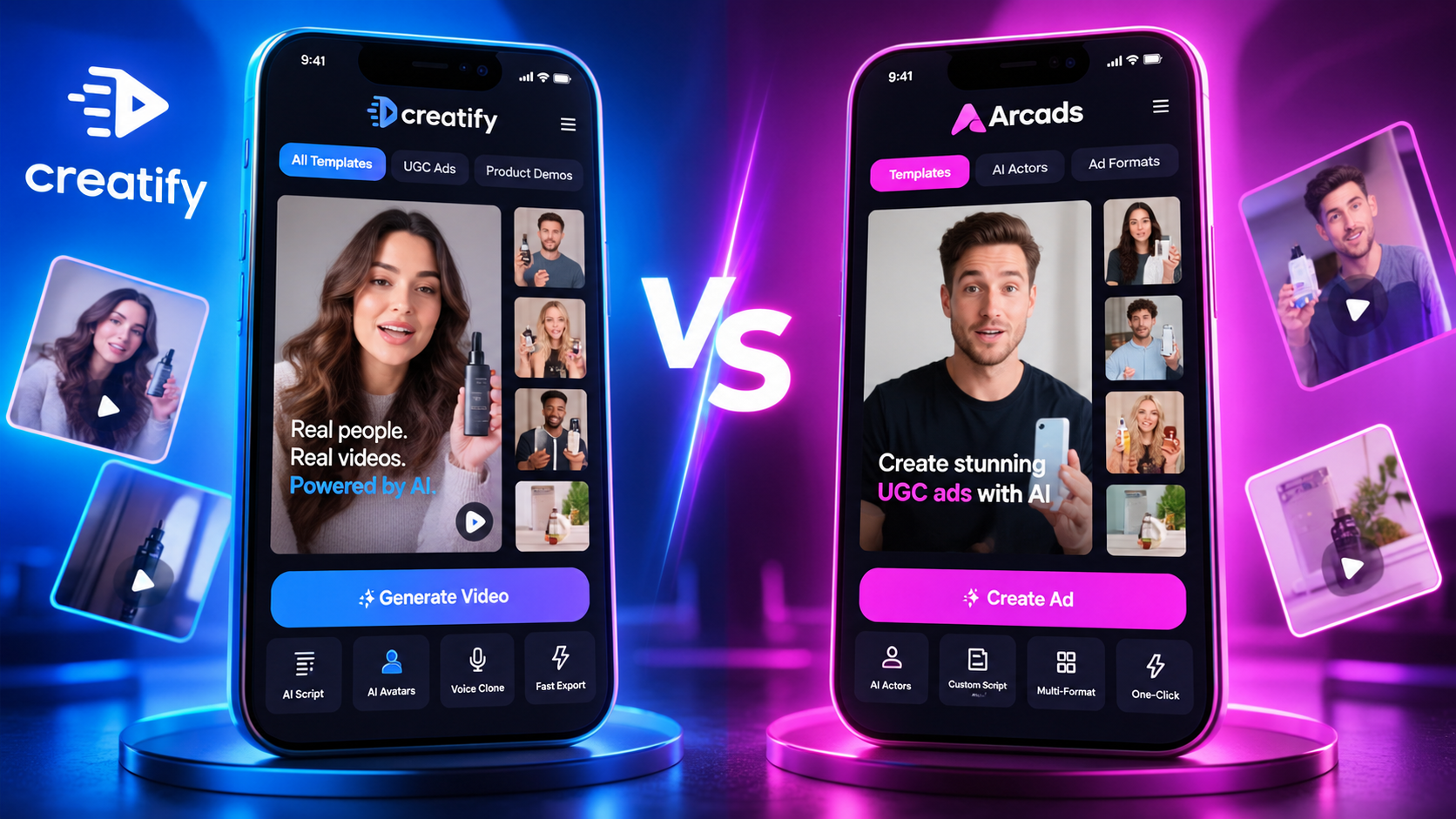
Creatify focuses on a simple "URL-to-video" workflow. You drop a Shopify page link, and it automatically scrapes details to build a slideshow. While incredibly fast for beginners, it has restrictive editing controls, meaning you can't build custom timelines or add multi-platform scheduling.
Creatify Pros
- •Excellent automated Shopify link scraping
- •Very simple, user-friendly interface
- •Decent stock music library
Creatify Cons
- •No multi-track timeline editing controls
- •Credit-based pricing model scales up costs quickly
- •Lacks voice cloning features on starter plans
Ready to generate scroll-stopping video ads?
Access organic AI UGC avatars and text-to-speech in minutes.
Try GetShorts — The Ultimate Ad CreatorHead-to-Head Comparison: The Top 5 Tools#
Let's evaluate the top five AI video generators side-by-side to see how they perform on critical features, interface complexity, and pricing models.
| Tool | Primary Focus | Avatar Quality | Social Scheduling | Starting Cost |
|---|---|---|---|---|
| GetShorts | AI UGC & Social Automation | Excellent (Custom twins) | Yes (Auto-posting) | $29/mo |
| Creatify | URL-to-Video Conversions | Good (limited models) | No (Manual only) | $39/mo |
| Arcads | AI Actor UGC Ads | Excellent | No | $50/mo |
| InVideo AI | Stock Montage Videos | Basic / Omitted | No | $30/mo |
| HeyGen | Corporate Presentation Slides | Excellent | No | $29/mo |
How to Build a High-Converting AI Ad Engine#
To get the most out of your selected AI UGC generator, you must automate both content creation and posting. For instance, rather than manually uploading videos, using our automated video posting tool keeps your profiles active on autopilot. You can also utilize our free AI text to speech tool to test different voiceover accents before upgrading to a custom voice clone.
By automating both creative generation and distribution, you can run high-volume ad testing campaigns, identify winning hooks, and scale your sales with minimal overhead costs.
Conclusion: Find the Best Tool for Your Brand#
The traditional video production model is too slow and expensive to keep up with modern social advertising demands. Selecting an AI-native ad generator allows you to scale your creative output, identify high-converting hooks, and grow your sales. While tools like Creatify are good for beginners, GetShorts offers the complete package: premium voice cloning, custom avatars, and direct social media scheduling at a lower price point.
Ready to level up your product ads? Explore our affordable plans and start creating premium AI UGC video ads on GetShorts today.
Stop Booking Overpriced Creators. Start Scaling UGC Ads.
Produce high-quality AI avatars, auto-captions, B-roll composites and translate scripts instantly. Generate 10+ hook variants for testing.
No credit card required • Start free trial instantly