AI Avatar Creator for Videos: Build Your Digital Spokesperson
Table of Contents
Video marketing has become the cornerstone of modern brand growth, yet the traditional filming process remains painfully slow and expensive. Hiring on-camera talent, booking studios, setting up lighting rigs, and editing hours of raw footage can drain a budget before you've even launched your first ad campaign. To keep pace with social algorithms, savvy marketing teams are turning to an AI avatar creator for videos to build custom digital spokespersons that speak directly to their target audience.
Using virtual presenters lets you produce professional content at scale, localise campaigns into dozens of languages, and refresh your scripts instantly when messaging changes. Whether you want to clone your own likeness or design a completely new brand mascot, a high-quality create custom avatar workflow allows you to bypass the camera entirely and go straight to publishing.
What is an AI Avatar Creator for Videos?#
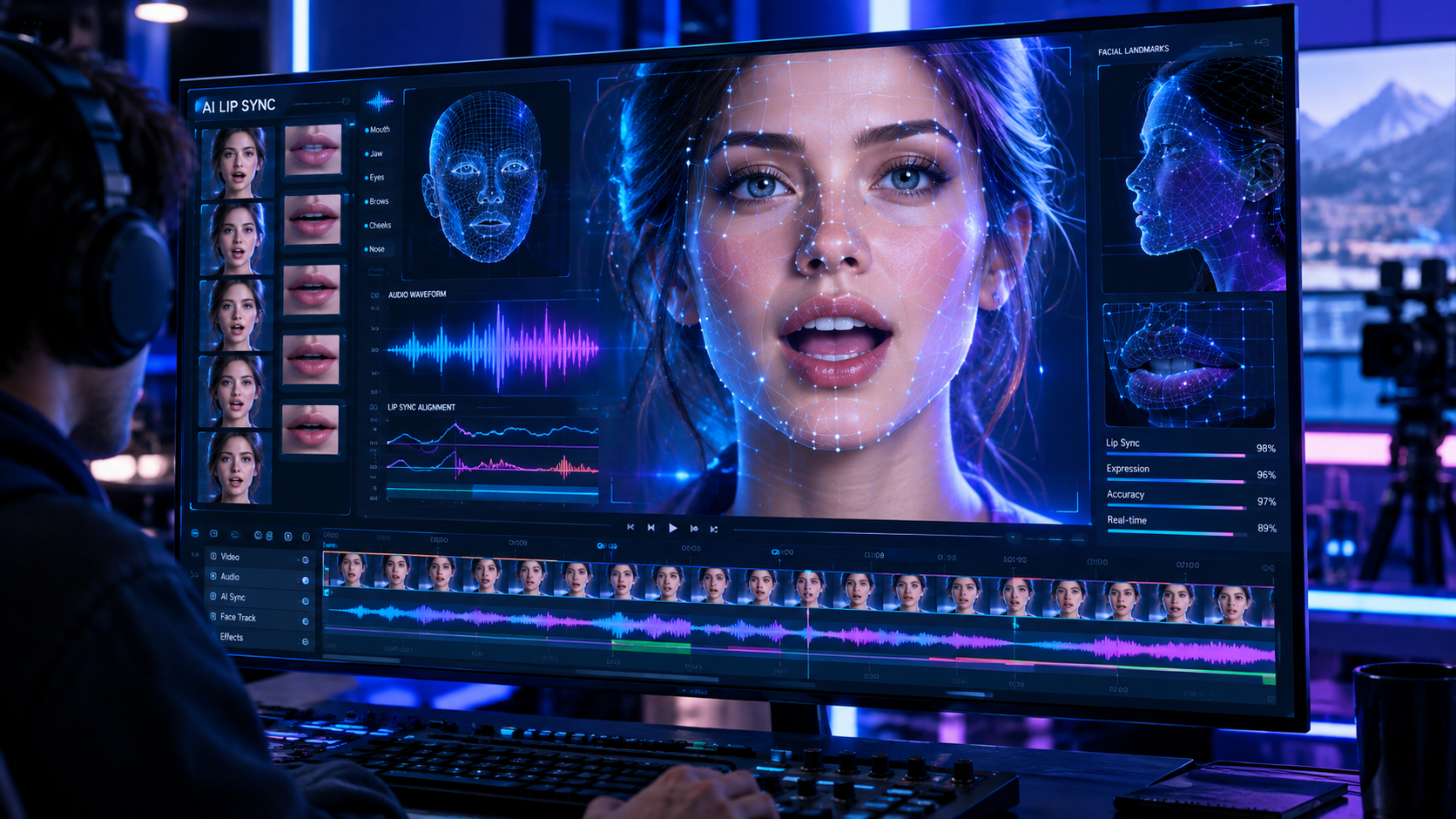
An AI avatar creator is a software tool that generates realistic, animated human presenters from text inputs. Pairing an avatar generator with a dedicated AI video lip-sync tool ensures speech movements match phonemes with millisecond accuracy, including natural eye contact, facial expressions, and organic body language. Instead of filming a human spokesperson reading lines from a teleprompter, you simply type your script, select your avatar, and render a high-definition video in minutes.
This technology is particularly powerful for creating social media ads, product walkthroughs, employee training courses, and customer onboarding tutorials. In the GetShorts ecosystem, these digital twins integrate directly with our AI UGC generator, allowing creators to produce highly authentic, human-like testimonials without needing to coordinate with external influencers.
.png)
Core Features of GetShorts Avatar Studio#
We built our avatar builder to offer maximum flexibility and ease of use, ensuring that creators don't need any prior editing or animation experience. Here are the core features of the GetShorts avatar studio:
Create Your Own AI Avatar#
Create a unique digital spokesperson that matches your personal or brand identity. You can create an AI avatar that naturally conveys your message, helping you produce professional videos without being on camera every time.
AI Voiceovers with Natural Speech#
Choose from realistic AI voices or use your own script to make your avatar speak clearly and naturally. This helps you create engaging videos for YouTube, social media, marketing, and educational content without recording your own voice.
Automatic Lip Sync#
GetShorts automatically syncs your avatar's lip movements with the generated voiceover. This creates smooth, realistic talking videos that look more professional and keep viewers engaged from start to finish.
Simple Prompt-to-Video Workflow#
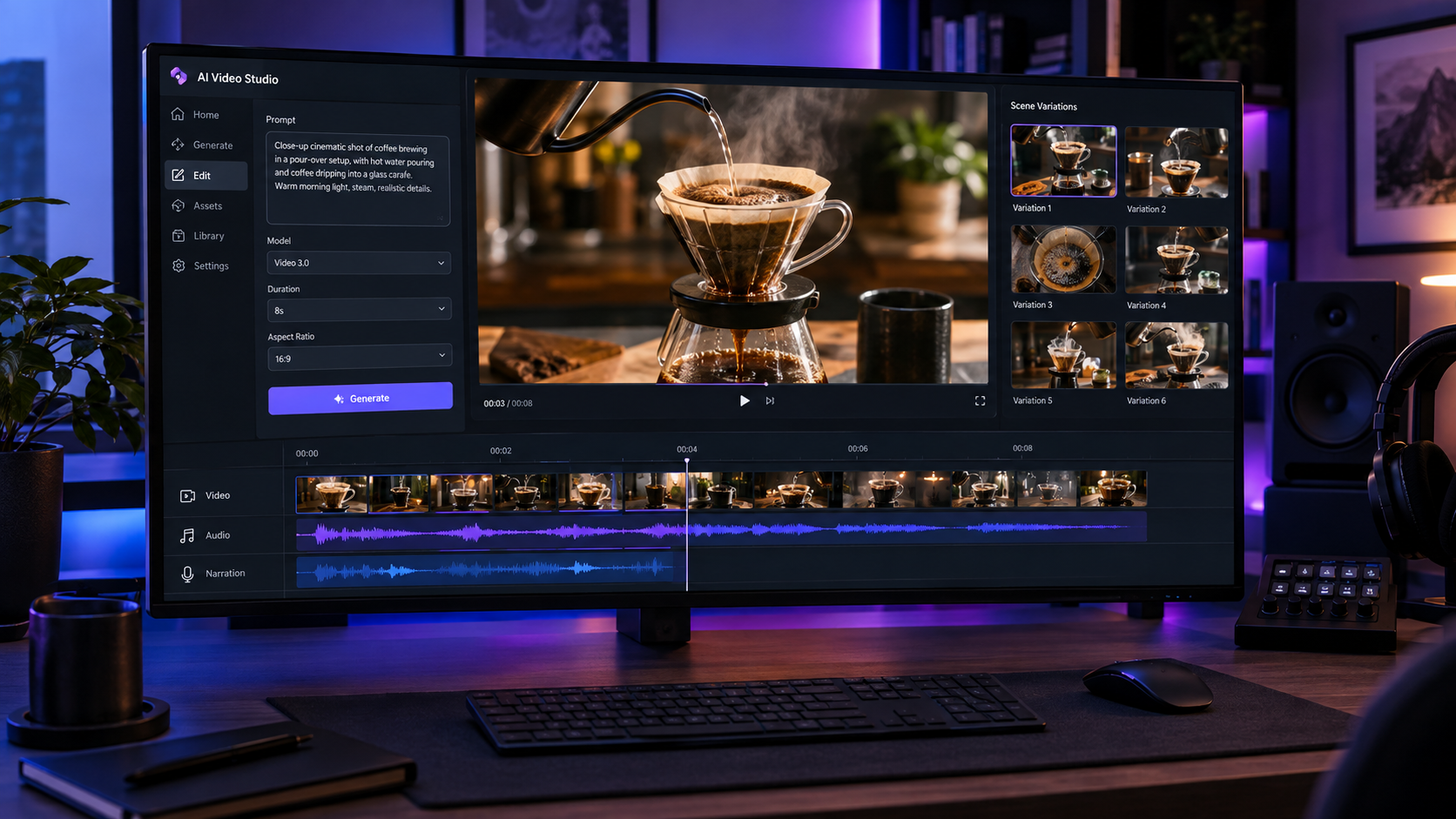
Just enter your topic, script, or idea, and GetShorts helps generate a complete avatar video in minutes. You don't need video editing, animation, or design skills, making content creation fast and beginner-friendly.
Ready for Multiple Content Types#
Create avatar videos for product promotions, explainers, training, social media, YouTube, or business presentations from one platform. Your AI spokesperson stays consistent across different videos, helping build a recognizable and professional brand presence.
Text-to-Avatar Visual Styling
Customize your avatar's appearance instantly using descriptive prompts. Change clothes, background settings, lighting style, or demographic details with a simple text command, keeping your visual branding consistent.
Hyper-Realistic Face Cloning
Upload a short, 2-minute video of yourself to clone your likeness and build an exact digital twin. The AI captures micro-expressions, speech rhythms, and lip shapes, letting your twin deliver scripts in your voice.
Pros and Cons of AI Avatars for Video Production#
While digital spokespersons represent a massive leap forward in efficiency, understanding their strengths and best applications will help you maximize their impact on your marketing campaigns.
Pro: Save Time and Production Costs
AI avatars remove the need for cameras, studios, and repeated video shoots. You can create professional-looking videos much faster than traditional recording, making them a great choice for businesses, marketers, educators, and content creators working with limited budgets.
Pro: Keep Your Brand Consistent
Using the same AI avatar in every video gives your content a consistent look and voice. Whether you're creating YouTube videos, product explainers, or social media content, your digital spokesperson helps people recognize and remember your brand.
Pro: Easy for Beginners
You don't need video editing, acting, or animation skills to create videos with AI avatars. Most platforms are designed to be beginner-friendly, allowing anyone to turn a script into a professional video with just a few clicks.
Con: Limited Human Emotions
Although AI avatars continue to improve, they still can't fully match real human emotions, facial expressions, or natural body language. For emotional storytelling or personal messages, a real person may connect better with the audience.
Con: Less Creative Flexibility
AI avatar tools offer many customization options, but they still have some creative limits. If your project needs complex acting, unique movements, or highly customized scenes, traditional video production may provide better creative control.
GetShorts Avatar Creator Pros
- •Reduces production costs by up to 90% compared to traditional video shoots
- •Generates multi-language presentations with a single vocal profile
- •Enables instant script revisions without scheduling re-shoots or voice sessions
- •Integrates with multi-track timeline editors to add customized B-roll and graphics
GetShorts Avatar Creator Cons
- •Custom avatar setup requires a high-quality initial 2-minute video recording
- •Overly dramatic or theatrical scripts may require pacing tweaks to match the avatar cadence
- •Best suited for head-to-shoulder presentations rather than complex full-body physical movement
Ready to generate scroll-stopping video ads?
Access organic AI UGC avatars and text-to-speech in minutes.
Create Your Custom AvatarHow to Build Your Digital Spokesperson on GetShorts?#
Creating your first avatar video is a straightforward process. First, navigate to the GetShorts dashboard and select whether you want to use a pre-built stock presenter or create a new character from scratch. If you choose to create a custom presenter, you can upload a short video sample or describe the character's aesthetic in detail.
Once your avatar is ready, paste your script into our editor. You can select from dozens of realistic AI voices, adjust the pronunciation, and insert natural pauses. Next, enrich the video by adding B-roll slides, auto-captions, and logo overlays using our built-in timeline editor. When you're satisfied with the preview, click render to export your completed high-definition video ad or social post.

Best Practices for High-Converting Spokesperson Videos#
To ensure your avatar videos capture attention and drive conversions, you need to structure your content strategically. Start your videos with a strong hook in the first three seconds—such as addressing a common pain point or asking a direct question—to stop users from scrolling past. Keep your scripts conversational, using short sentences and simple vocabulary that sound natural when spoken.
Additionally, make full use of visual overlays. Do not rely solely on the avatar speaking; insert relevant B-roll clips, product screenshots, or clean icons every few seconds to illustrate your points. Finally, add bright, readable auto-captions, as a significant portion of social media users view videos with the sound turned off. Pairing these practices with the right pricing plans will help you scale your output and see maximum returns on your ad spend.
Ditch the Production Studio, Go Digital#
The demand for video content shows no signs of slowing down. Relying on slow, outdated recording methods will only hold your marketing campaigns back. By moving to a digital-first approach with a custom avatar generator, you can test dozens of creative variations, run localized global campaigns, and keep your social feeds active every single day.
Are you ready to build your virtual spokesperson and scale your marketing? Try GetShorts Free today and create your first AI avatar video in minutes.
Stop Booking Overpriced Creators. Start Scaling UGC Ads.
Produce high-quality AI avatars, auto-captions, B-roll composites and translate scripts instantly. Generate 10+ hook variants for testing.
No credit card required • Start free trial instantly