The Best AI Video Editor With Timeline Support: Multi-Track Control
Table of Contents
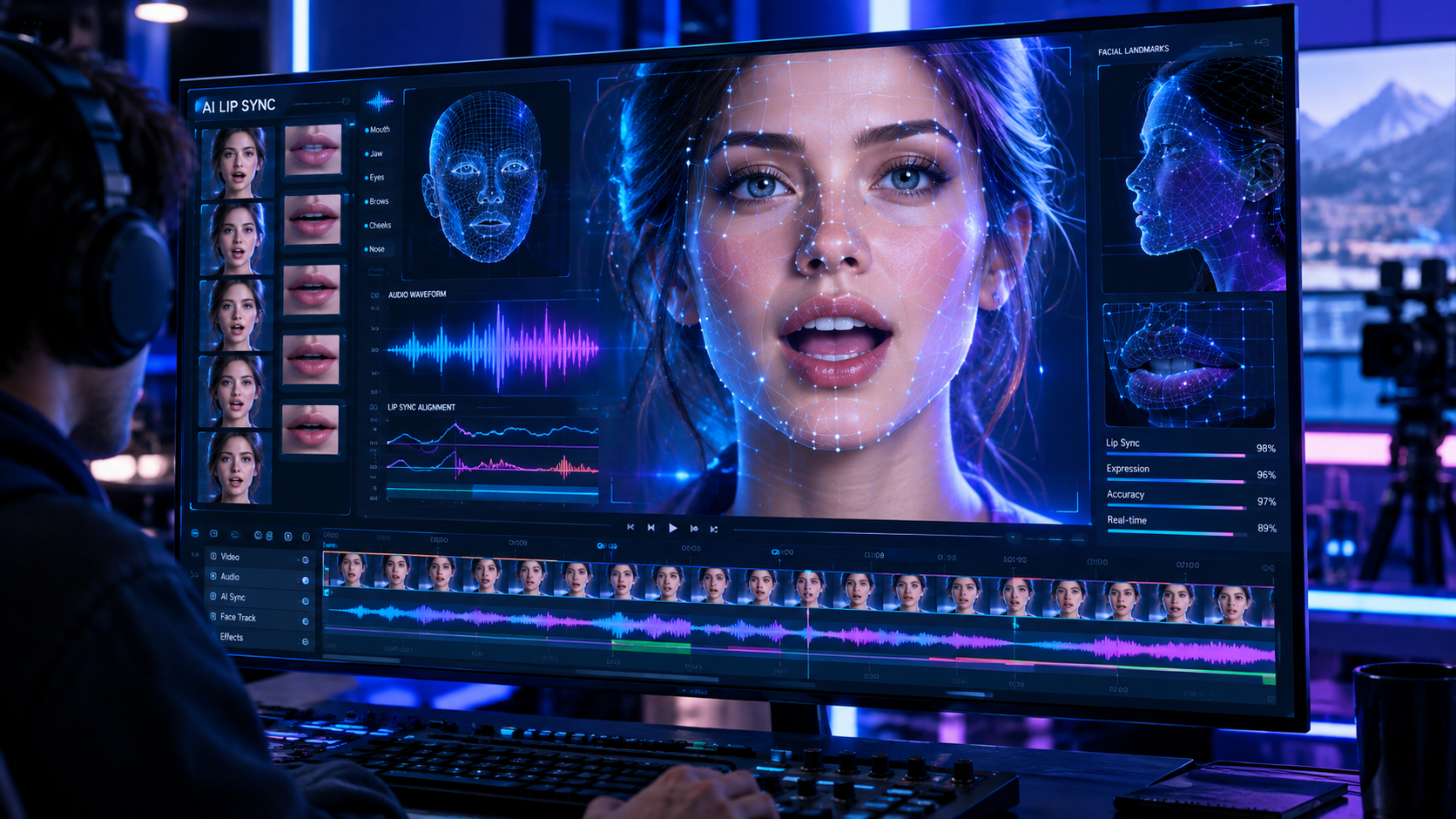
Generating marketing videos with artificial intelligence has simplified content creation, but most first-generation tools operate as rigid black boxes. You paste a script, click a button, and get a completely locked video. If an avatar speaks too quickly, a B-roll clip is slightly out of sync, or the background music overpowers the narration, you are forced to regenerate the entire video from scratch. For professional creators and marketing teams, this lack of editability is a dealbreaker. To produce polished, high-converting video ads, you need granular control over every asset. That is why using an AI video editor with timeline support is the only way to scale your output without sacrificing creative quality.
A timeline-based workflow allows you to treat AI video creation like traditional editing, but with all the speed benefits of machine learning. Instead of accepting whatever the AI compiles, you can layer, split, trim, and sync elements across separate tracks. In this deep-dive, we will explore why multi-track control is essential for modern social media marketing, how the GetShorts timeline editor empowers you to edit AI videos with absolute precision, and how you can combine AI avatars, custom B-roll, and cloned voices into a unified, high-performing asset.
Why Timeline Support is Crucial for AI Video Creation#
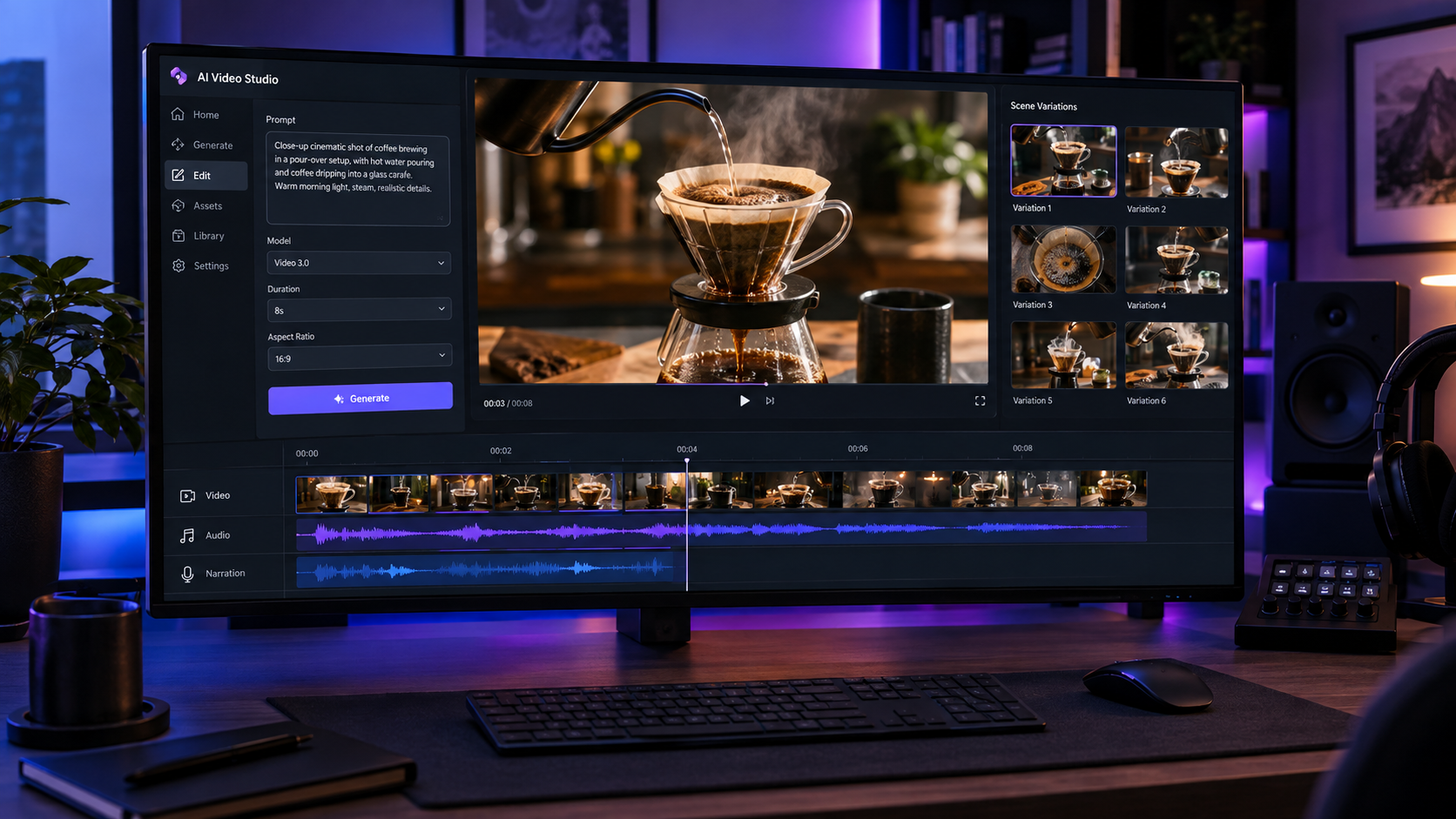
When you edit a video manually in software like Premiere Pro or DaVinci Resolve, you rely on a timeline to visualize the relationship between audio and video tracks. The same logic applies to AI-generated content. A linear editor that only lets you adjust settings in a sidebar cannot handle the complexity of multi-track coordination. If you are generating a product ad, you need the AI avatar's script to line up perfectly with specific product shots, text overlays, and audio cues. Without timeline control, getting these elements to sync is an exercise in frustration, requiring endless script modifications and wasted credits.
In our testing across hundreds of video campaigns, we found that viewer retention drops significantly when visual transitions do not match the speaker's vocal inflections. A multi-track timeline allows you to drag B-roll clips to the exact millisecond where a new feature is mentioned, ensuring a seamless visual hook. Furthermore, it lets you stack sound effects, add background music tracks, and customize caption styling independently. This degree of control is what separates generic, obviously automated videos from premium, scroll-stopping UGC ads that look like they were shot and edited by a professional human creator.
Key Features of the GetShorts Multi-Track Editor#
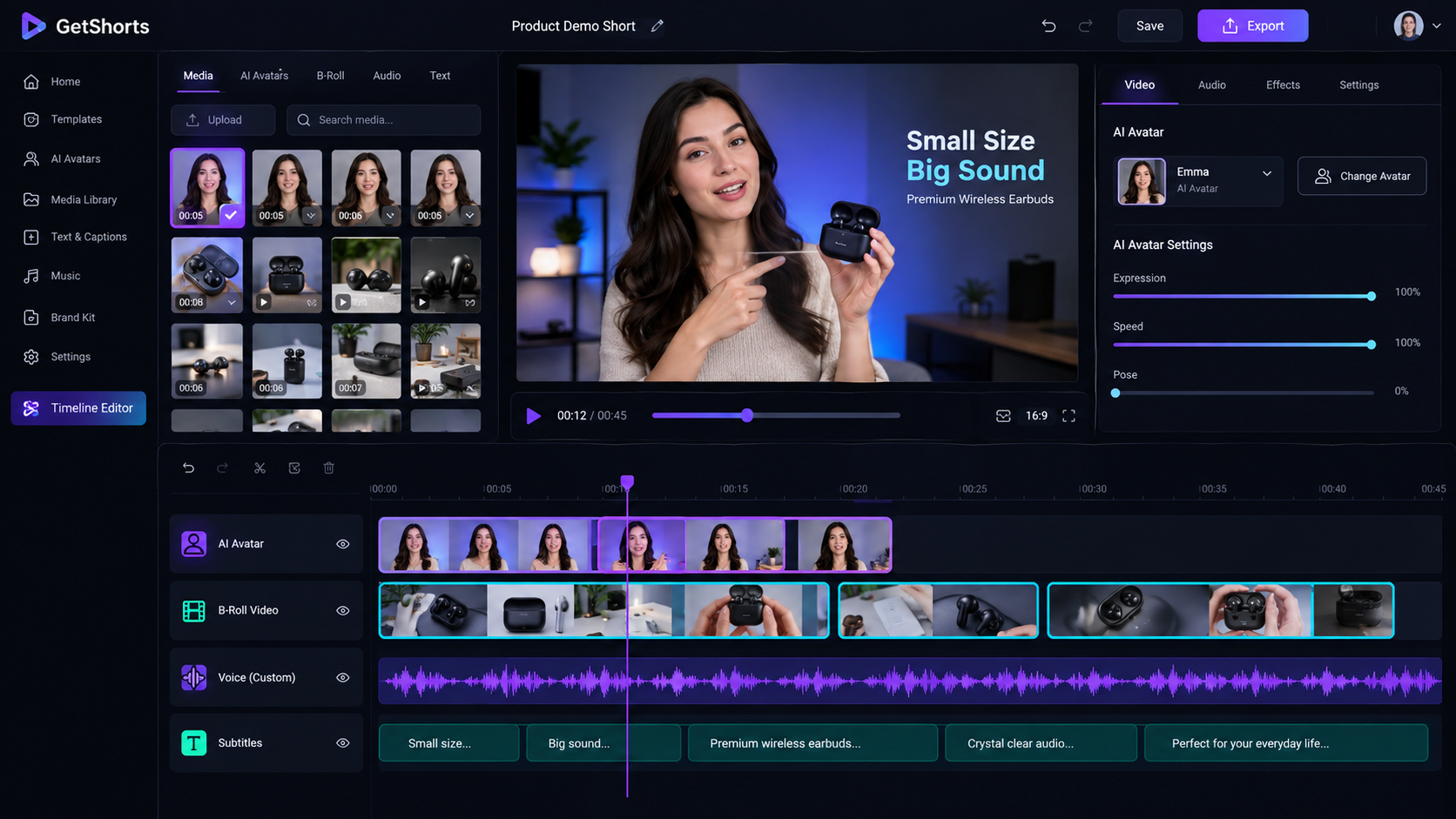
GetShorts has built a powerful, browser-based timeline editor designed specifically to handle AI-native assets. Instead of forcing you to export clips to external software, you can plan, generate, and edit your videos in a single unified space. This integration speeds up your production loop, allowing you to go from a product link to a polished video ad in under five minutes. By utilizing an AI UGC generator, you can immediately populate your timeline tracks with high-fidelity avatars and script narration, ready for fine-tuning. Let's look at the core features that give you complete command over your projects.
Independent Multi-Track Layering
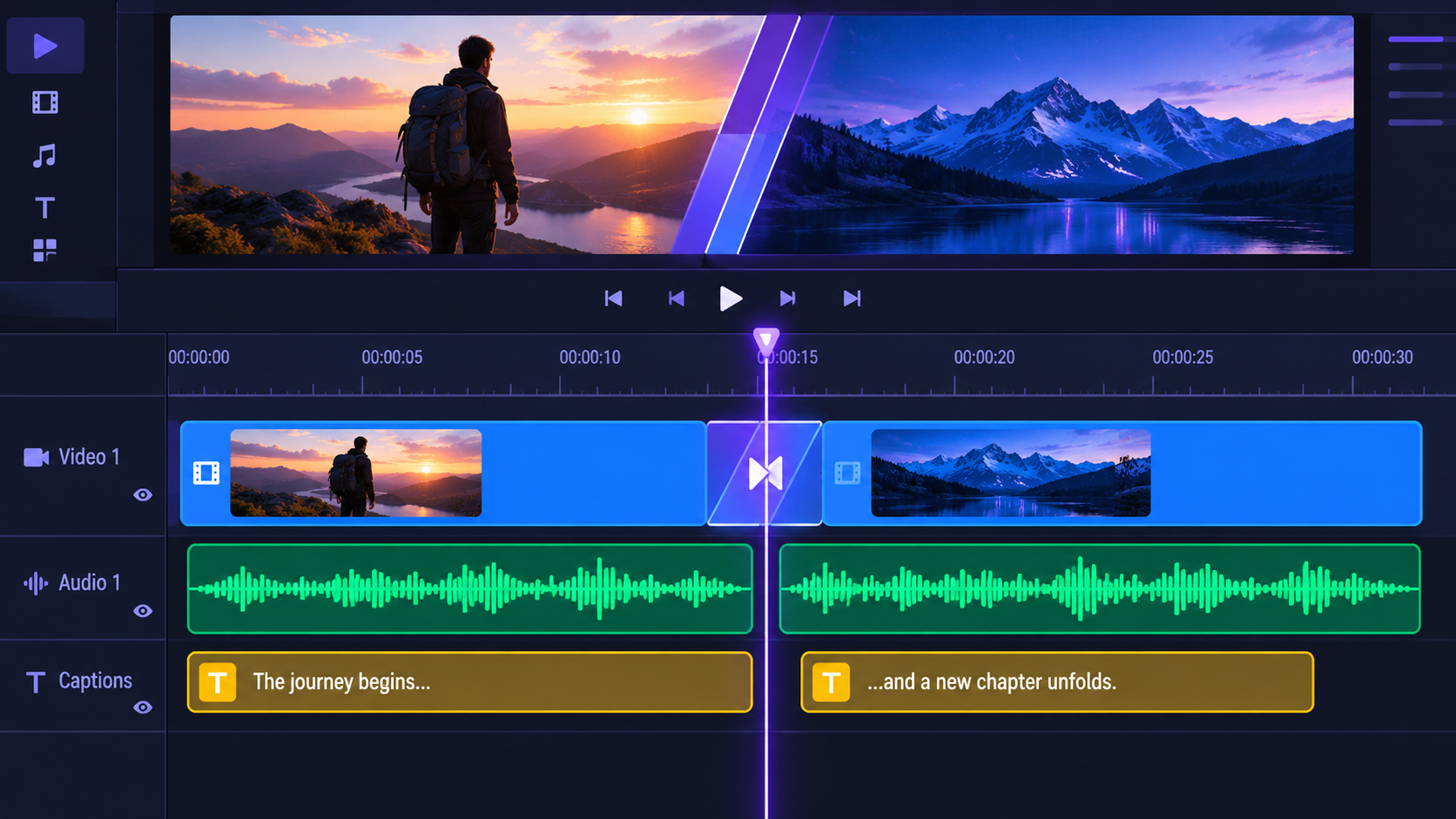
Layer your AI avatar, custom B-roll, background music, sound effects, and subtitles on distinct timeline tracks. This lets you trim, split, and drag individual assets without affecting the rest of your composition, providing ultimate editing flexibility.
Precise Asset Snapping and Audio Syncing
Align your voiceover track with visual transitions using our precise snapping tool. The editor automatically detects natural pauses in the audio, making it easy to slice B-roll scenes and snap them directly to the spoken word for a polished feel.
In addition to manual adjustments, the GetShorts editor supports automatic subtitle generation. Subtitles are placed on their own dedicated timeline track, allowing you to edit text, adjust display durations, and change styling for the entire video in a few clicks. This is a massive timesaver compared to older template-based systems where text edits require reopening individual scene templates. If you are creating content for TikTok or Reels, this makes it the ultimate AI story video maker, allowing you to publish faceless videos with dynamic, perfectly synced captions that keep viewers glued to the screen.
Pros and Cons of Timeline AI Video Editors#
While timeline support provides unmatched creative freedom, it changes the way you approach video generation. For users who want a simple one-click solution, a full timeline might feel like overkill. However, for marketers who require brand compliance and high-quality outputs, the extra control is indispensable. To help you decide if a timeline editor is right for your workflow, we have compiled a quick overview of the advantages and limitations of this approach.
GetShorts Timeline Editor Pros
- •Absolute creative control over asset timing, placement, and visual hierarchy
- •Ability to update scripts and regenerate specific audio segments without losing visual edits
- •Supports layering of custom background music, sound effects, and voice narration
- •Dedicated subtitle track makes caption editing and timing adjustments instant
GetShorts Timeline Editor Cons
- •Slightly longer initial project setup compared to basic prompt-to-video tools
- •Timeline rendering requires more browser processing power and a stable internet connection
- •Requires a basic understanding of track-based editing workflows
Ready to generate scroll-stopping video ads?
Access organic AI UGC avatars and text-to-speech in minutes.
Open the Timeline EditorHow to Edit AI Videos with GetShorts: A Step-by-Step Guide#
Ready to build your first multi-track project? The process is straightforward, combining automated generation with intuitive drag-and-drop editing. First, you start by selecting your creation mode. You can let the AI generate a script and plan your video outline, or you can paste your own custom copy. If you want to use a specific vocal profile, you can utilize our voice cloning feature, or you can leverage our free AI text to speech tool to generate premium AI narration in seconds. Once your voice track is generated, it automatically loads into the timeline audio track.
Next, choose your AI avatar and position them on the visual track. You can display the avatar full-screen or place them in a smaller circular bubble in the corner—perfect for reaction videos or product demos. The editor will automatically lip-sync the avatar's mouth movements to your audio track. From there, you can populate the B-roll track. GetShorts lets you generate custom AI scenes based on your script, upload your own product footage, or search our library. Drag these clips onto the timeline, trim them to match the script's pacing, and place transitions between them.
Finally, review the automated subtitle track. The AI transcribes your audio and formats the text into engaging, animated captions. If you notice a typo or want to emphasize a specific word with a different color, you can click directly on the text block in the timeline and modify it instantly. Add your background music track, adjust the volume sliders so the music does not drown out the narration, and preview the final product. Once you are satisfied with the flow, hit export to download your high-definition video.
Maximize Your Creative ROI#
The content landscape is highly competitive, and publishing generic, low-effort videos is no longer enough to capture consumer attention. To stand out on social platforms, your video ads and organic posts must feel dynamic, authentic, and professionally edited. Relying on basic AI tools that do not offer track control restricts your creative vision and results in repetitive, boring content. By adopting a multi-track editor, you bridge the gap between AI speed and human artistry, giving you the flexibility to iterate on hooks, test different visual styles, and refine your messaging in real-time.
Whether you are an e-commerce brand looking to scale ad production, a marketing agency managing dozens of client accounts, or a creator building a faceless content empire, having a timeline editor is a massive competitive advantage. Explore our pricing to find the perfect package for your volume, and start editing your AI videos with professional control today.
Stop Booking Overpriced Creators. Start Scaling UGC Ads.
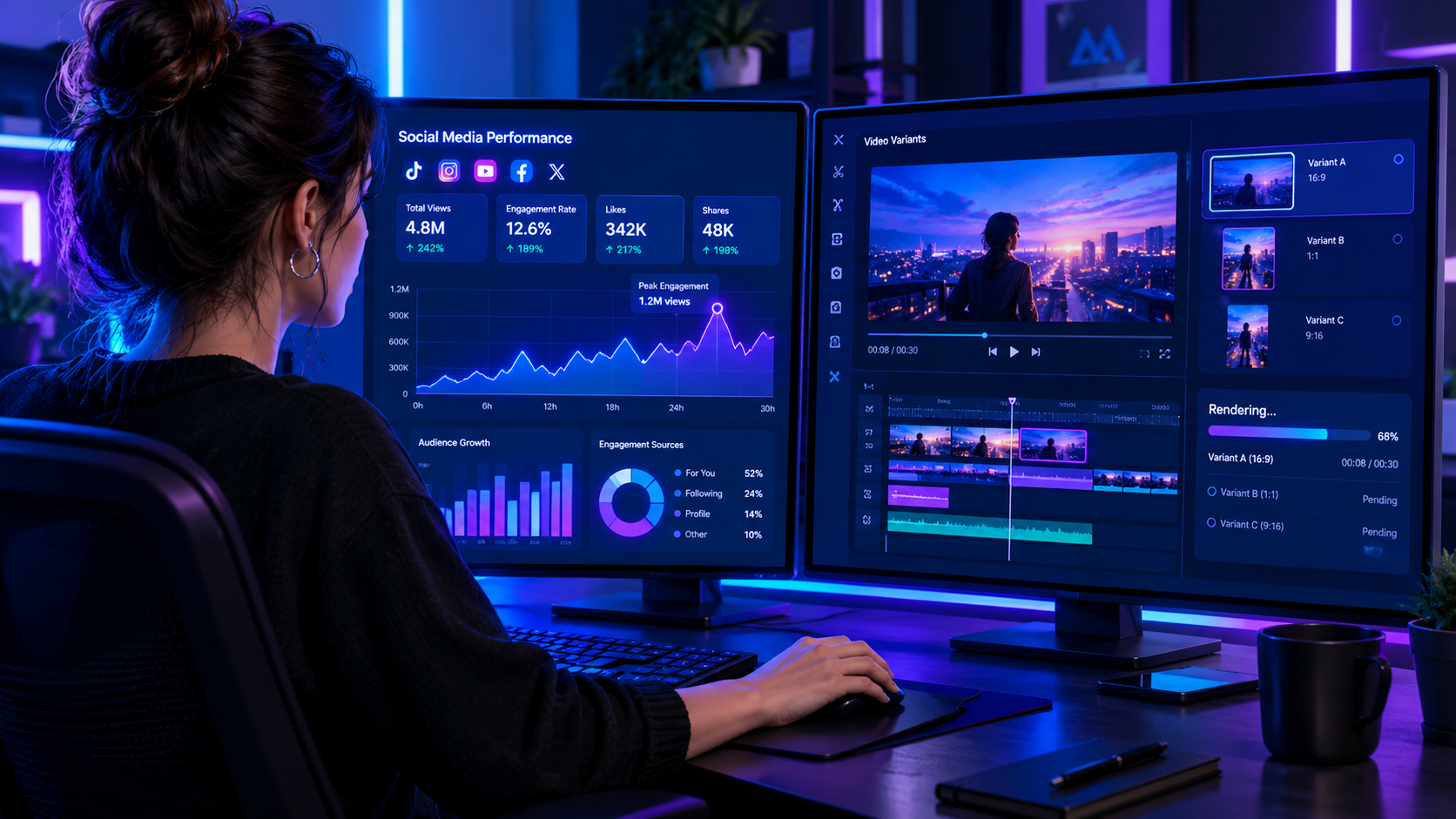
Produce high-quality AI avatars, auto-captions, B-roll composites and translate scripts instantly. Generate 10+ hook variants for testing.
No credit card required • Start free trial instantly