AI Video for Online Educators: Create Course Content 5x Faster
Table of Contents
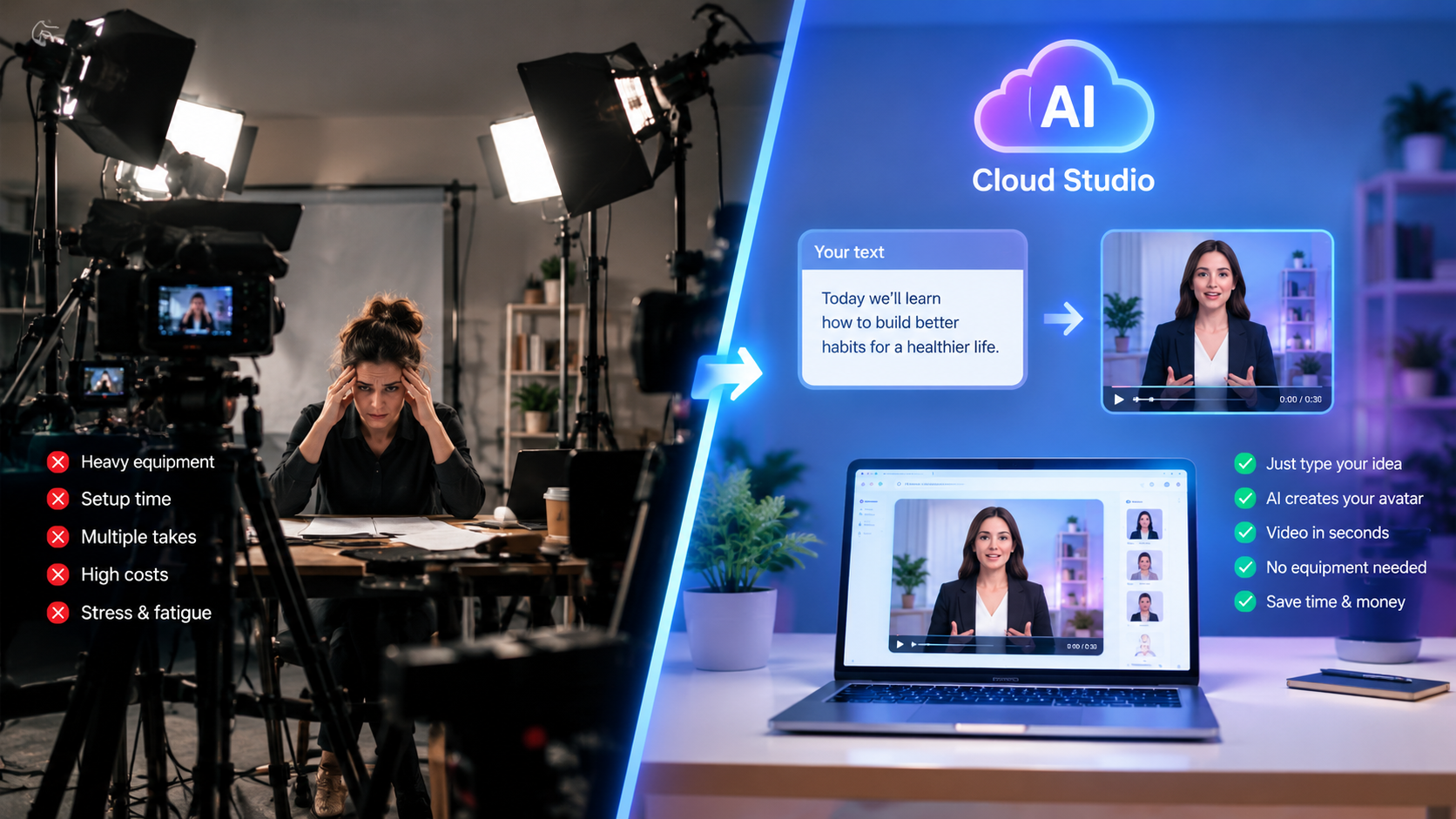
Building a comprehensive digital course or professional training certification has traditionally been one of the most grueling operational hurdles in the creator economy. Between designing hundreds of slide decks, renting soundproof recording spaces, fighting camera anxiety, and re-recording 25-minute lectures because of a dog barking or a minor mispronunciation, course launches frequently stretch from three weeks to six agonizing months. Today, adopting ai video for online educators has permanently dismantled that production bottleneck.
Forward-thinking e-learning entrepreneurs, university instructors, and corporate trainers no longer need to spend dozens of exhausting hours pinned behind physical lenses. By leveraging hyper-realistic AI avatars, pristine synthetic narration, and automated visual layout generators, educators can convert lesson notes and syllabi into broadcast-ready video modules in an afternoon. Instead of burning your mental reserves on technical logistics, you can channel 100% of your energy into curriculum rigor and student mastery.
Whether you teach complex coding bootcamps, language immersion programs, corporate sales frameworks, or medical board prep, AI video tools allow you to produce engaging multimedia coursework at a fraction of legacy production budgets. In this comprehensive guide, we examine how top educators scale their academies, update outdated modules on the fly, and expand their student footprint globally without ever sitting in front of a video camera again. For additional enterprise perspective, explore our companion analysis on AI video for education.
Ready to generate scroll-stopping video ads?
Access organic AI UGC avatars and text-to-speech in minutes.
Start Building Course Content FreeThe Educator Dilemma: Why Traditional Course Filming Stalls Out#
The overwhelming majority of digital courses never cross the finish line—not because the instructor lacks subject matter expertise, but because physical video production induces severe friction and burnout. Let us examine the three core failure points of conventional filming workflows:
1. Rapid Content Obsolescence: In fields like software engineering, artificial intelligence, digital advertising, or corporate compliance, user interfaces and regulatory standards change every few months. Re-recording an entire 15-minute video lesson just to replace two outdated software screenshots is so demoralizing that instructors procrastinate, leaving students with stale, outdated curriculum.
2. Production Friction and Energy Drain: High-quality filming demands a silent environment, professional lighting calibration, pristine audio setup, and peak vocal energy. Many creators spend three hours preparing the studio only to deliver 45 minutes of usable footage before mental and vocal fatigue sets in.
3. Monolingual Market Boundaries: Translating an English course into Spanish, Portuguese, French, or Japanese previously required hiring voice actors, commissioning subtitlers, and painstakingly re-timing video tracks. This cost anywhere from $3,000 to $10,000 per course tier, locking educators out of lucrative international student markets.
4 High-Impact Educational Video Formats to Build with AI#
Integrating AI video does not mean replacing human warmth with dull robotic monologue. Savvy educators utilize varied structural formats to accommodate diverse learning styles and boost module completion rates:
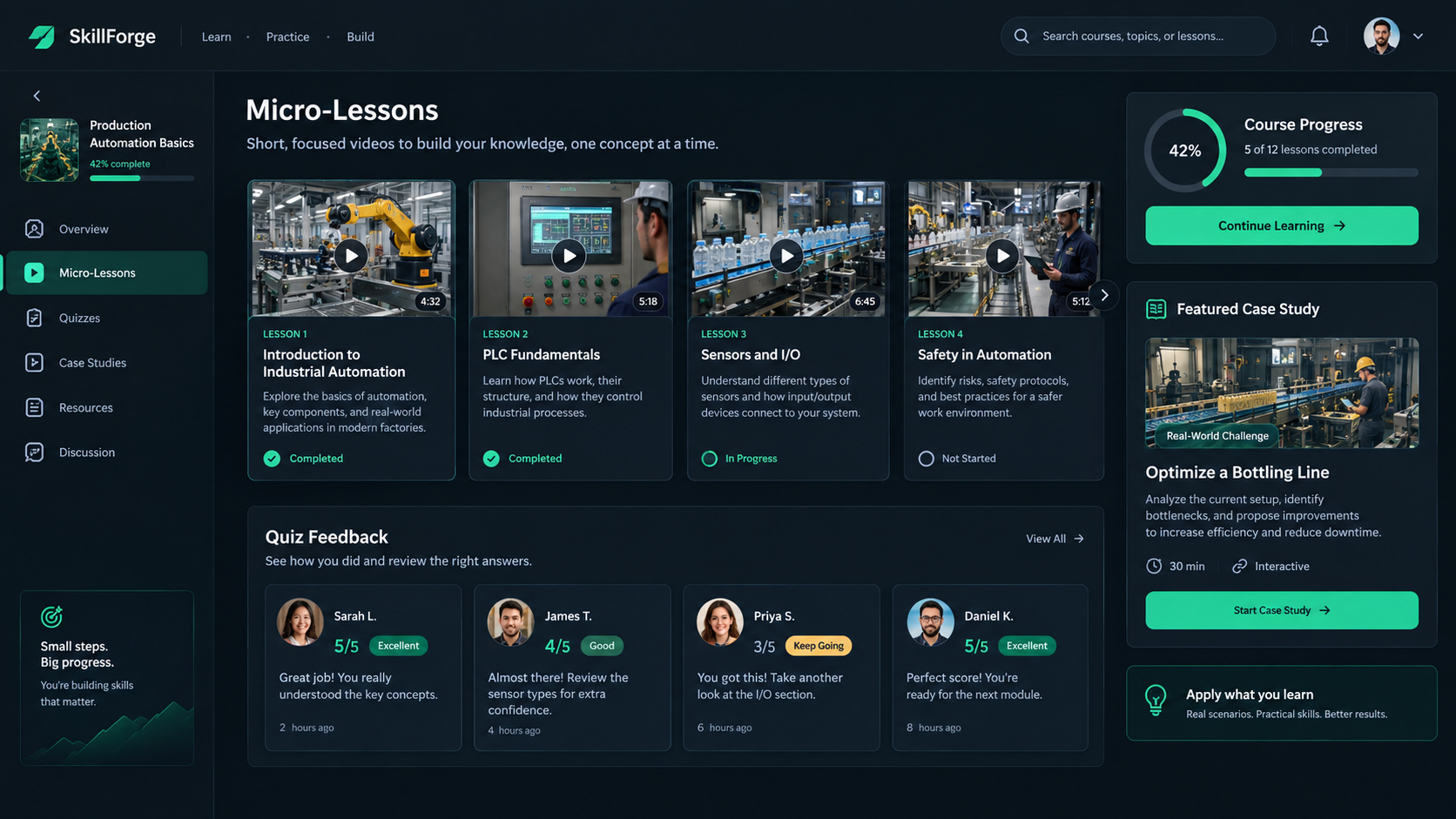
1. Micro-Lesson Summaries & Module Recaps: Modern educational psychology indicates that adult learners experience a sharp drop in retention after six to eight minutes. Instructors deploy AI avatars to deliver energetic, 90-second chapter summaries highlighting the key mental models before students dive into technical reading assignments.
2. Dynamic Quiz Explanations: Static text feedback on incorrect quiz answers feels cold and disengaging. Embedding an AI instructor avatar that walks through the exact misconception behind a wrong answer creates an interactive, high-touch tutoring experience that students love.
3. Narrative Historical and Business Case Studies: For conceptual subjects like economic history, legal case law, or leadership ethics, you do not need an instructor talking head at all. Using our AI story video maker, teachers convert case briefs into cinematic documentary-style stories with synchronized auto-captions and contextual imagery that bring dry theory to life.
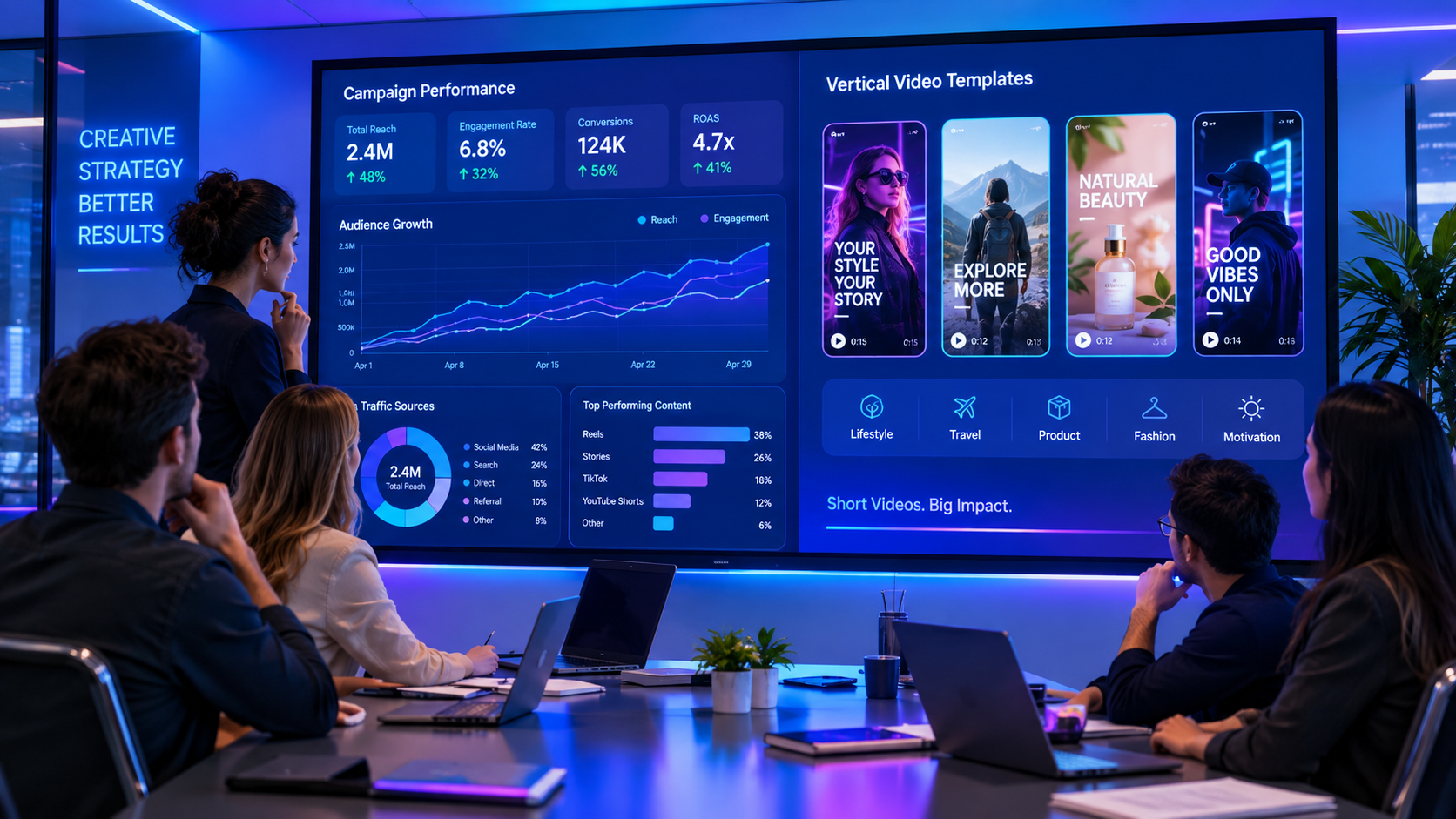
4. Social Course Teasers and Vertical Shorts: Driving enrollment requires continuous top-of-funnel discovery. Educators easily excerpt high-value insights from course transcripts and transform them into vertical TikToks, YouTube Shorts, and Reels that attract prospective students automatically.
Studio-Grade Voice Synthesis and Multilingual Localization#
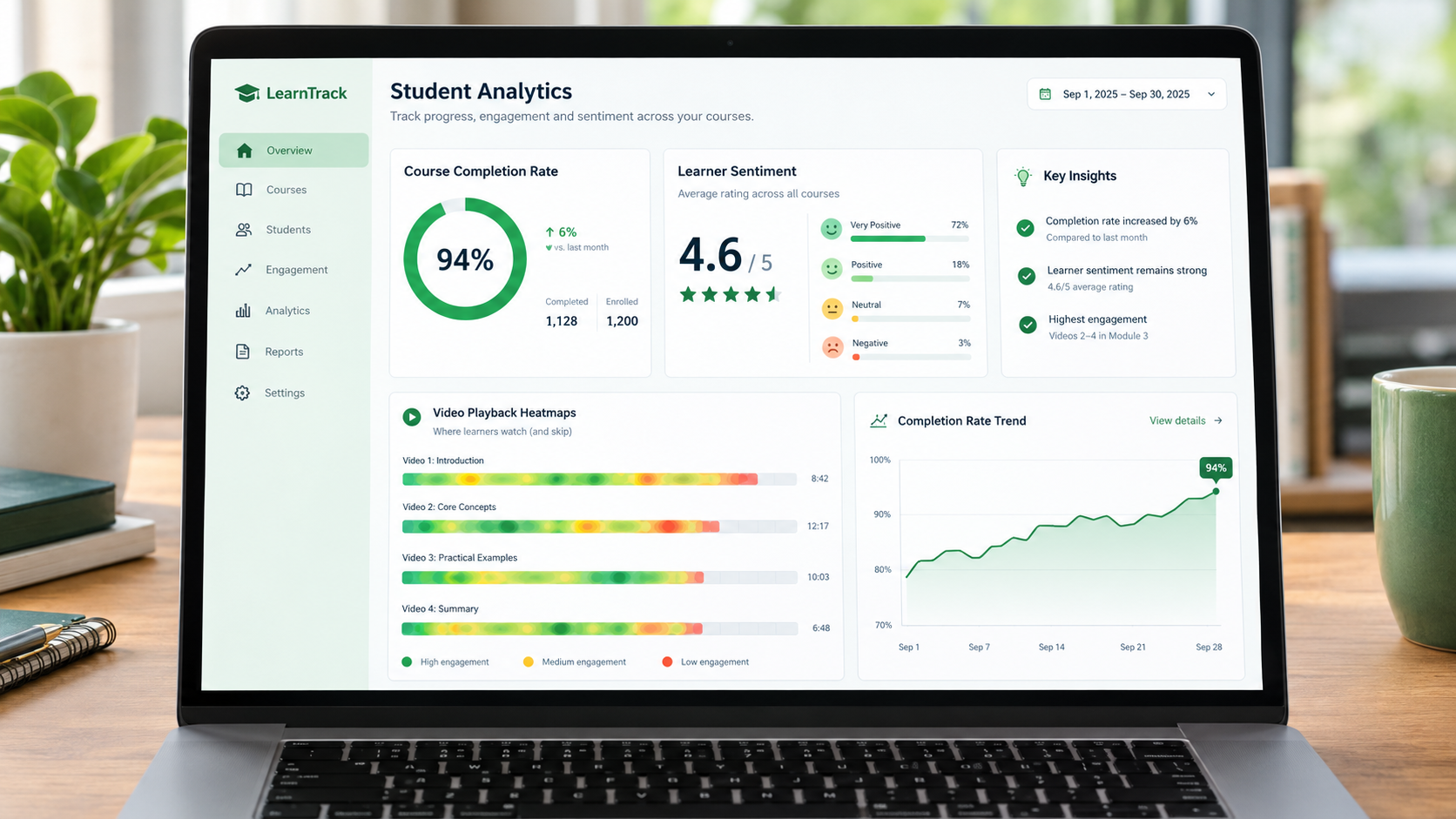
Audio clarity is the single most critical factor in student comprehension. Empirical research in distance learning proves that students will tolerate grainier video feeds, but distorted or reverberant audio triggers instant cognitive fatigue and course abandonment. With accessible tools like free AI text to speech, educators can generate crystal-clear, studio-mastered narration across dozens of accents and languages without buying an expensive condenser microphone or audio interface.
Additionally, modern voice cloning enables instructors to record a single 60-second reference sample. The AI creates a persistent vocal twin. When you need to update a statistic or add a module three months later, you simply type the revised sentence into your dashboard. The platform generates the audio in your exact vocal timbre and pitch, integrating seamlessly with existing lessons without requiring a new recording session.
Pedagogical Best Practices: Maintaining Connection with AI Lessons#
A common apprehension among traditional educators is that synthetic instructors might feel detached or impersonal. In practice, student satisfaction surveys reveal that instructional clarity, pacing, and visual aids matter far more than whether the presenter was filmed through physical glass. To maximize student rapport when building course modules with AI, follow these three proven instructional design guidelines:
1. Conversational, Socratic Scripting: Write scripts as if you are coaching an individual student in a one-on-one lab session. Ask rhetorical questions like, 'Notice what happened when we changed line 14?' before showing the code output. Pausing for two seconds allows students to anticipate the result, activating deeper comprehension.
2. Dynamic Multi-Track B-Roll Integration: Do not leave the avatar talking continuously in the center of the frame for five minutes. Alternate between the presenter explaining high-level concepts and screen recordings, workflow schematics, and code editors demonstrating the mechanics in real time.
3. Asynchronous Office Hours and Automated FAQ Updates: When multiple students ask the same question in your course community, do not write a 500-word text reply. Paste the query into your AI video generator and output a 60-second video answer to embed directly into the lesson Q&A tab.
Step-by-Step: The 5x Faster Course Production Workflow#
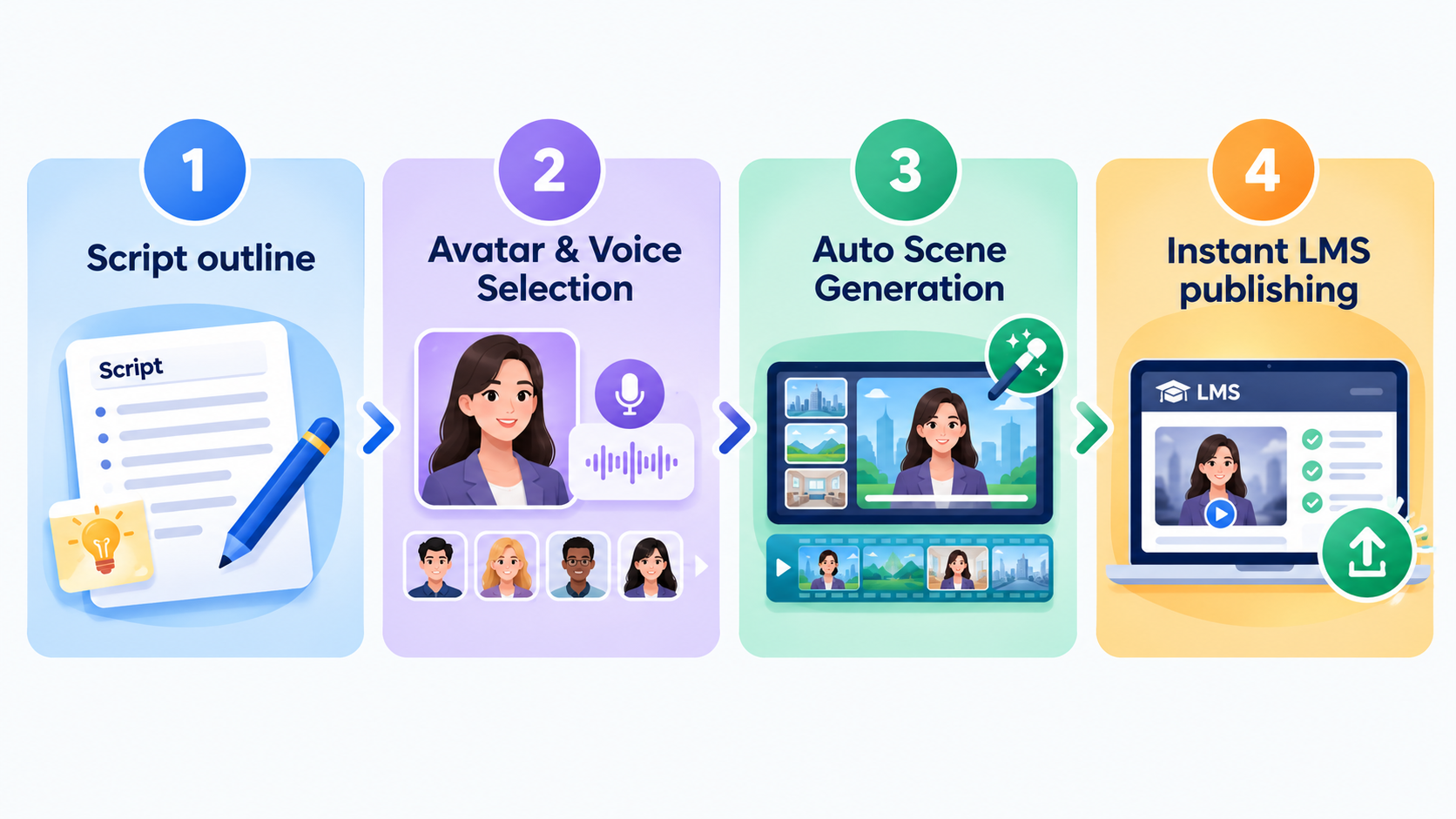
Here is the battle-tested four-phase production pipeline high-output digital academies use to create and publish full courses in record time:
Phase 1: Modular Syllabus Scripting: Write your course lessons as bite-sized modular scripts between 300 and 600 words each. Structure each lesson with an opening learning objective, a concrete real-world example, and an actionable exercise. Writing in text form allows for rapid peer review and editing.
Phase 2: Avatar Persona Selection: Select an AI presenter whose aesthetic matches your course subject matter—from a casual tech creator in a hoodie to a formal executive instructor in professional attire. You can also generate a custom digital twin of yourself.
Phase 3: Automated Visual Scene Assembly: The AI engine synchronizes the spoken script with relevant B-roll clips, diagram callouts, code syntax blocks, and animated bullet points, eliminating manual timeline cutting in traditional NLE software.
Phase 4: Instant Iteration and LMS Deployment: Export your completed MP4 files or embed them directly into platforms like Teachable, Kajabi, Thinkific, or custom web portals. When curriculum revisions occur, update the text and re-export in minutes.
Cost and ROI Comparison: Traditional Studio vs. AI Video Stack#
To understand why education businesses are aggressively adopting AI video, evaluate the financial comparison for producing a 30-lesson masterclass:
- Traditional Studio Production: Studio rental ($1,200), lighting and camera gear hire ($800), sound engineering ($700), post-production editing and color grading ($2,500), plus 50 hours of instructor physical labor. Total investment easily surpasses $5,000 to $7,000.
- AI Video Platform: Simple, transparent SaaS plans that empower your team to generate unlimited lesson variations, multi-language dubs, and vertical marketing clips on demand. Check out our flexible pricing plans to calculate your exact cost savings.
By shifting to an automated AI video engine, online educators achieve a powerful competitive moat: the ability to publish fresh, comprehensive, multilingual course material 5x faster than slow legacy competitors while preserving their energy for high-touch student interaction.
Stop Booking Overpriced Creators. Start Scaling UGC Ads.
Produce high-quality AI avatars, auto-captions, B-roll composites and translate scripts instantly. Generate 10+ hook variants for testing.
No credit card required • Start free trial instantly