Prompt to Avatar Creator: Edit Video Avatars Instantly With Text
Table of Contents
Until recently, working with digital presenters meant accepting rigid constraints. If an AI avatar wore a formal business suit, you could not cast them in an outdoor camping gear ad without commissioning an expensive custom studio shoot or spending weeks gathering training footage. Today, the GetShorts prompt to avatar creator changes the paradigm by giving creators and performance advertisers the power to edit digital characters in real time using simple text prompts.
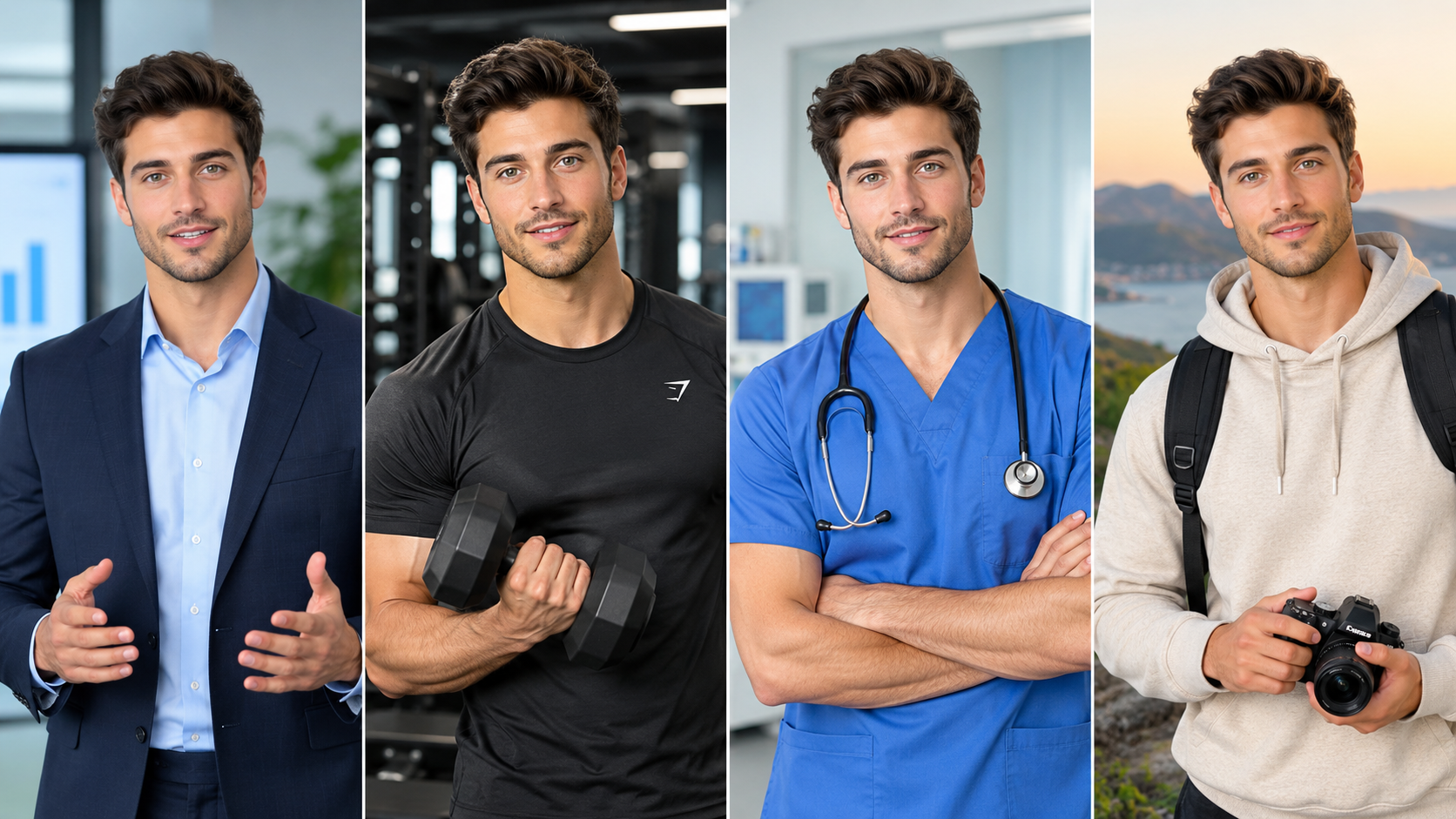
Whether you need your spokesperson dressed in medical scrubs for a telehealth promotion, sporting casual streetwear for a TikTok apparel ad, or bathed in moody golden-hour sunlight in a coffee shop, you no longer need Photoshop or 3D modeling skills. By entering plain English commands, our generative diffusion architecture modifies the avatar's attire, environment, lighting, and demographic styling while keeping facial geometry and lip-sync accuracy flawlessly intact.
This breakthrough capability is housed within the GetShorts Avatar Studio, offering marketers an agile creative engine that turns single character concepts into endless targeted ad variations.
Ready to generate scroll-stopping video ads?
Access organic AI UGC avatars and text-to-speech in minutes.
Explore Avatar Studio Free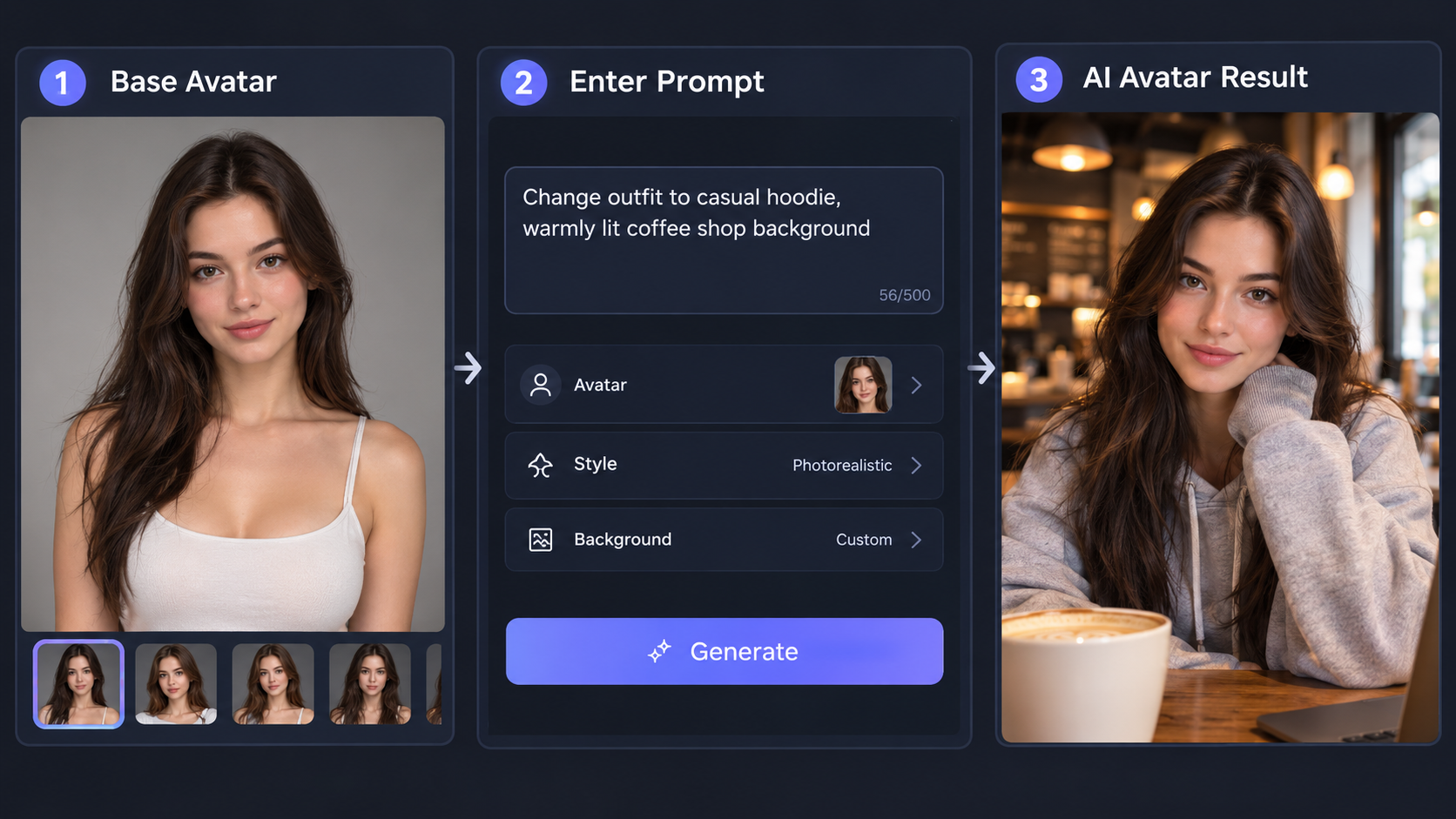
Inside the Prompt to Avatar Creator: How the Engine Works#
Traditional avatar engines rely on static sprite stitching or pre-rendered video loops. When you change any variable in legacy systems, the connection between voice phonemes and facial landmarks often breaks, resulting in the dreaded 'uncanny valley' effect where speech feels disconnected from mouth movement.
GetShorts overcomes this by decoupling identity anchors from stylistic layers. When you edit video avatar prompt commands, the core facial landmark model preserves the presenter's unique identity, eye movements, and speech mechanics. The generative diffusion layer then re-synthesizes secondary elements—such as textiles, hairstyles, ambient reflections, and background depth—around those anchors. The result is a cohesive, photorealistic video output ready for high-stakes paid ad campaigns.
This dual-layer architecture ensures that regardless of whether you place your avatar in a dimly lit podcast studio or on a bright Mediterranean beach, the lighting on the face recalculates realistically while speech phonemes remain perfectly synchronized with the voice track.
Natural Language Prompt Styling
Type commands like 'female presenter in yoga wear outdoors' or 'doctor with stethoscope in modern clinic' to instantly modify attire, scene lighting, and props without re-training models.
Real-Time Facial Landmark Preservation
Ensure flawless lip-sync synchronization and natural facial expressions across all prompt variations, maintaining brand credibility across TikTok, Instagram Reels, and YouTube Shorts.
Direct One-Click UGC Pipeline Integration
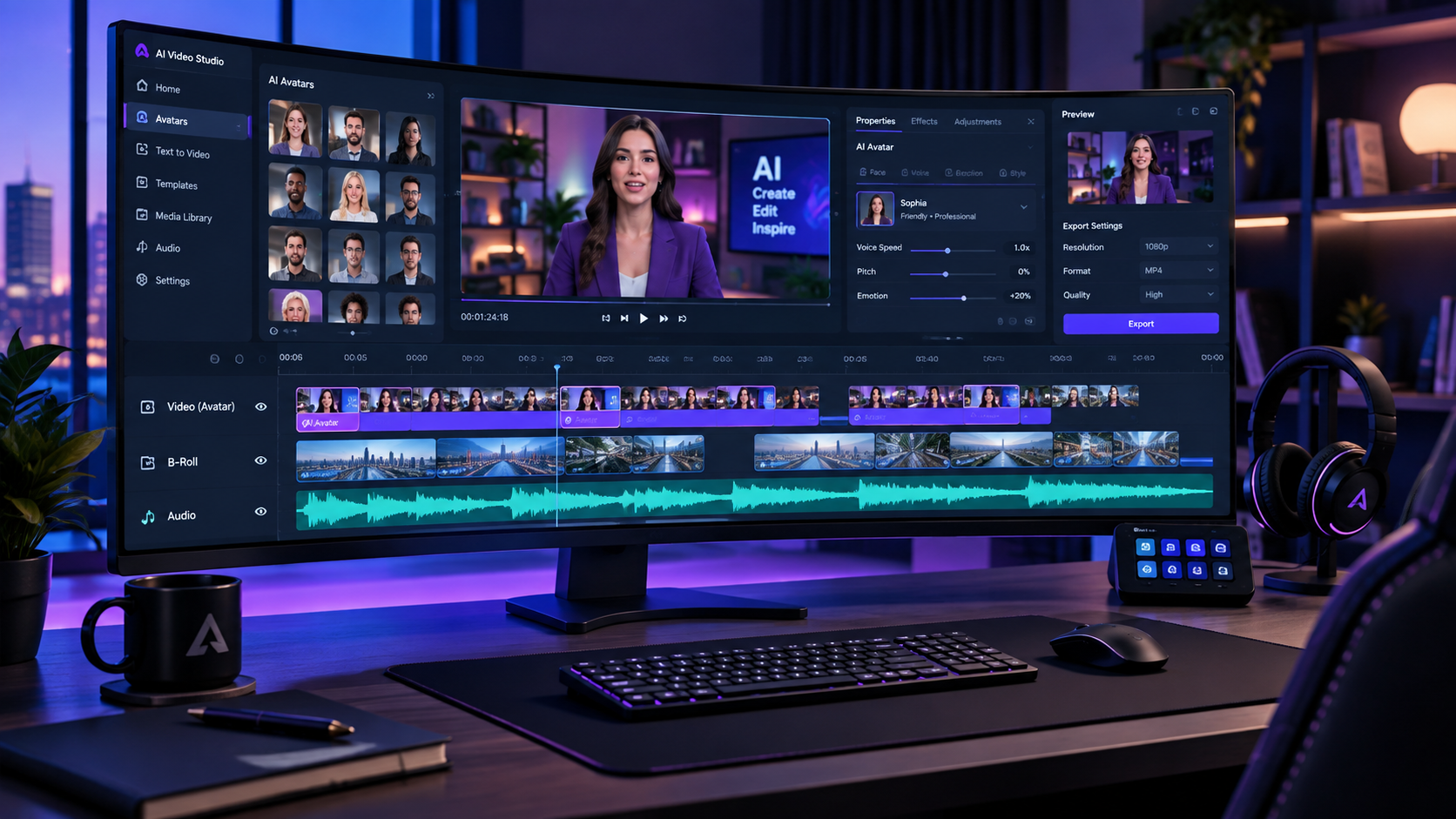
Send styled avatar assets instantly to the multi-track timeline video editor, ready to combine with script-to-speech voiceovers, kinetic captions, and generative AI B-roll.
Top Marketing Use Cases for Text-Driven Avatar Customization#
Top growth teams use prompt-level avatar customization to run rapid multivariate creative experiments. In performance advertising, small demographic and contextual shifts often trigger major conversion jumps. Here are three proven ways performance advertisers leverage this capability:
1. Cultural and Demographic Localization: A beauty brand selling across both the US and European markets can take a single high-performing ad concept and adapt the presenter's wardrobe, style, and setting to reflect local trends. Rather than reshooting, an advertiser can create custom avatar using text modifications in under five minutes.
2. Seasonal and Holiday Angle Testing: When Black Friday, Halloween, or Summer sales roll around, updating your video ads shouldn't mean starting from scratch. By prompting the avatar to wear festive sweaters or positioning them against seasonal backdrops, your creatives remain fresh without inflating your production overhead.
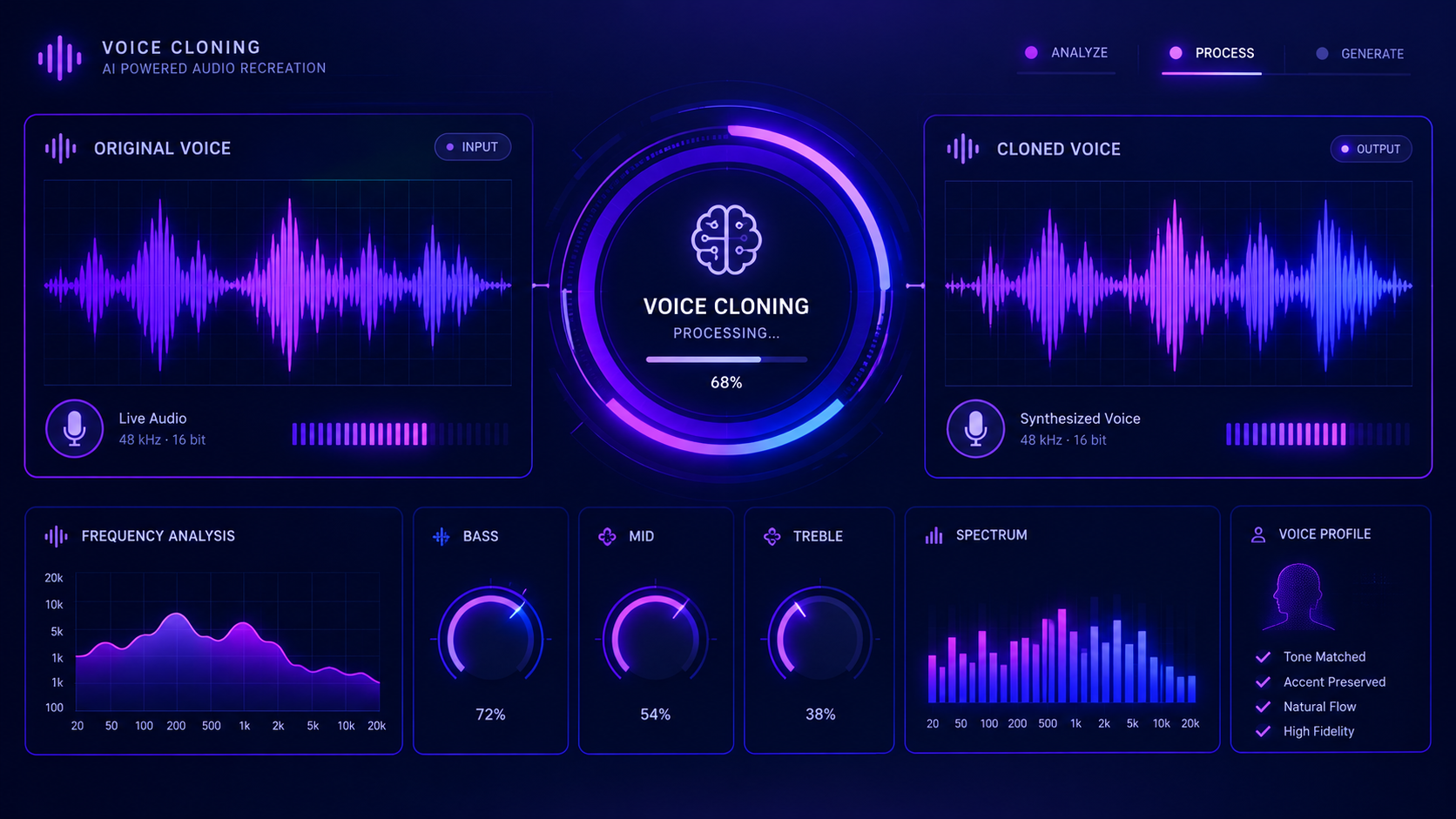
3. Industry-Specific Authority Dressing: If you run a marketing agency servicing diverse B2B verticals, you can dress the same core spokesperson in safety gear for construction clients, sleek blazers for corporate SaaS demos, or medical scrubs for wellness clinics. Pair this with our AI voice cloning tool to complete the persona with matching vocal delivery.
Prompt Engineering Best Practices: Anatomy of a Winning Avatar Prompt#
To get the most lifelike visual output from the prompt-to-avatar engine, structure your text prompts using four specific descriptive components:
1. Subject Framing and Demographics: Define the persona's age bracket, expression, and energy level (e.g., 'Energetic 28-year-old female fitness creator, genuine smile, direct eye contact').
2. Specific Apparel and Textures: Rather than typing 'jacket,' specify the fabric and style (e.g., 'Wearing an oversized heather-grey fleece hoodie with rolled cuffs'). Explicit textile descriptions generate richer micro-details.
3. Lighting Quality and Direction: Lighting makes or breaks realism. Use cinematic prompts such as 'Soft directional window light, subtle warm rim lighting, natural indoor shadows' rather than flat studio descriptors.
4. Depth of Field and Environment: Add depth by referencing bokeh and contextual background elements (e.g., 'Shallow depth of field, softly blurred modern Scandinavian kitchen in background'). This keeps the focus squarely on the presenter while delivering an authentic lifestyle vibe.
Step-by-Step: How to Edit an Avatar in 3 Minutes#
Using the prompt-to-avatar feature inside GetShorts requires zero technical training. Here is how simple the process is:
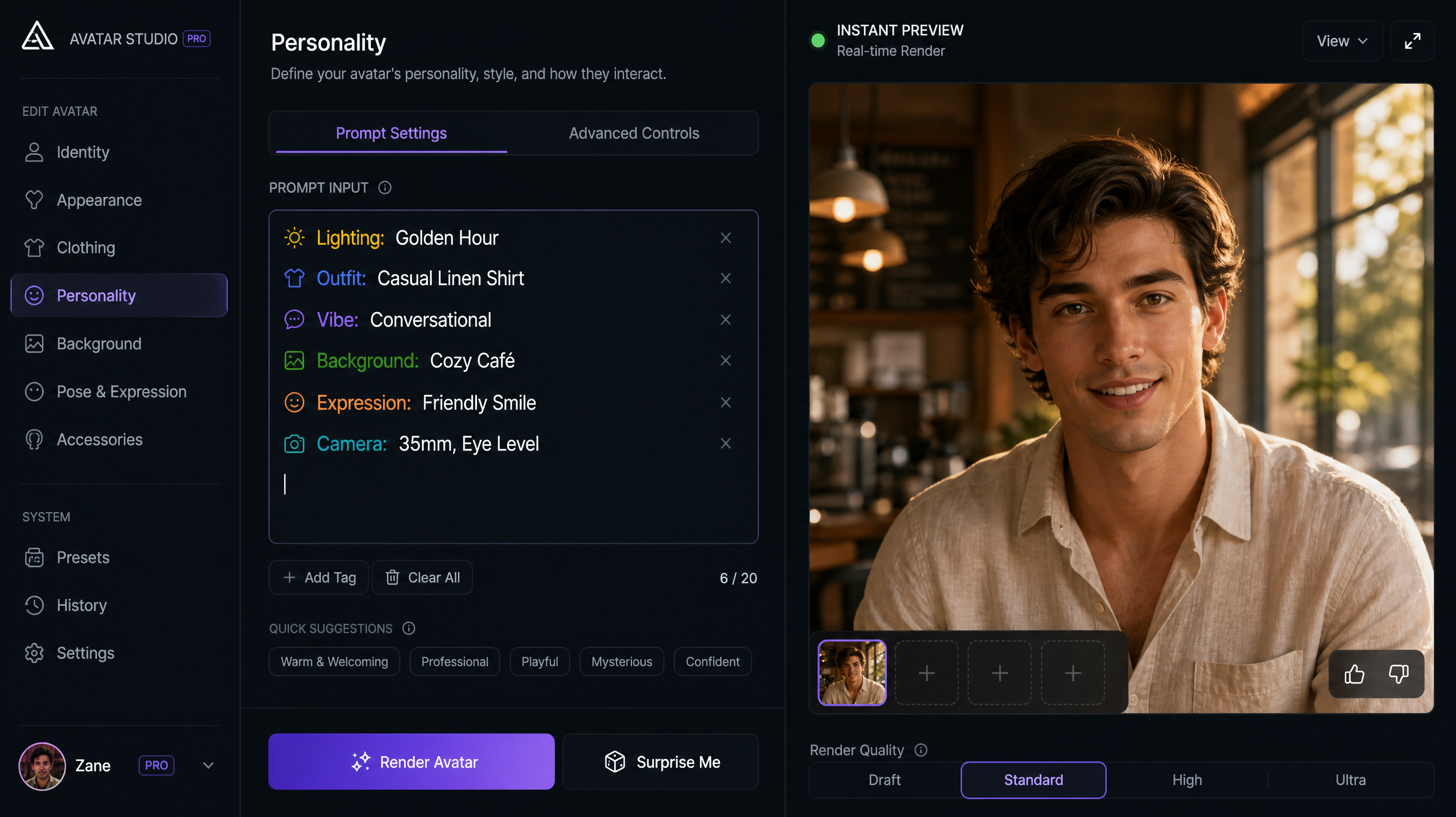
Step 1: Choose Your Base Character: Open the Avatar Studio and select a base persona whose foundational facial characteristics match your target brand demographic.
Step 2: Enter Your Custom Modification Prompt: In the prompt field, describe the exact visual transformation you want. For example: 'Young male creator wearing a relaxed sage green crewneck sweater, soft morning kitchen sunlight, blurred coffee shop background, friendly confident expression.'
Step 3: Preview and Send to UGC Builder: Review the generated character preview. Once satisfied with the styling, transfer the avatar directly into the UGC video editor to paste your ad script, add auto-captions, and render your final high-converting creative.
Pros and Cons of GetShorts Prompt-to-Avatar Creator#
GetShorts Prompt-to-Avatar Creator Pros
- •Eliminates expensive studio re-shooting and custom model training costs
- •Instant wardrobe, lighting, and environmental adjustments via text prompts
- •Preserves facial geometry and natural lip-sync mechanics across all styles
- •Direct one-click export into the GetShorts timeline UGC video editor
- •Supports dynamic character variations for high-velocity A/B creative testing
- •Seamlessly pairs with custom ElevenLabs voice cloning
GetShorts Prompt-to-Avatar Creator Cons
- •Complex prompt descriptions may occasionally require 1-2 prompt revisions for hyper-specific logos
- •Optimized primarily for vertical 9:16 social video framing rather than cinematic 2.39:1 widescreen
Integrate Avatars Seamlessly into Full Video Ads#
An avatar alone is only one ingredient in a successful video campaign. To consistently stop scrollers on TikTok and Instagram, your creative must combine compelling hooks, kinetic subtitles, and contextual B-roll cutaways. Check out our detailed walkthrough on how to create UGC video ads using AI chat to discover how leading brands build end-to-end video campaigns in minutes.
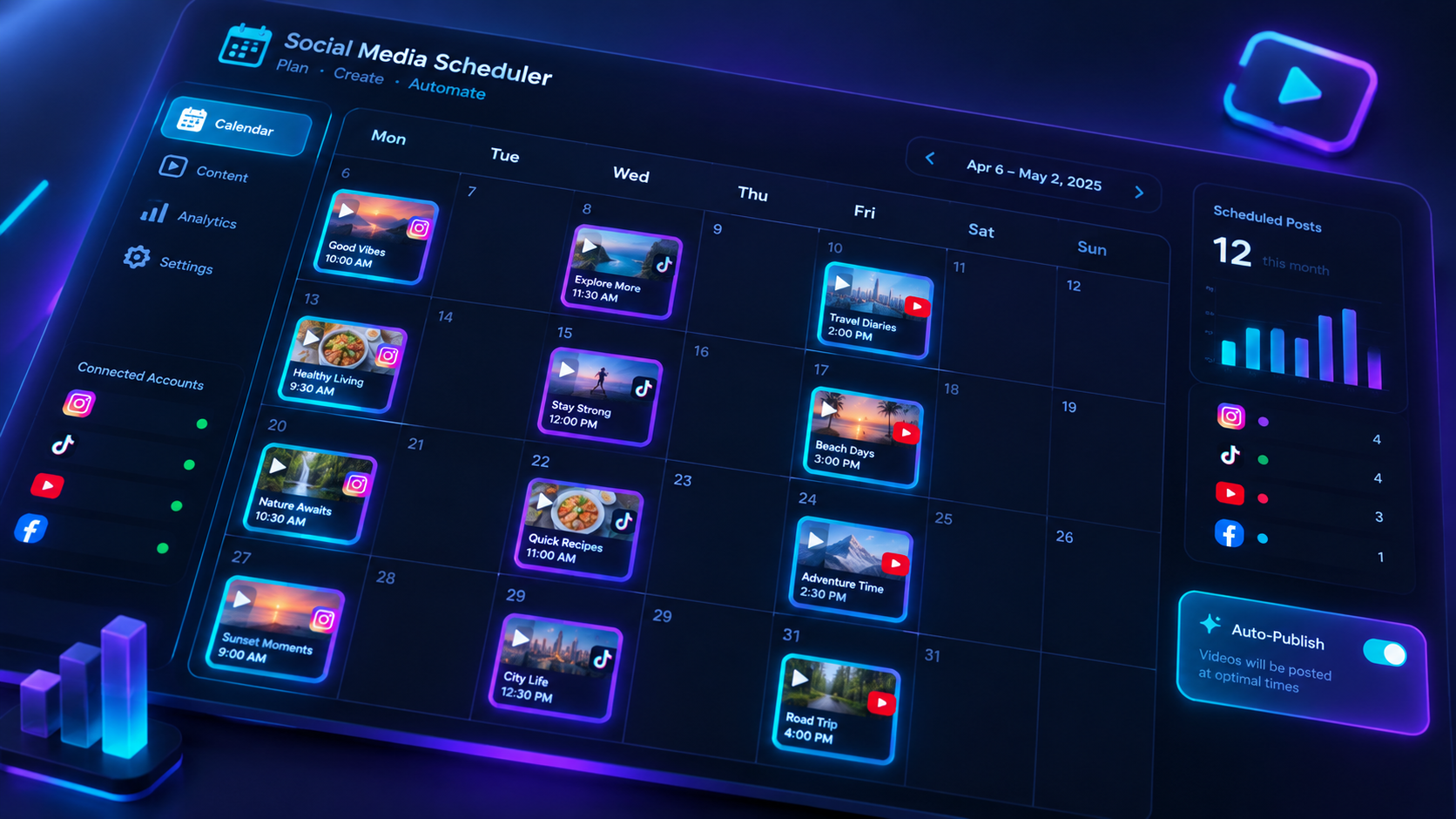
With GetShorts, you have an entire production studio at your fingertips. By combining the prompt to avatar creator with our multi-track timeline editor, voice cloner, and automated publishing engine, scaling high-ROAS video advertising has never been more accessible.
Stop Booking Overpriced Creators. Start Scaling UGC Ads.
Produce high-quality AI avatars, auto-captions, B-roll composites and translate scripts instantly. Generate 10+ hook variants for testing.
No credit card required • Start free trial instantly