Best InVideo Alternative in 2026: Why Creators Are Switching to AI-Native Tools
Table of Contents
Video creation is undergoing a rapid evolution. For years, timeline-based video editors were the go-to choice for businesses and content creators looking to assemble promotional assets. However, as audiences demand higher personalization and platforms require constant updates, these legacy systems are showing their age. If you are currently using traditional template editors, you've likely realized the limits of manual editing, leading you to search for the best invideo alternative to scale your creative output.
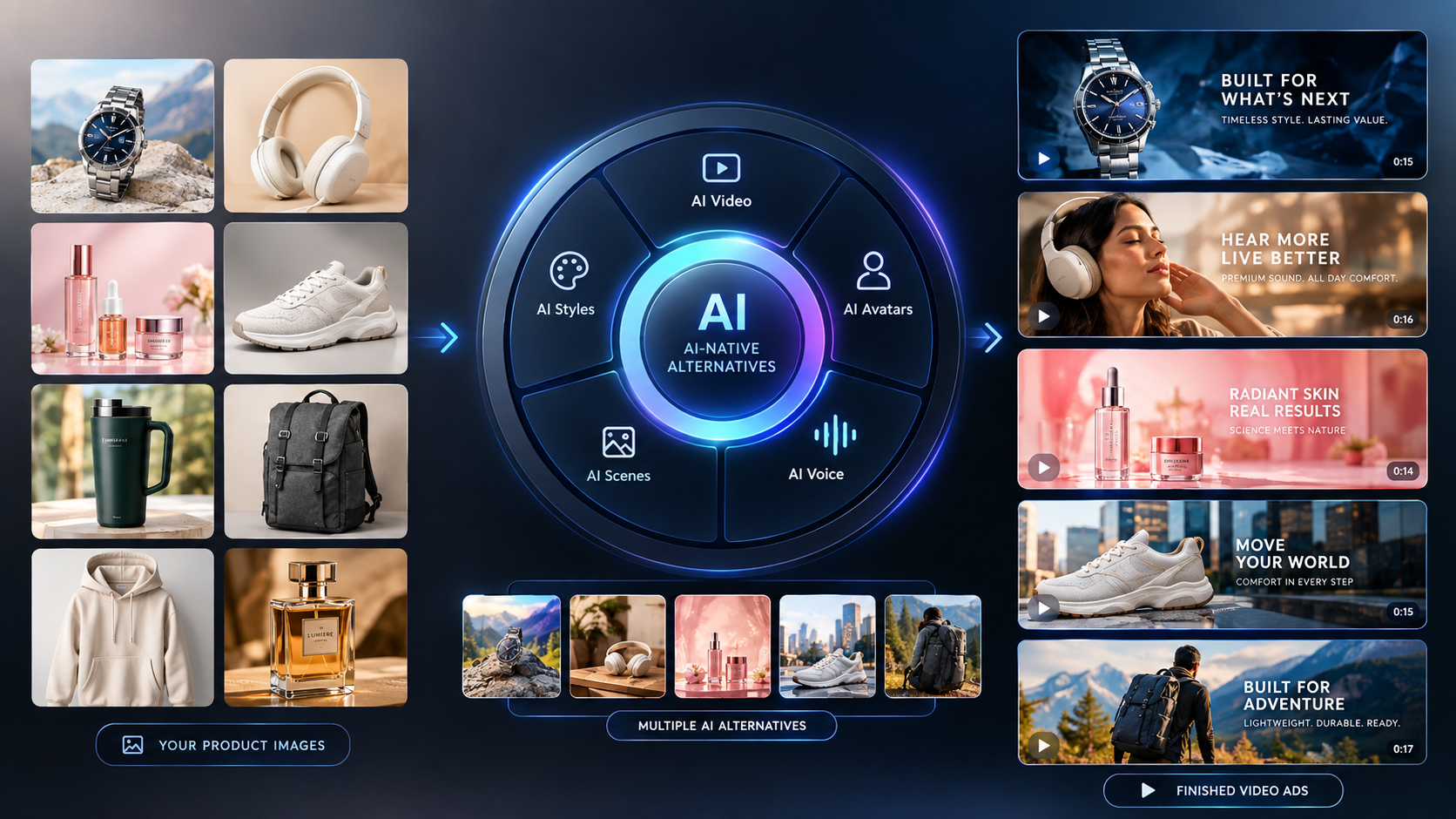
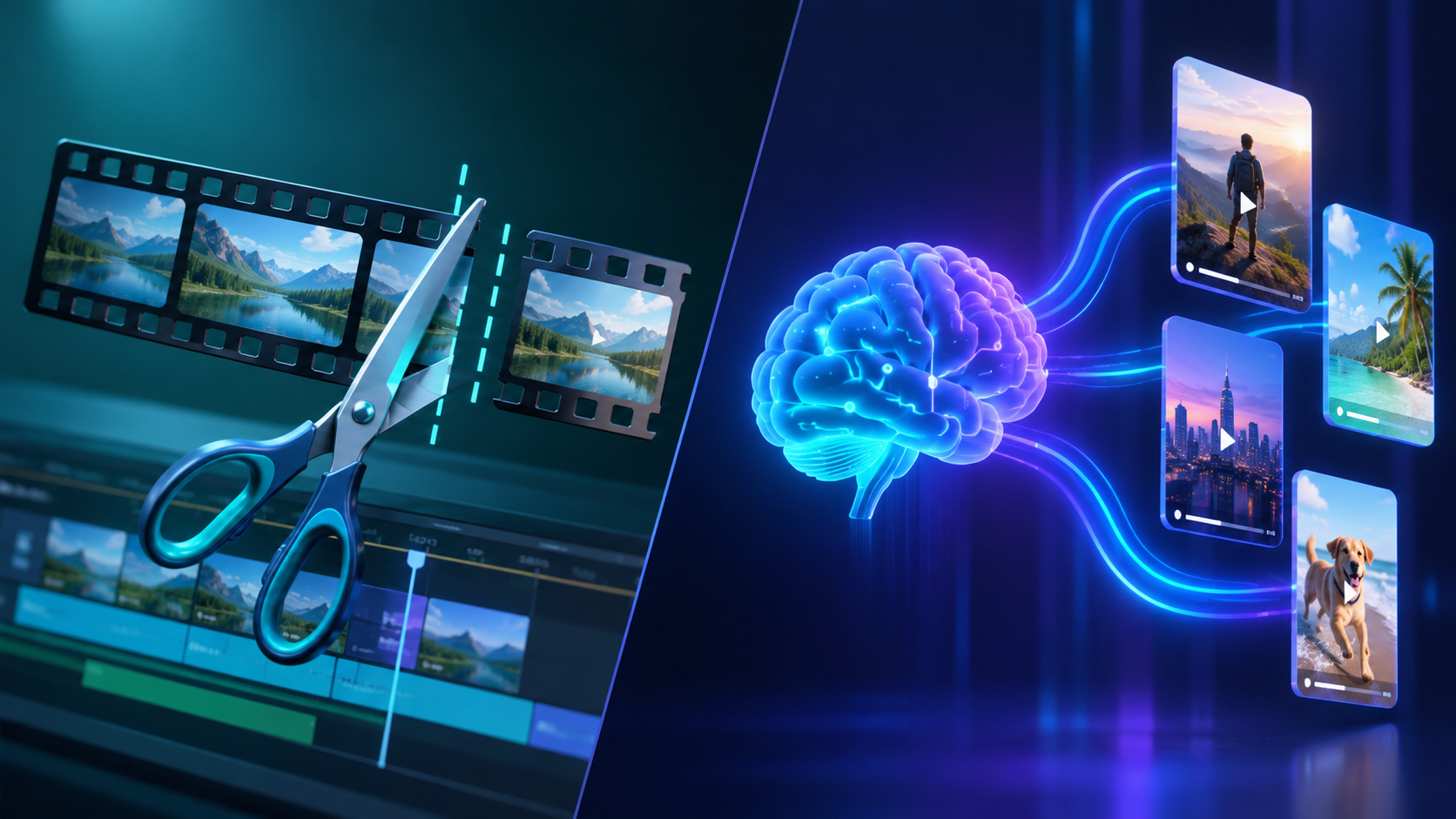
The core issue with legacy editors is their structural architecture. They require you to manually drag, drop, trim, and align every element on a timeline. When you need to produce dozens of video ads or daily social media clips, this manual workflow becomes a bottleneck. AI-native alternatives solve this issue by introducing conversational planning, automated script-to-scene assembly, and realistic digital presenters. By utilizing an AI UGC generator to create human-like ads and deploying automated workflows, marketing teams are moving away from manual editing entirely.
Why Creators Are Looking for an InVideo Alternative#
InVideo has served the market well as a cloud-based template editor. However, its framework remains rooted in an older, template-first design. It relies on pulling stock footage clips and placing overlay text based on static layouts. While this is helpful for making generic slideshows, it fails when you need to build authentic, audience-specific campaigns.
There are three primary limitations that drive professional creators to seek a modern alternative:
- Lack of Custom AI Avatars: Modern video marketing is driven by faces and voices. Legacy platforms do not offer realistic, custom digital spokesperson models that can sync with your scripts, forcing you to hire actors or use generic stock loops that audiences immediately ignore.
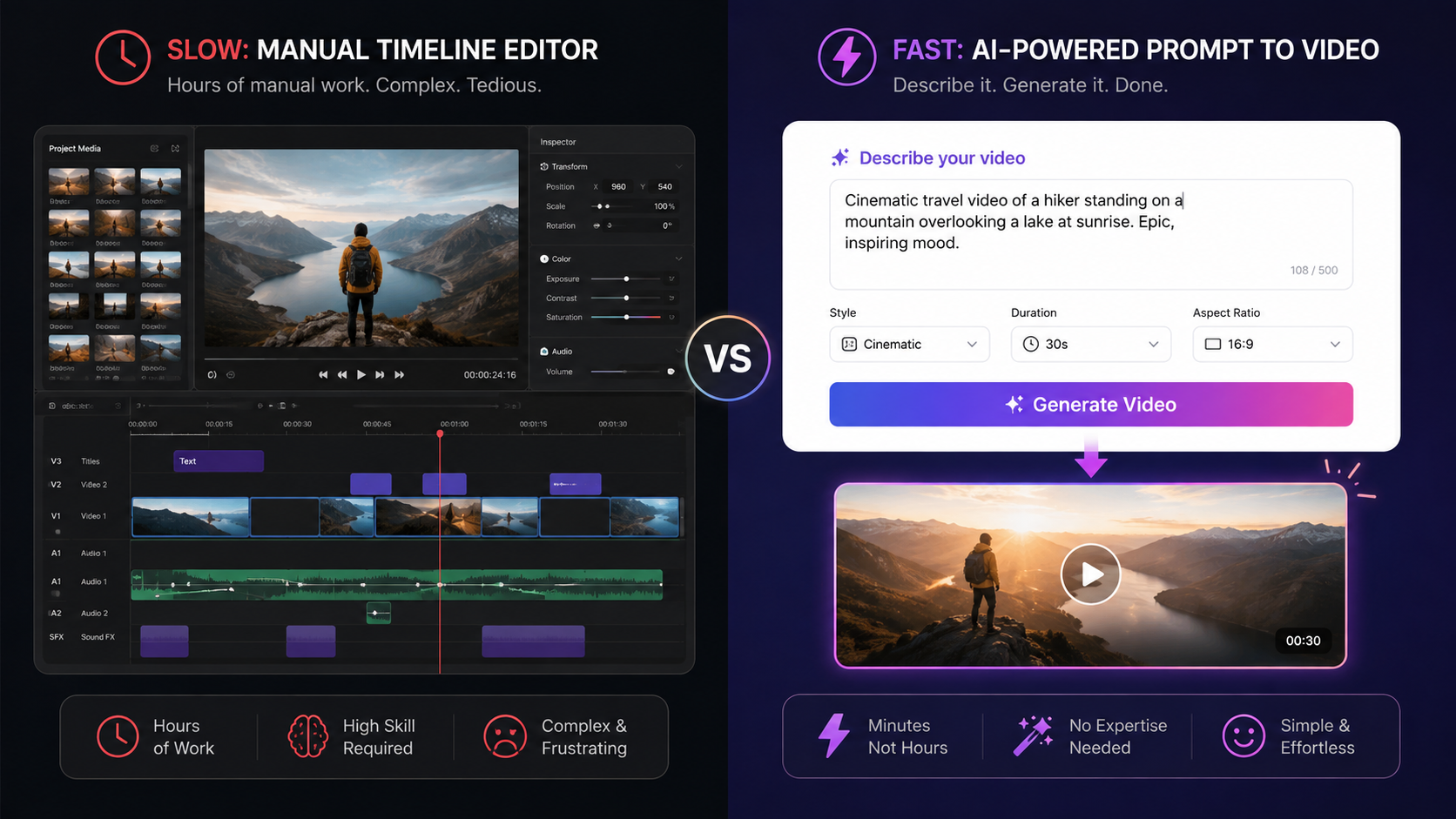
- Time-Consuming Timeline Editors: Assembling a video scene-by-scene is slow. If you want to change a hook or test a new visual theme, you have to edit the project manually. AI-native tools allow you to make changes instantly by adjusting your text script.
- No Channel Automation: Creating a video is only half the battle. To grow, you must distribute it. Old-school platforms require you to download your MP4 files and upload them to social media manually. Modern tools integrate automated publishing directly into your production queue.
Head-to-Head: GetShorts vs. InVideo#
To understand which platform fits your production goals, let's examine a comparison of their core features, architectures, and automated capabilities.
| Feature | GetShorts | InVideo |
|---|---|---|
| Core Architecture | AI-Native (Script-driven generation & agents) | Template-First (Timeline-based cloud editor) |
| AI Spokesperson Avatars | Yes (Lifelike custom faces, custom prompts) | No (Only standard text-to-video templates) |
| UGC Ads Generation | Yes (UGC Auto Mode & Chat Agent) | No (Manual stock media placement) |
| Built-in Voice Cloning | Yes (ElevenLabs integration & custom voices) | No (Basic text-to-speech voices only) |
| Posting Automation | Yes (Scheduled MWF Series automation) | No (Manual export and download required) |
| Starting Price | $29/mo (~6 UGC / 40 Story Videos) | $30/mo (Limited AI features, basic templates) |
Deep Feature Breakdown: Where GetShorts Excels#
When comparing these tools, the difference lies in the automation capabilities. Rather than simply providing an editor, a modern platform acts as an active assistant that handles drafting, scripting, and assembly.
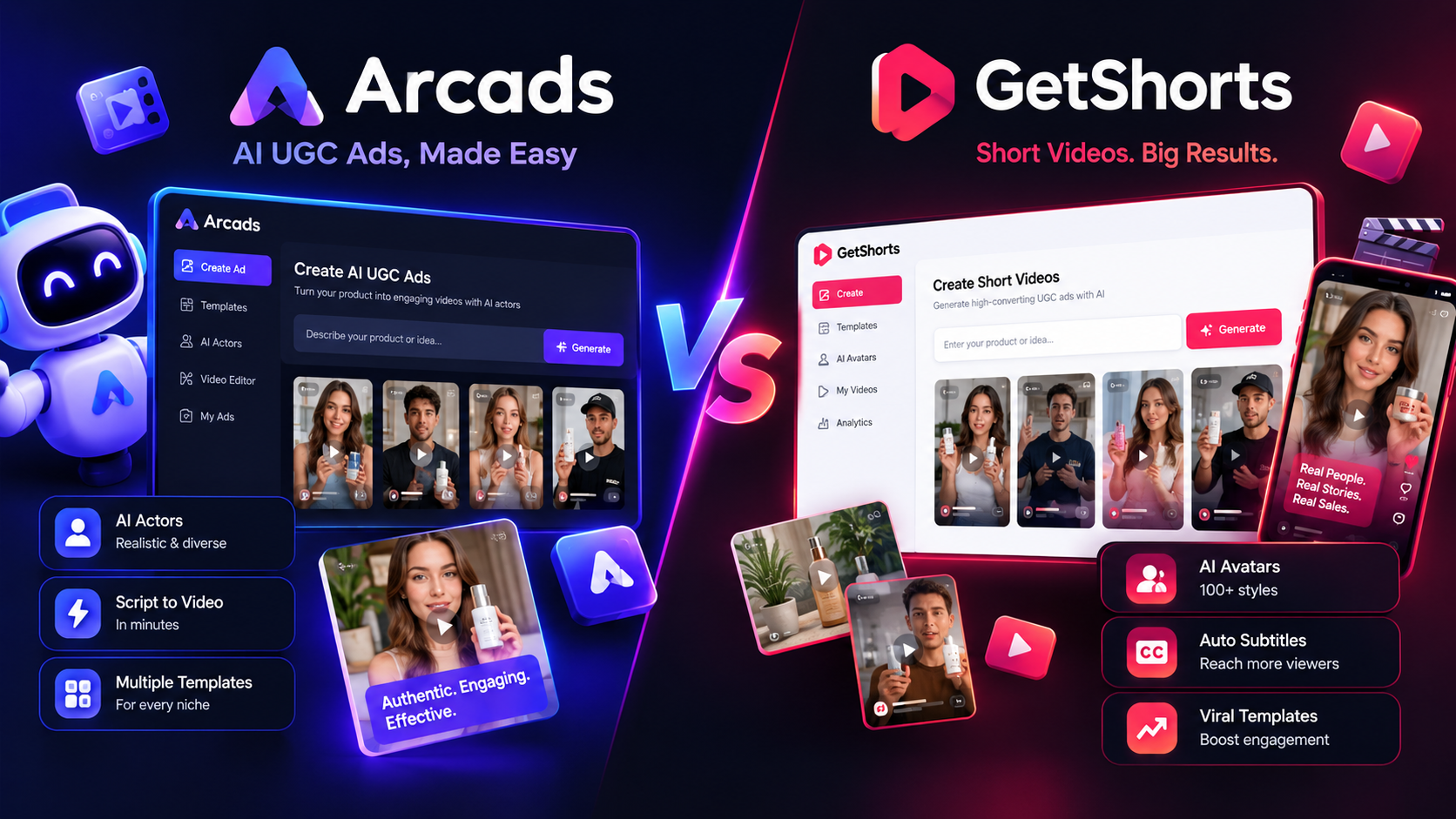
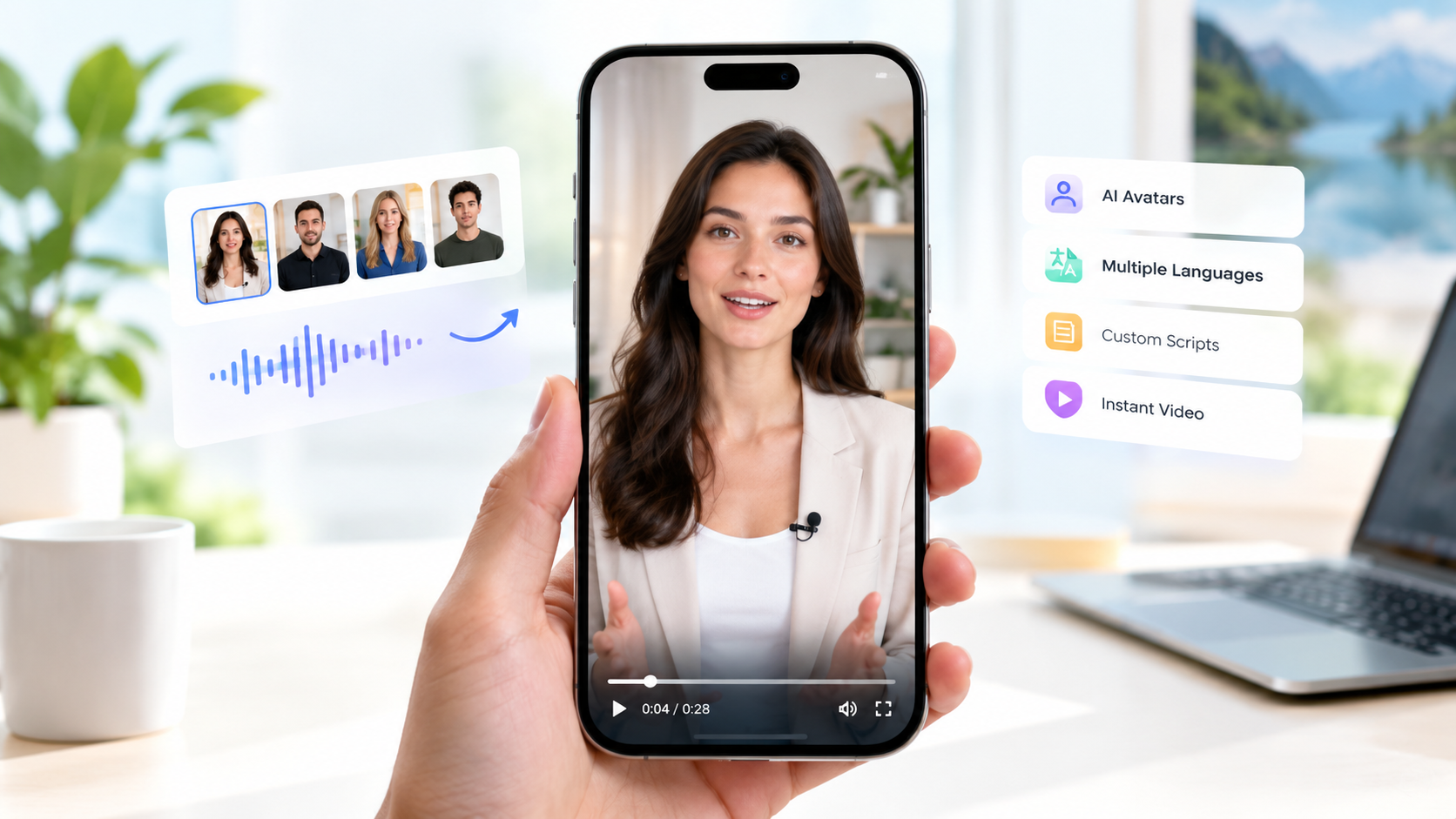
AI UGC Video Ads: Generating authentic user-generated content (UGC) is a priority for digital advertisers. While legacy platforms force you to search through stock libraries to find relatable footage, GetShorts offers a dedicated UGC video maker. This feature generates lifelike AI avatars that read your exact script with natural pacing, micro-expressions, and perfect lip-sync, producing authentic-looking ads in minutes.
Daily Series Automation: If you want to grow a channel organically, you need consistent uploads. Downloading, scheduling, and posting clips manually is a full-time job. With GetShorts' daily series automation, you can configure your channel settings once, select your upload days, and let the AI generate and schedule fresh story videos on autopilot. This keeps your social media channels active even when your team is focused on other projects.
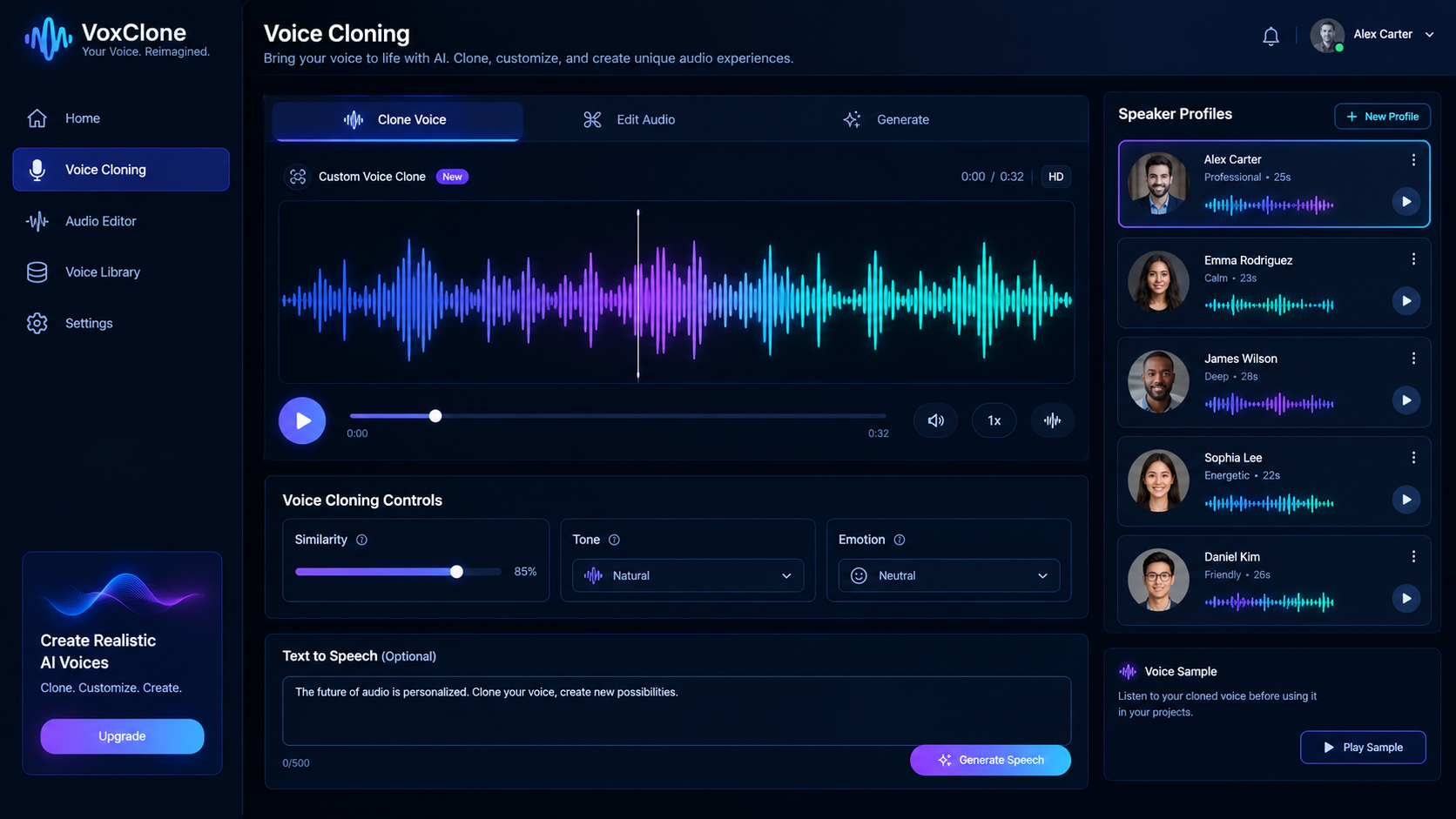
Custom Voice Cloning: Audio quality makes or breaks a video. While older platforms offer standard, robotic text-to-speech voices, modern AI voice integration allows you to clone your own voice or choose from a wide selection of natural-sounding speakers. This ensures your narration sounds warm, engaging, and professional.
Ready to generate scroll-stopping video ads?
Access organic AI UGC avatars and text-to-speech in minutes.
Compare Pricing PlansPros and Cons: GetShorts vs. InVideo#
To make an informed decision, let's look at the strengths and weaknesses of both platforms side-by-side.
GetShorts Pros
- •AI-native workflow creates completed videos from text prompts in seconds
- •Lifelike human avatars eliminate the need to hire expensive creators
- •Built-in ElevenLabs voice cloning and Kokoro text-to-speech tools
- •Automated channel scheduling and posting to keep your feeds active
GetShorts Cons
- •Fewer drag-and-drop traditional editing templates
- •Requires subscription for advanced avatar customization options
InVideo Pros
- •Huge library of pre-made stock templates for slide-based promotions
- •Solid manual timeline controls for traditional video editors
- •Easy interface for putting text over static stock videos
InVideo Cons
- •No custom AI spokesperson models or avatar creation tools
- •Does not offer automated social media posting pipelines
- •Older architecture makes editing multiple creative variations slow
The Verdict: Which Video Tool Wins?#
The choice between these two platforms comes down to your production volume and marketing goals. If you need a traditional drag-and-drop editor to compile stock footage slides manually, and you enjoy spending hours adjusting elements on a timeline, InVideo remains a functional utility.
However, if your goal is to run a modern, high-volume video marketing campaign, GetShorts is the clear winner. By shifting from manual timeline editing to script-driven AI generation, you can produce realistic video ads, clone your voice, and automate your entire social media schedule from a single dashboard. It represents a significant upgrade in speed, scale, and creative freedom.
Stop Booking Overpriced Creators. Start Scaling UGC Ads.
Produce high-quality AI avatars, auto-captions, B-roll composites and translate scripts instantly. Generate 10+ hook variants for testing.
No credit card required • Start free trial instantly