Best Submagic Alternatives for AI Captions & B-Roll in 2026
Table of Contents
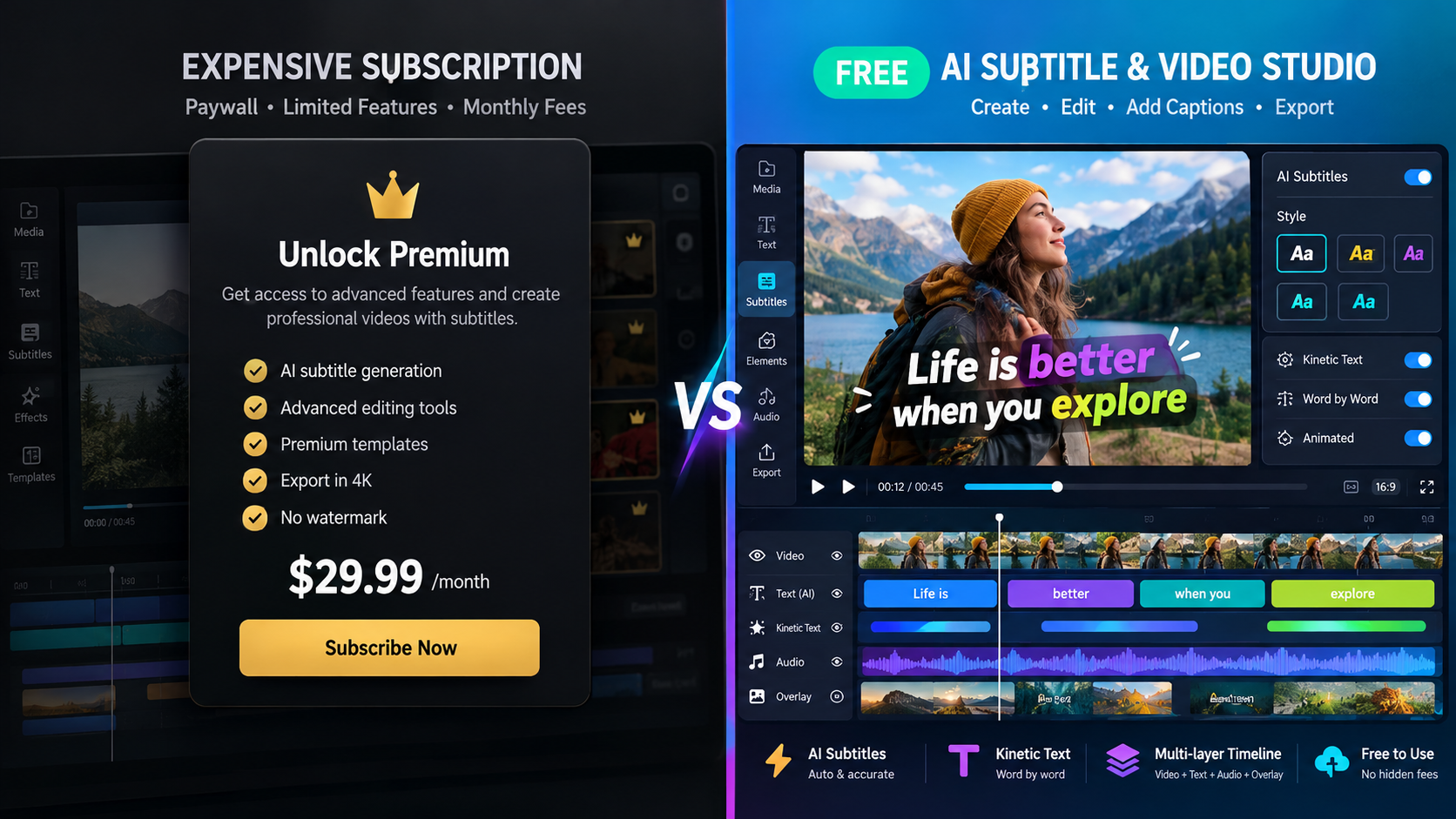
Submagic helped popularize dynamic Alex Hormozi-style animated captions and automated stock b-roll cutaways. However, strict export limits, steep entry pricing ($20–$50+/month), and the inability to generate original AI video avatars or record custom talking heads have pushed serious creators to seek a more versatile Submagic alternative. If you need complete creative control, GetShorts offers native AI UGC avatars, script-to-speech generation, multi-track timeline editing, and integrated auto-captions at a fraction of the cost.
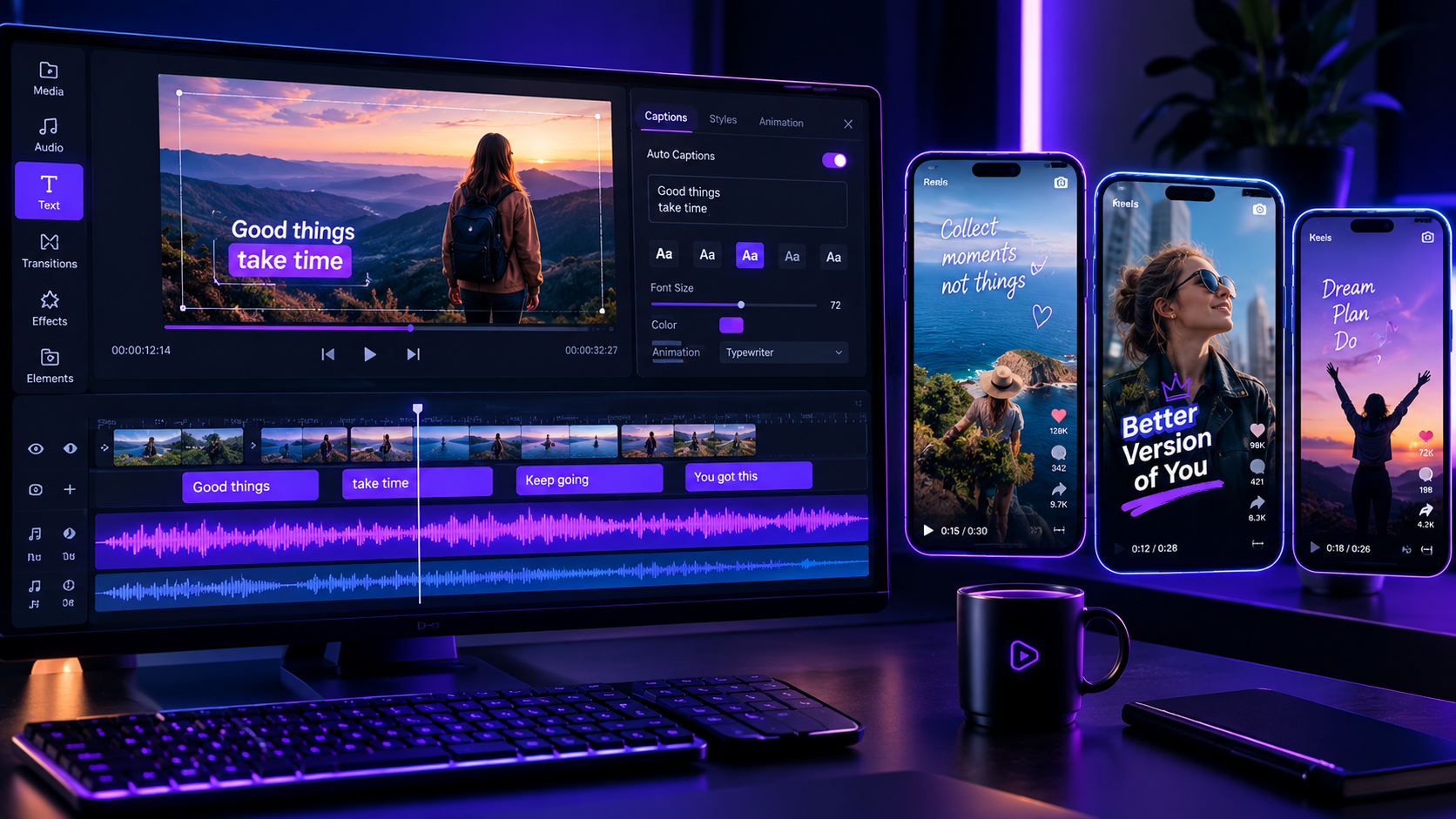
When short-form video exploded across TikTok, Instagram Reels, and YouTube Shorts, creators quickly noticed that animated, karaoke-style subtitles dramatically increased audience watch time. Submagic built a dedicated following by automating those word-by-word captions, emojis, and sound effects. For creators who already have raw video footage of themselves talking to a camera, it provided a fast way to polish clips. But as video marketing matured into 2026, content demands changed fundamentally.
Today, growth agencies and solo entrepreneurs cannot afford to spend hours filming themselves on camera just to feed a caption tool. Performance marketers need end-to-end creative velocity: generating lifelike AI avatars, inserting hyper-relevant cutaways, and testing dozens of ad hooks without camera fatigue. When creators evaluate their monthly software bills, paying a recurring fee strictly for subtitles feels outdated. Upgrading to a versatile AI UGC generator delivers complete video assets from scratch, combining animated subtitles with photorealistic presenters. If you already use standalone caption software, our breakdown of Captions App alternatives provides helpful context on how modern platforms compare.
What Submagic Offers (and Why Creators Look for Alternatives)#
Submagic remains a popular tool for a specific task: you upload a 60-second talking-head video, and its AI transcribes the audio, highlights keywords with neon colors, sprinkles in emojis, and attempts to insert stock video b-roll clips. For influencers with plenty of pre-recorded footage, this speeds up post-production. However, in day-to-day operational use, several major friction points become evident:
1. No Generative Video Creation: Submagic is purely a post-production wrapper. It cannot generate a video if you do not have raw footage. You still have to write the script, set up ring lights, rehearse lines, record multiple takes, and upload video files manually.
2. Generic, Repetitive Stock B-Roll: Submagic matches keywords to stock media libraries like Storyblocks or Pexels. If your script mentions 'money,' it pulls the same generic stock footage of dollar bills that thousands of other creators use. Audiences tune out stock footage instantly. Modern campaigns require contextually matched visual storytelling, as detailed in our guide on b-roll video tips for ads.
3. Restrictive Tier Limits: Submagic's entry-tier plans place tight caps on video minutes and export resolutions. Power creators and agencies quickly hit wall limits and are forced into expensive higher tiers simply to export daily content.
4. Rigid Editing Interface: If an automated caption cuts off a sentence prematurely or a visual cutaway misaligns with your voice cadence, manual adjustments inside Submagic feel cumbersome. Unlike a true multi-track AI video editor, you cannot split multi-layered tracks or fine-tune audio balance on a granular level.
Submagic Pros
- •Accurate automated word-by-word caption transcription in 40+ languages
- •Trendy caption animation styles with auto-highlighted keywords and emojis
- •Automated audio cleanup and background sound effects integration
- •Clean, beginner-friendly web interface
Submagic Cons
- •Cannot generate AI avatars or original talking-head video footage
- •Stock b-roll matching often feels generic and disconnects from script nuances
- •Strict monthly video minute export caps on starter plans ($20+/mo)
- •Lacks full multi-track timeline editing controls for complex post-production
- •Requires users to film and upload all base video footage manually
Why Standalone Subtitle Tools Fall Short for Direct-Response Ads#
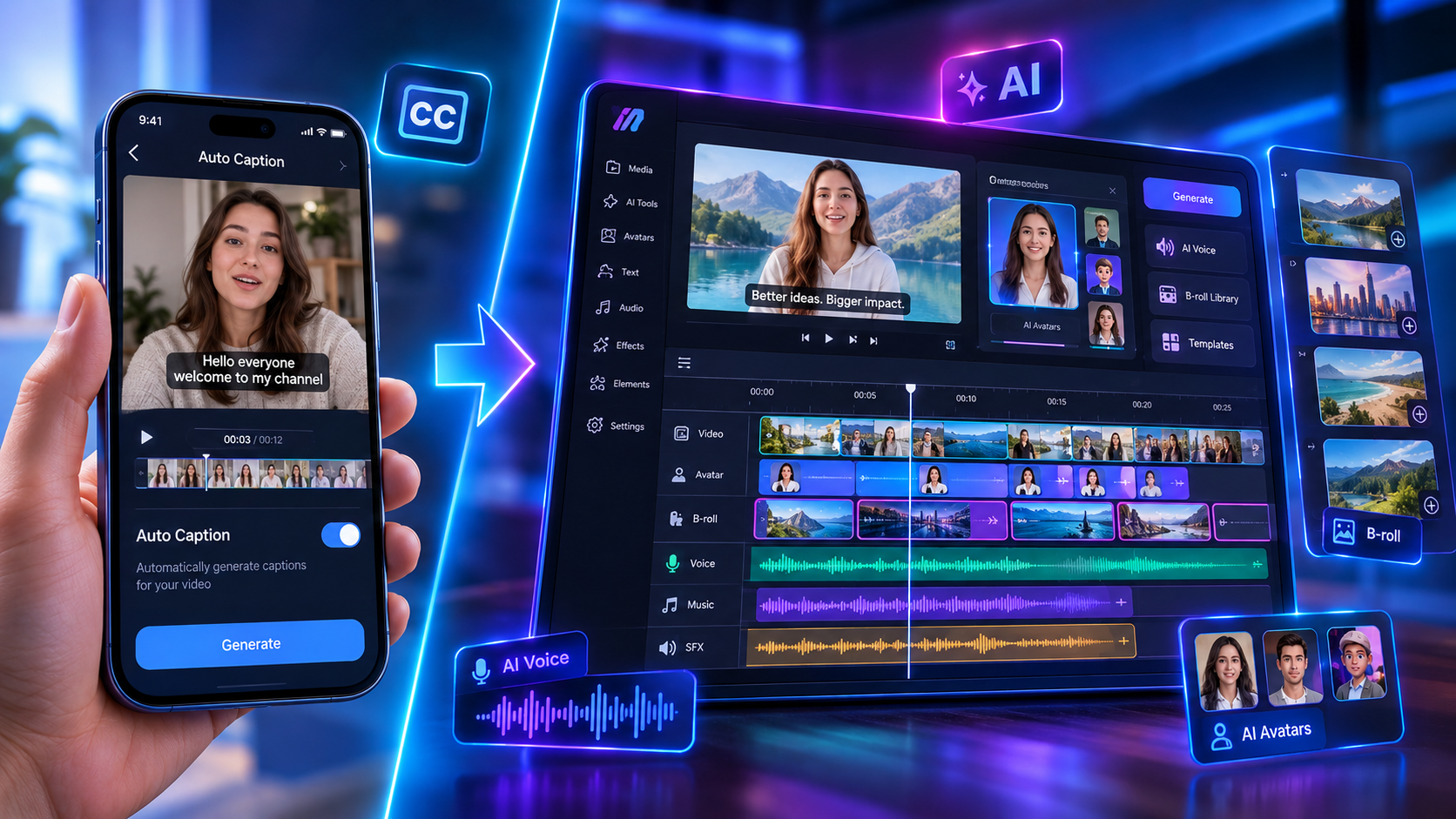
In our performance testing across thousands of social video ad variations, dynamic subtitles remain vital for muted scrolling. Over 65% of mobile users view social video feeds without audio enabled. But subtitles alone cannot salvage a weak hook, an unconvincing spokesperson, or disjointed visual pacing.
When ad creative fatigue sets in, the limiting factor is almost never subtitle styling—it is creative production velocity. If you rely solely on manual filming, testing five new hook angles takes days of scheduling and recording. In contrast, an end-to-end generative system lets you draft 10 script variations, pair them with lifelike AI avatars, generate bespoke visual cutaways using an AI B-roll generator, and render finished, captioned videos in minutes. This changes your entire advertising economics.
Ready to generate scroll-stopping video ads?
Access organic AI UGC avatars and text-to-speech in minutes.
Create Video Ads with AI Avatars & CaptionsHead-to-Head Comparison: The Top Submagic Alternatives in 2026#
To help you select the ideal tool for your workflow, we evaluated the leading AI video platforms across primary features, generation capabilities, editing control, and overall pricing value.
| Feature | GetShorts | Submagic | Captions App | Descript |
|---|---|---|---|---|
| Primary Strength | All-in-One AI UGC & Story Creation | Word-by-Word Caption Styling | Mobile Talking-Head Polish | Podcast & Document-Style Editing |
| Generative AI Avatars | Yes (Lifelike Human Avatars) | No (Requires User Video) | Limited AI Twin Feature | No |
| Custom AI B-Roll Generator | Yes (Prompt-to-Scene Engine) | No (Stock Media Only) | Stock & Light AI Cutaways | Stock Library Only |
| Timeline Video Editor | Full Multi-Track Control | Basic Sequential Strips | Basic Mobile Clip Editor | Script-Based Waveform Editor |
| Auto-Captions & Subtitles | Yes (Built-in Dynamic Captions) | Yes (Signature Feature) | Yes (High Quality) | Yes (Text Transcription) |
| Free Tier Available | Yes (Free Text-to-Speech & Trial) | Limited Trial (Watermarked) | Trial Only | Free Plan (1 Hour/Mo) |
| Starting Paid Price | $29/mo (Includes Avatars & Video) | $20/mo (Captions & Stock Only) | $19/mo (Mobile Subscription) | $24/mo |
1. GetShorts — The All-in-One AI UGC & Video Suite#
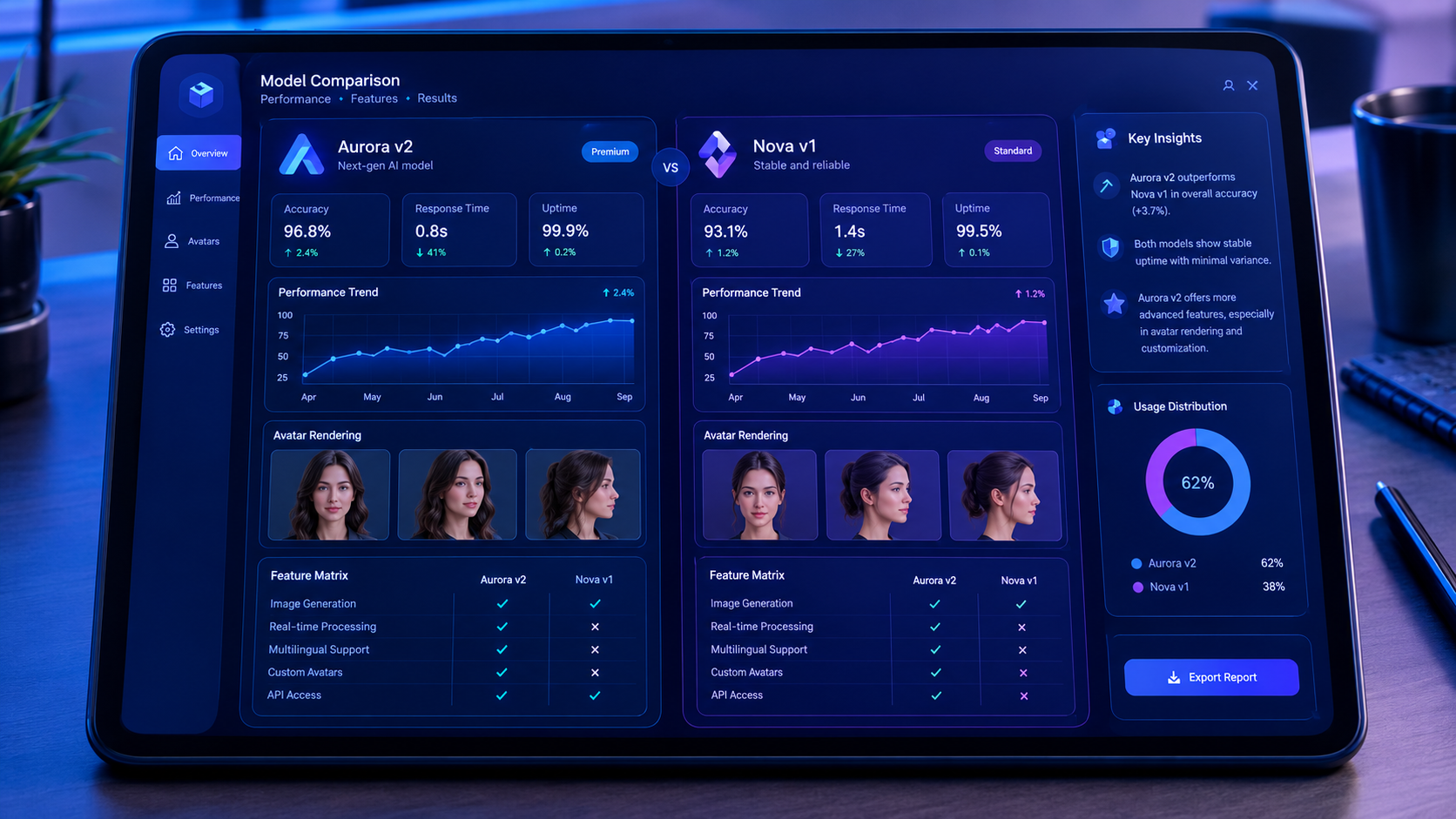
For creators and performance marketers who need more than caption styling, GetShorts represents the next generation of video production. Rather than forcing you to film raw clips, GetShorts gives you lifelike digital actors who deliver your exact messaging with natural facial expressions, precise lip-syncing, and authentic pacing. You can prompt-engineer custom avatars, generate custom video scenes, and edit everything on a full timeline canvas.
Crucially, GetShorts does not omit caption power. Every video generated automatically inherits synchronized, high-impact subtitle styling designed specifically for vertical social feeds. Whether you are producing e-commerce video ads or building an automated faceless channel via story videos, GetShorts handles scriptwriting, avatar performance, custom cutaways, voice synthesis, and captions in one seamless interface.
GetShorts Pros
- •Complete video generation from text script—no filming or on-camera talent needed
- •Photorealistic AI avatars with human-grade lip-sync and emotional inflections
- •Bespoke AI B-roll generation rather than recycled stock library footage
- •Integrated multi-track timeline editor for precise scene, audio, and caption layering
- •Generous credit allowances designed for rapid creative split testing and scaling
- •Built-in automated dynamic subtitles optimized for social media engagement
GetShorts Cons
- •Browser-based desktop workstation optimized for performance over quick mobile edits
- •Rich feature set offers far more depth than single-purpose caption apps
2. Captions App — Best for Mobile-Only Talking Heads#
Captions App (desktop and iOS) has established itself as Submagic's closest direct competitor for mobile video editing. It includes AI eye contact correction, smart audio dubbing, and automated zoom cuts that keep solo talking-head videos visually engaging. For creators who enjoy recording daily selfie videos directly on their smartphone, it offers a slick mobile experience.
However, Captions App still relies on the creator appearing in front of the lens. While it recently added experimental AI twin features, generating complete custom marketing campaigns remains outside its primary wheelhouse. Furthermore, managing high-volume desktop ad testing through mobile subscriptions creates operational friction for teams.
3. Descript — Best for Script-Based Editing & Podcasts#
Descript pioneered text-based video editing: it transcribes your recording into a text document, allowing you to edit the video simply by deleting words or sentences from the transcript. It excels at editing long-form YouTube podcasts, webinars, and interview discussions. If your primary goal is removing filler words ('ums' and 'ahs') from hour-long recordings, Descript remains an industry benchmark.
Where Descript struggles is fast, punchy, short-form viral pacing. It lacks the flashy kinetic subtitle templates, automated emoji triggers, and generative avatar capabilities required to compete in paid social feeds. Exporting quick vertical shorts often requires manual keyframing and heavy tweaking.
How to Migrate Your Short-Form Workflow and Lower Production Costs#
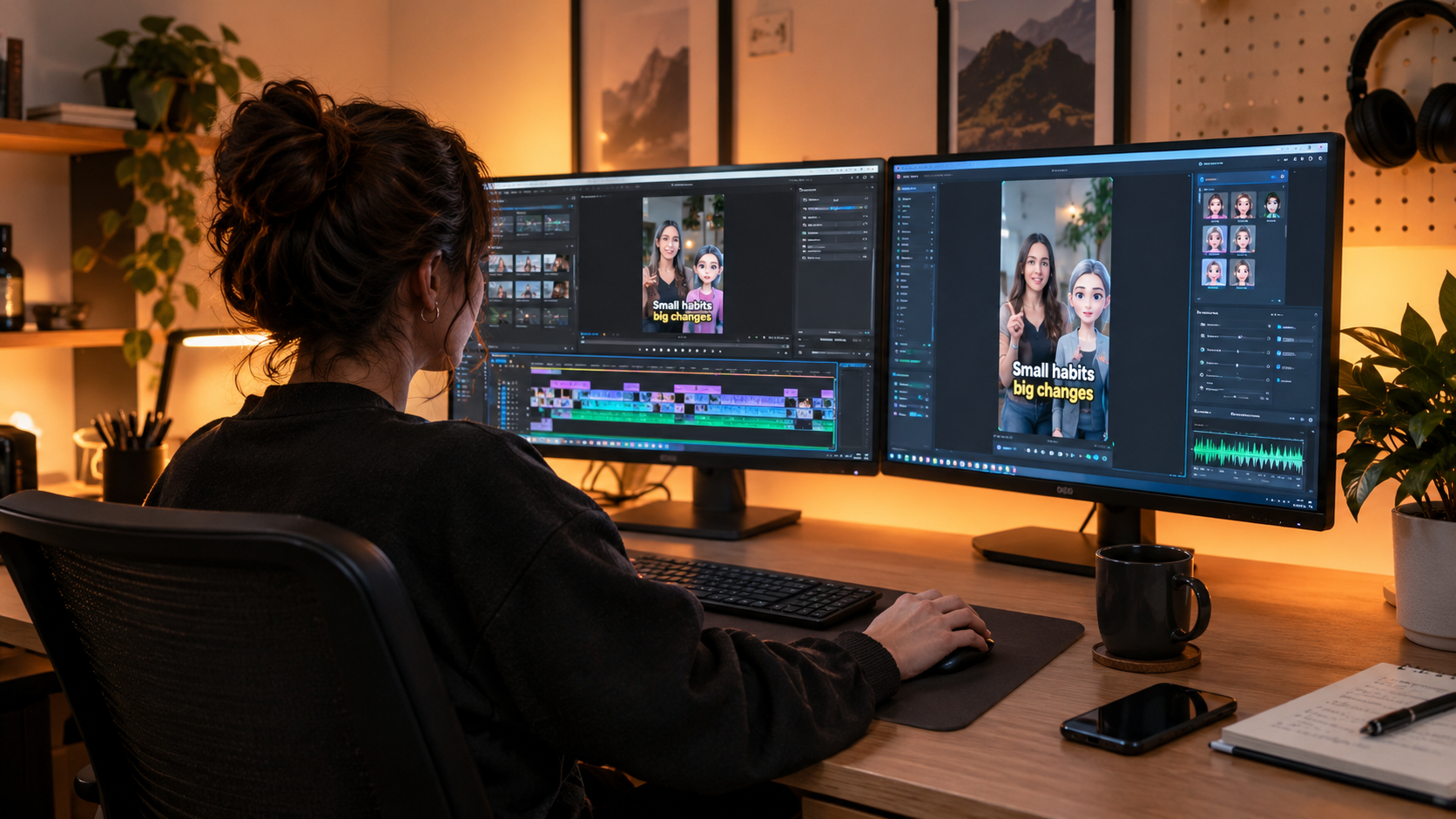
If you currently pay $20 to $50 each month just to add animated captions to video clips you spent hours filming yourself, shifting to an all-in-one AI platform will cut both your software expenses and your production turnaround time. Here is the streamlined workflow our high-growth clients use:
First, replace manual camera setup with AI avatars. Choose a digital spokesperson whose aesthetic matches your target demographic. Second, feed your product benefits or problem-solution script into the editor. Third, use custom AI b-roll prompts to generate product cutaways instead of relying on stale stock libraries. Finally, let the platform automatically generate your dynamic subtitles, preview the timeline, and export in 4K resolution.
By consolidating your video stack into a single platform that handles scripting, avatars, b-roll, and captioning, you free your team to focus on offer optimization and data-backed creative testing. Check out our transparent pricing plans to see how easily you can scale your creative output today.
Stop Booking Overpriced Creators. Start Scaling UGC Ads.
Produce high-quality AI avatars, auto-captions, B-roll composites and translate scripts instantly. Generate 10+ hook variants for testing.
No credit card required • Start free trial instantly