AI Skin Enhancer for Video: Upscale Avatar Resolution Instantly
Table of Contents
When consumers watch vertical video ads on modern smartphones with OLED displays, video resolution is the first cue that signals authenticity. If an AI presenter suffers from pixelated compression artifacts, blurry facial edges, or waxy plastic skin textures, viewers immediately sense something artificial and scroll away. The GetShorts AI skin enhancer video engine solves this challenge by restoring natural skin micro-textures, refining facial contours, and upscaling video avatars to crisp 4K fidelity in seconds.
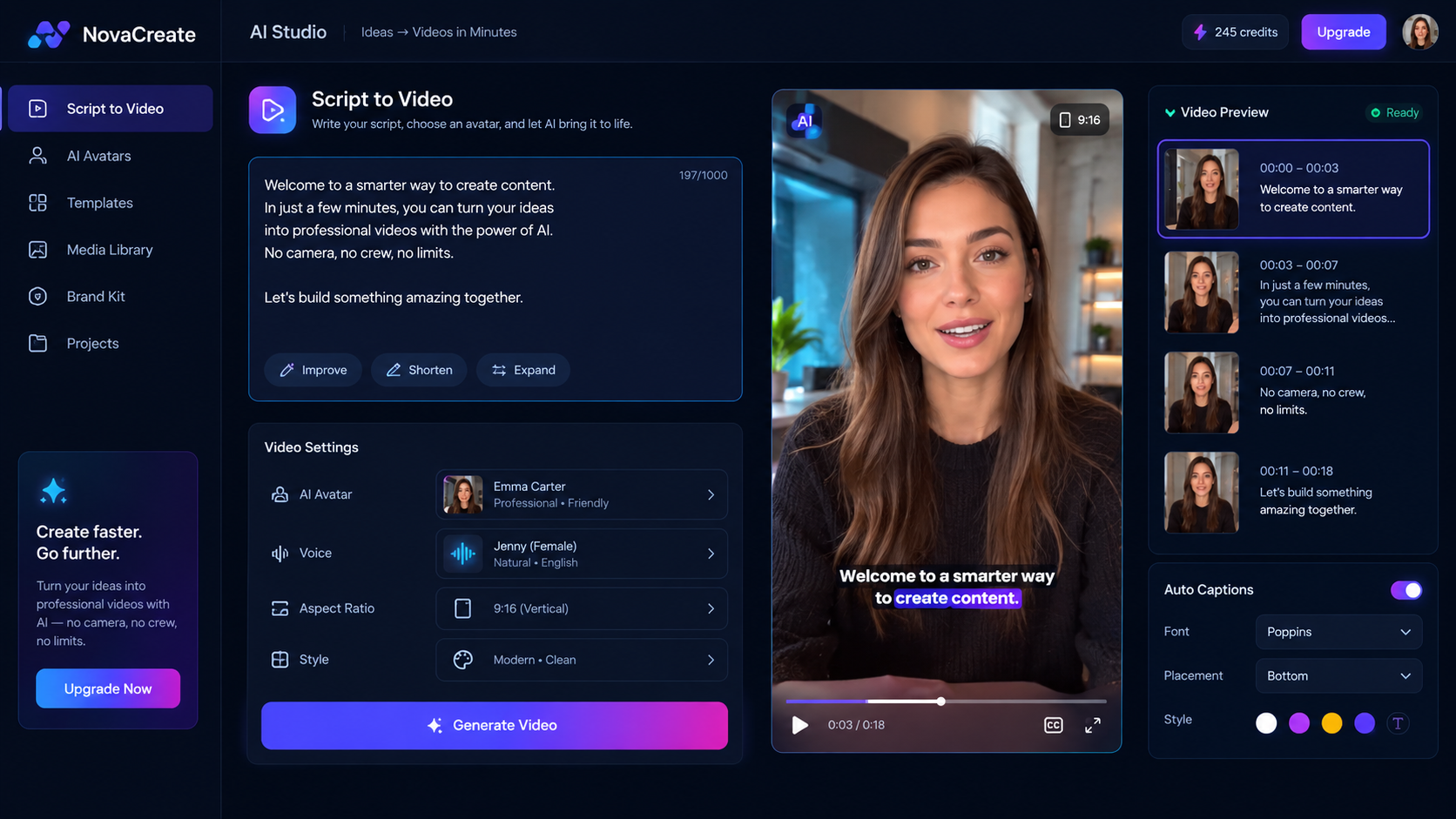
Whether you generate spokespersons using our prompt to avatar creator or build custom brand ambassadors from scratch, activating our skin enhancer elevates standard outputs into studio-grade commercial creative. By bridging the gap between automated generation and cinematic realism, your marketing campaigns maintain high viewer retention and uncompromising brand credibility.
Ready to generate scroll-stopping video ads?
Access organic AI UGC avatars and text-to-speech in minutes.
Enhance Your Video Avatars Free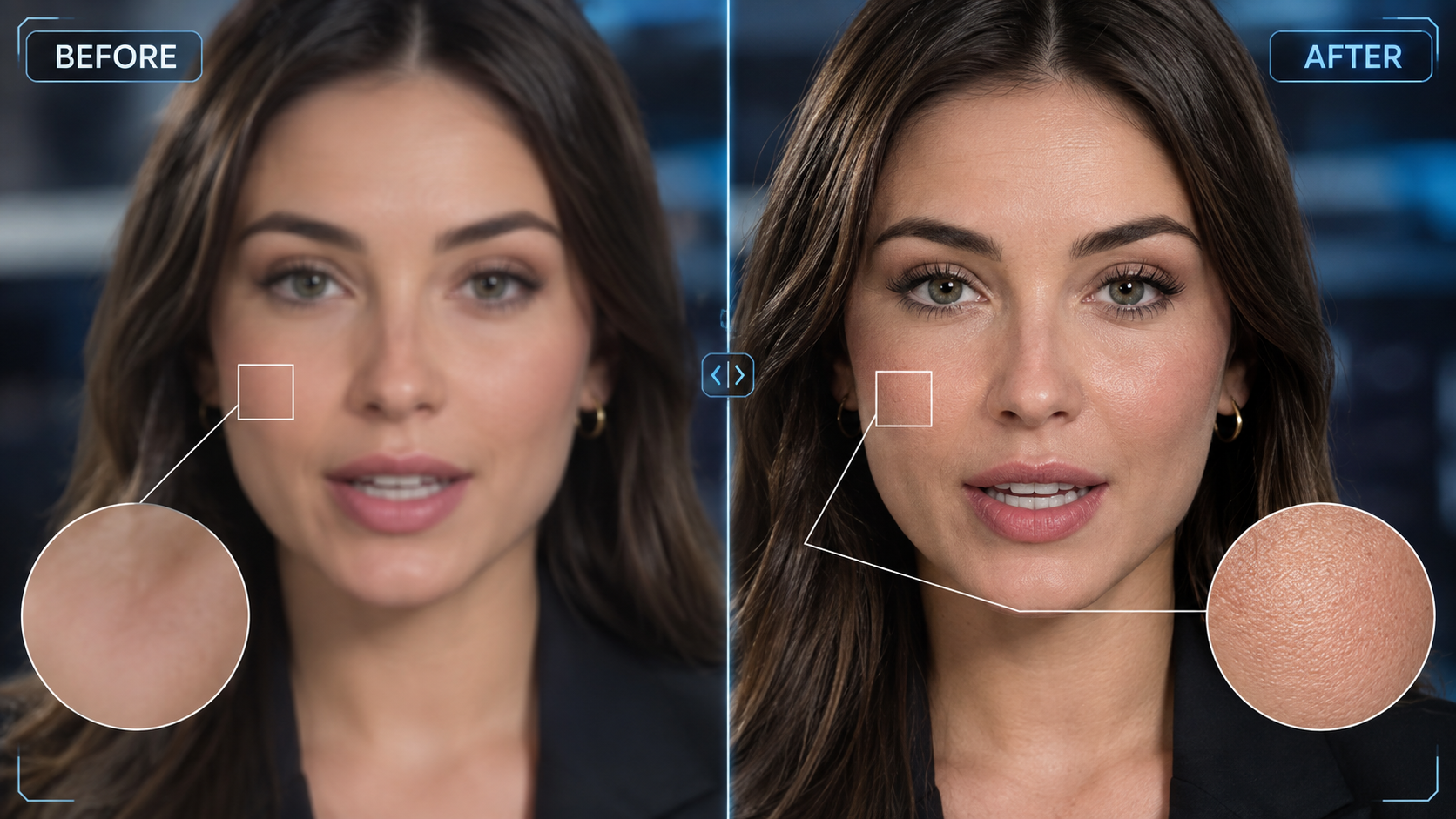
Why Video Resolution and Skin Fidelity Dictate Ad ROAS#
In direct response marketing, trust is the primary driver of conversions. Consumers rarely purchase products from ads that look amateurish or deceptive. When brands deploy AI avatar video for business, the difference between an ad that converts at 3.5% and one that flops often comes down to visual fidelity.
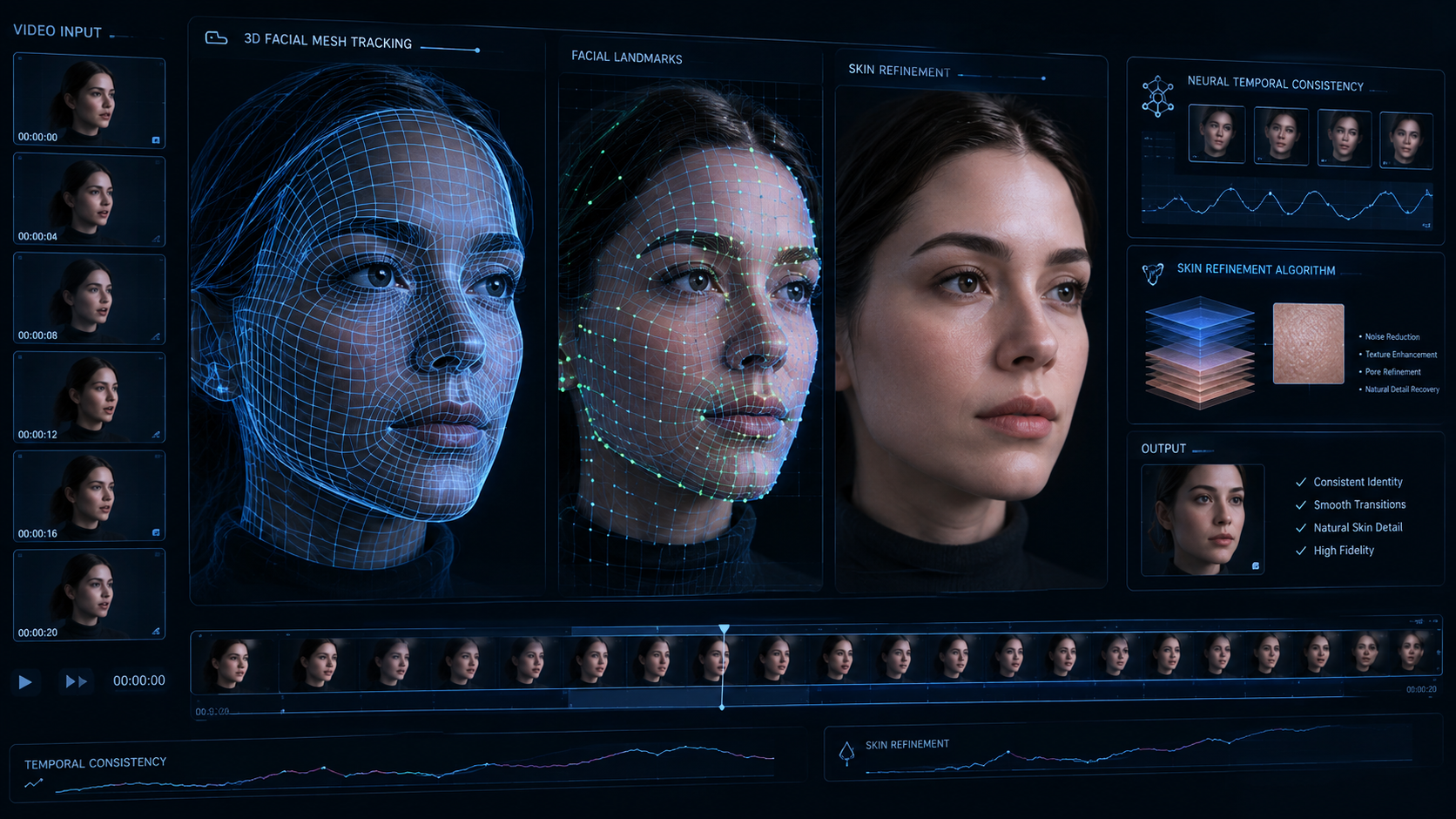
Early-generation video synthesis tools suffered from temporal flickering—moments where skin tones shifted unnaturally or facial features blurred during rapid speech. Our neural enhancement architecture eliminates these artifacts by analyzing both spatial resolution and temporal consistency across consecutive video frames, ensuring skin remains flawlessly photorealistic throughout the entire video.
Facial Micro-Detail & Pore Reconstruction
Intelligently synthesizes natural skin pores, eyelash clarity, and subtle subsurface scattering rather than applying a flat smoothing blur.
One-Click Instant 4K Upscaling
Upscales standard 1080p generation outputs to crystal-clear 4K fidelity with zero frame flickering or boundary distortion.
Dynamic Ambient Lighting Adaptation
Maintains photorealistic skin tone harmony across changing video backdrops, golden-hour scenes, and studio light setups.
How the GetShorts AI Skin Enhancer Works#
Generic video upscalers treat face footage the same way they treat landscapes or buildings—they apply blanket interpolation algorithms that sharpen noise and create distorted edges. In contrast, the GetShorts skin enhancer utilizes a specialized neural facial model that maps over 468 landmark points across the presenter's face.
When integrated into our core AI UGC generator pipeline, the engine isolates facial skin layers, recalculates light bounce physics, and enhances depth perception. It distinguishes between blemishes, natural beauty marks, and compression artifacts, delivering a radiant yet genuinely human appearance that feels authentic to social media viewers.
Best Practices for Retouching Video Actors in Paid Social Ads#
To maximize conversions when using enhanced video presenters, keep these three operational principles in mind:
1. Maintain Natural Imperfections: Flawless porcelain skin can inadvertently trigger skepticism. Set enhancement intensity to preserve subtle skin texture and authentic smile lines so the presenter resembles a real creator rather than a computer render.
2. Match Lighting Between Avatar and B-Roll: If your background cutaways feature outdoor natural light, ensure your enhanced avatar uses warm daylight tones rather than cool fluorescent office lighting. This creates visual continuity across scene cuts.
3. Pair Crisp Visuals with Expressive Audio: Visual clarity must be matched by audio realism. Combine enhanced avatar visuals with our script-to-speech avatar video creator for synchronized vocal inflections and dynamic pacing.
Pros and Cons of AI Skin Enhancer for Video#
GetShorts AI Skin Enhancer Pros
- •Eliminates plastic and waxy artificial textures in seconds
- •Preserves temporal consistency with zero frame flickering across vertical video
- •One-click activation directly inside the UGC creation dashboard
- •Significantly increases viewer watch time and ad trust metrics
- •Supports diverse ethnic skin tones and natural complexion variations
GetShorts AI Skin Enhancer Cons
- •High-resolution 4K rendering takes slightly longer during export queue
- •Requires clean initial avatar generation for maximum detail recovery
Elevate Your Video Creative Production#
In an ad ecosystem where every millisecond of attention counts, presenting crisp, authentic visuals is essential to maintaining high click-through rates. By pairing neural skin enhancement with modular scripting and automated video assembly, GetShorts gives marketing teams the power of high-end studio post-production without the studio budget. Review our flexible pricing plans to see how your team can scale production today.
Stop Booking Overpriced Creators. Start Scaling UGC Ads.
Produce high-quality AI avatars, auto-captions, B-roll composites and translate scripts instantly. Generate 10+ hook variants for testing.
No credit card required • Start free trial instantly