The Best AI Voice Cloner Online: Clone Any Voice in 3 Easy Steps
Table of Contents
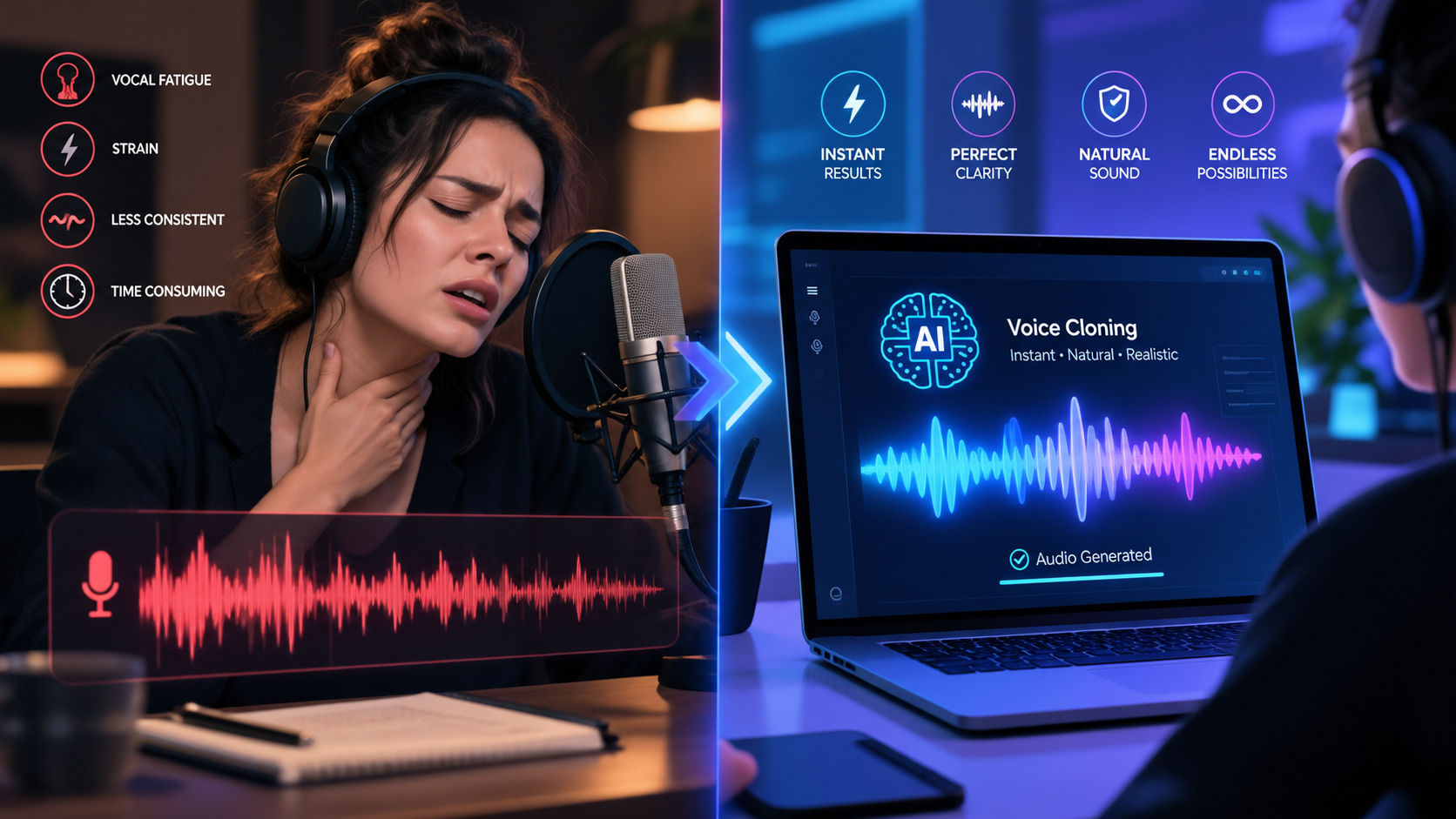
Voice is the ultimate emotional anchor of video marketing. Whether you are scaling direct-response TikTok ads, narrating faceless story videos, or publishing daily Instagram Reels, audiences connect with vocal nuance, authenticity, and personality. However, manually recording voiceovers for dozens of creative variations each week is exhausting. Between vocal strain, background noise, and endless retakes, recording voice tracks quickly becomes a major operational bottleneck. That is why choosing the best ai voice cloner online is essential for creators and growth teams looking to scale their video production.
Modern neural voice cloning technology has evolved far beyond the robotic, monotonous text-to-speech engines of the past. Today, deep learning architectures analyze vocal resonance, natural breath pauses, and regional accents from just a brief sample. In our dedicated guide to the AI voice cloning tool and our evaluation of top ElevenLabs alternatives, we demonstrated how creators are generating authentic narration on demand. Here is how you can use GetShorts to clone any voice online in three simple steps.
Why Custom Voice Cloning Is a Superpower for Content Creators#
In performance marketing and social media storytelling, consistency builds brand equity. If every video ad uses a completely different generic stock voice, your audience never develops subconscious familiarity with your brand. Creating a custom cloned voice provides you with an instantly recognizable digital spokesperson that represents your brand across every campaign.
Furthermore, an online voice clone eliminates the friction of editing script revisions. If a product pricing tier changes or an ad hook underperforms, you do not need to set up a microphone and re-record the entire audio file. You simply edit the text in your script editor, click regenerate, and receive a perfectly matched audio clip in seconds.
Ready to generate scroll-stopping video ads?
Access organic AI UGC avatars and text-to-speech in minutes.
Clone Your Voice on GetShorts NowHow to Clone Any Voice in 3 Easy Steps#
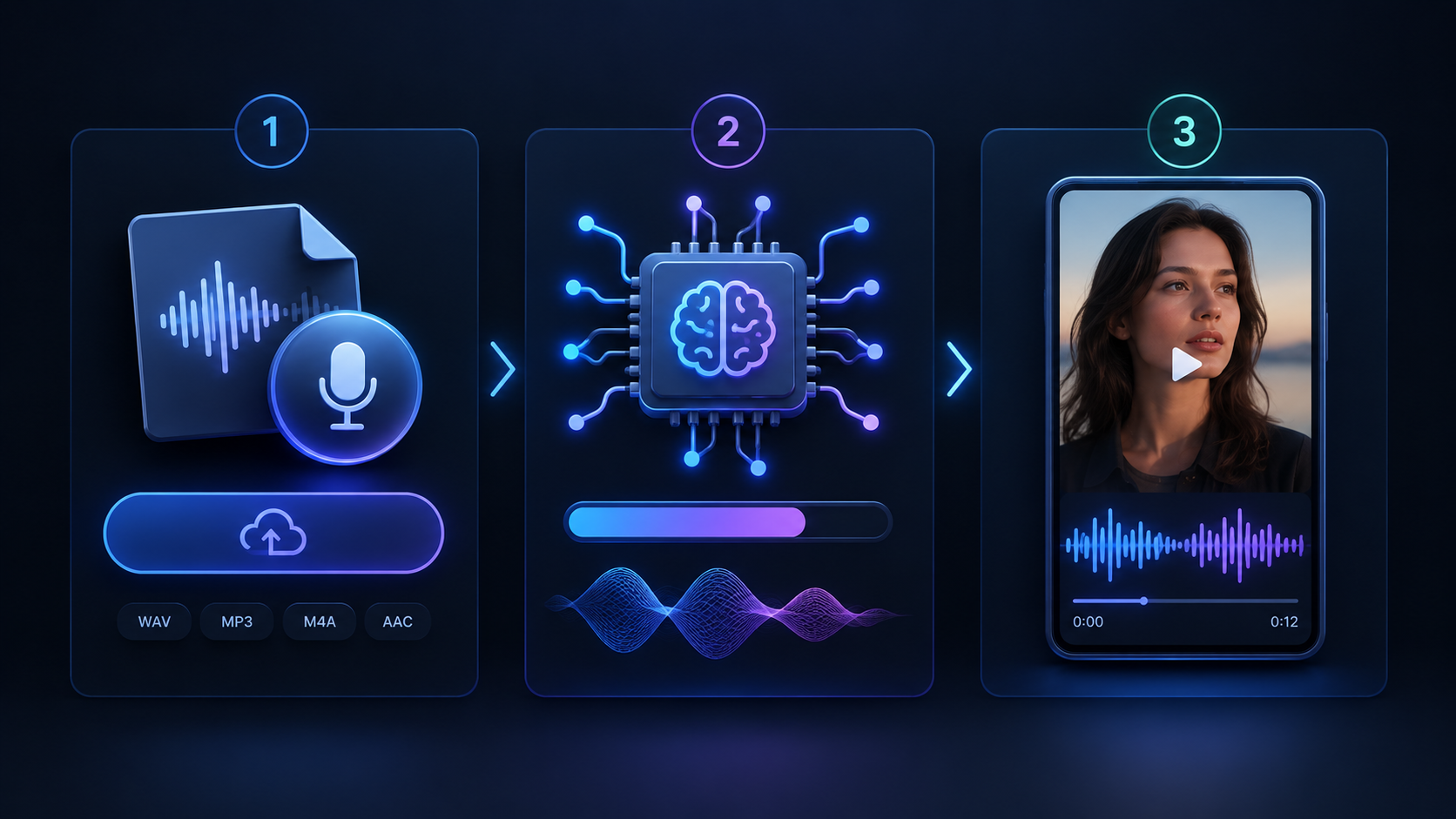
Creating your digital vocal twin with GetShorts is streamlined and requires zero specialized audio engineering skills. Here is the exact 3-step walkthrough:
Step 1: Upload a Clean Audio Sample (60 Seconds)
Record or upload an audio file between 60 seconds and 3 minutes long. Ensure the recording is clear, free of background music or heavy reverberation, and recorded in your natural speaking tone. You can check our detailed tutorial on how to clone your voice with AI for practical tips on setting up an ideal recording environment.
Step 2: Neural Voice Synthesis & Model Calibration
Once uploaded, our integrated ElevenLabs neural engine analyzes the acoustic properties of the recording. The AI maps vocal timbre, pitch variance, micro-pauses, and pronunciation patterns to construct a secure, persistent voice profile tied directly to your account.
Step 3: Type Your Script and Generate Studio Narration
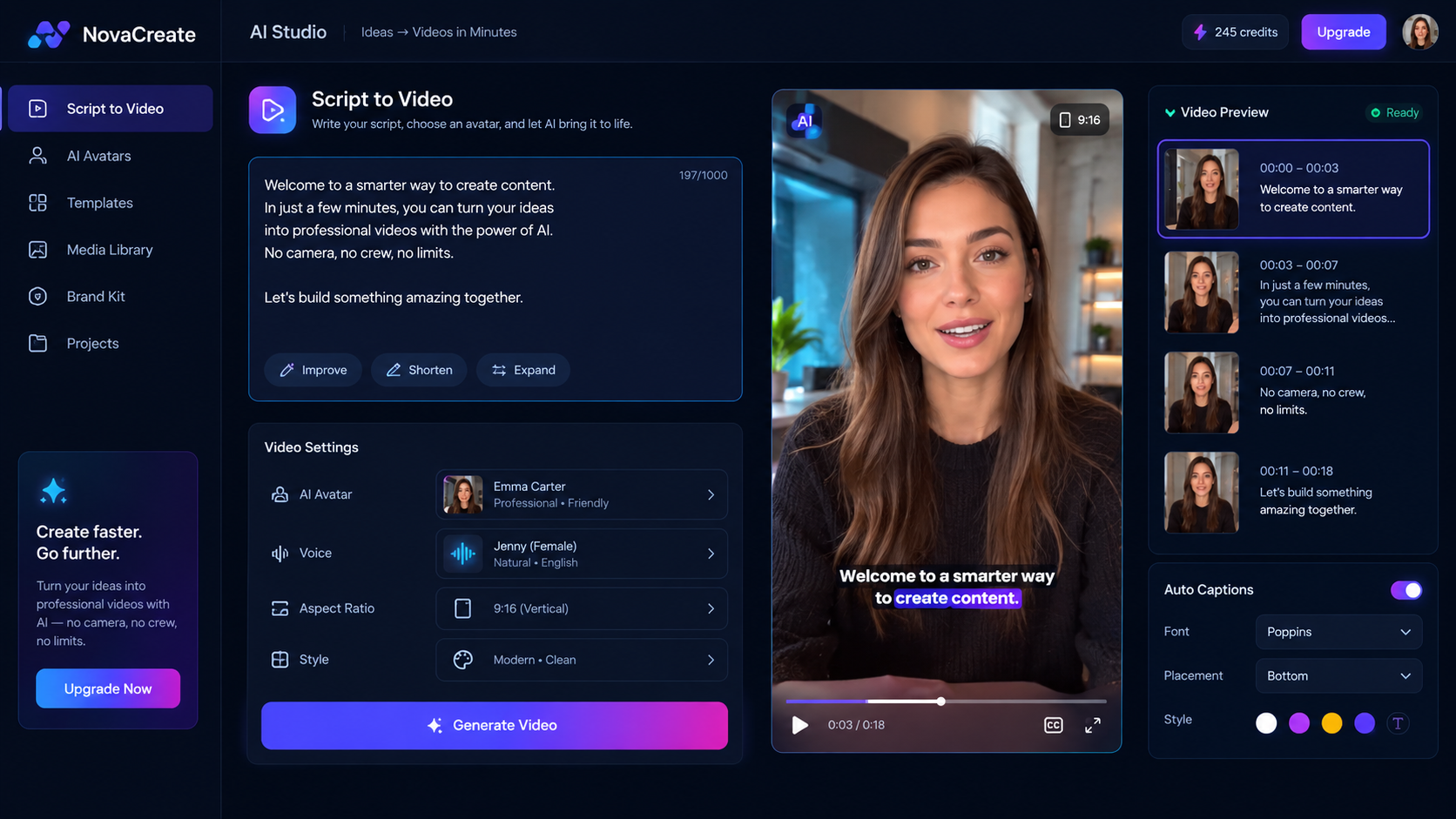
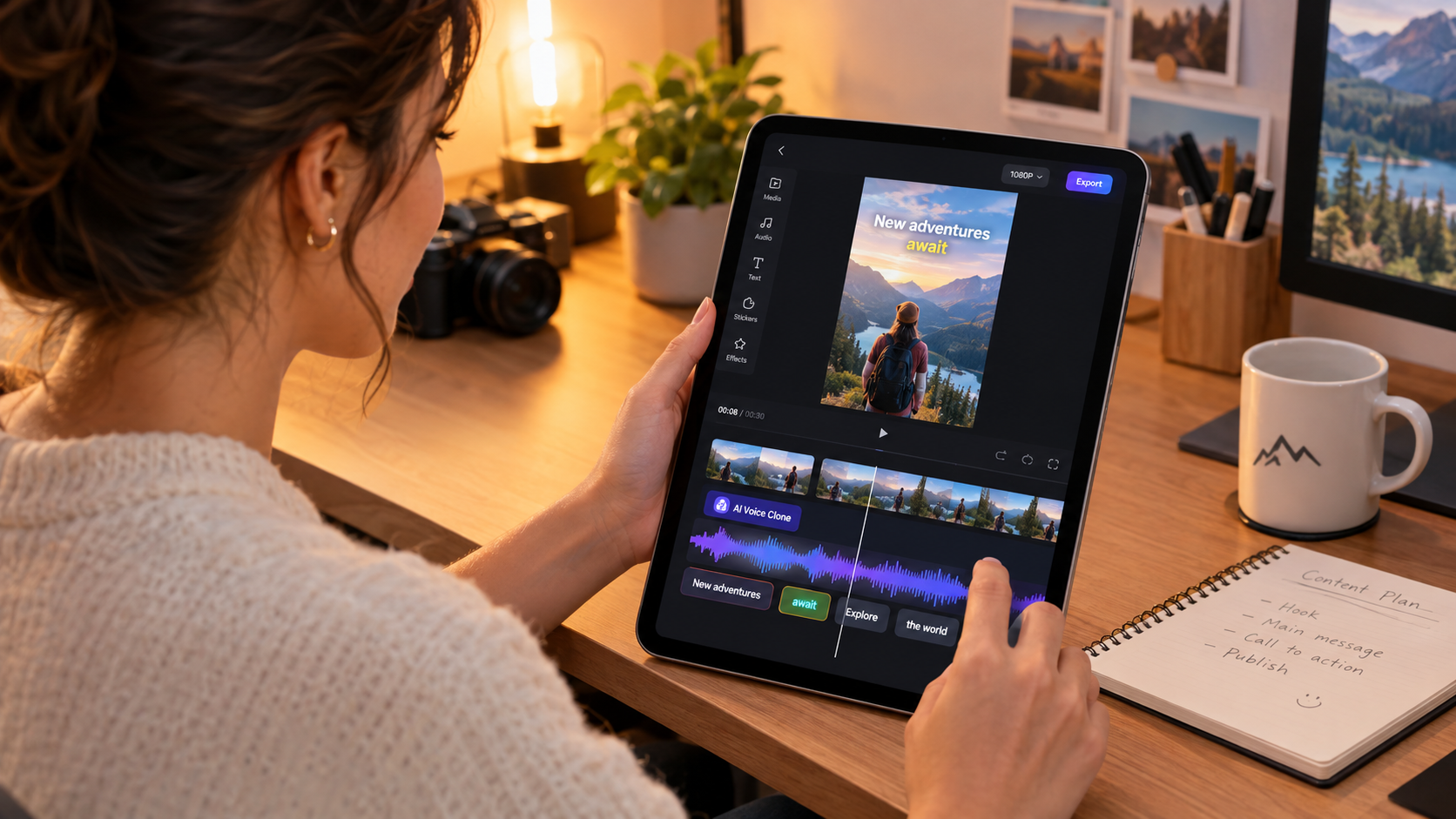
Once calibrated, your custom voice is ready for unlimited use. Simply type or paste your video script into the editor. You can apply our expert AI voiceover tips for vertical video to adjust punctuation, insert dramatic pauses, and emphasize key hook words for maximum retention.
Core Features of GetShorts AI Voice Cloner#
GetShorts was engineered to make high-fidelity voice cloning accessible, versatile, and deeply integrated into full video creation pipelines:
Instant Neural Voice Cloning
Upload as little as 60 seconds of clear reference audio to produce a hyper-realistic digital voice clone that preserves your unique vocal resonance, accent nuances, and natural cadence.
Seamless Multi-Language Synthesis
Translate and speak your ad scripts across more than 25 languages while maintaining your distinct vocal identity, allowing you to scale global campaigns without hiring foreign voice actors.
In addition to custom cloning, GetShorts offers immediate access to our free text to speech tool powered by the Kokoro engine. If you do not have reference audio ready, you can pick from over 20 pre-configured premium voices spanning American, British, French, Italian, and Hindi accents at zero cost.
Pros and Cons of Online AI Voice Cloners#
Before adopting an automated voiceover pipeline, it is helpful to weigh the operational benefits against technical requirements:
GetShorts AI Voice Cloner Pros
- •Hyper-realistic voice replication with natural emotional inflection
- •Creates a cloned voice from just 60 seconds of clean reference audio
- •Directly integrated into the video editor for automatic lip-syncing and subtitle generation
- •Supports commercial usage rights across paid ads and social media channels
- •Eliminates studio recording time and expensive microphone hardware
GetShorts AI Voice Cloner Cons
- •Requires clean, echo-free audio samples for optimal vocal training fidelity
- •Extremely rapid whispering or unconventional singing tones require careful script punctuation
Best Practices for Recording Your Reference Audio#
The realism of your AI voice clone directly reflects the quality of your source recording. To achieve studio-grade results, follow these proven recording rules:
1. Eliminate Room Echo: Record in a room with soft furnishings, rugs, or curtains to absorb acoustic reflections. Avoid large empty rooms with bare walls.
2. Use a Consistent Microphone Distance: Stay roughly 6 inches away from your microphone or phone. Moving closer or farther during the recording causes volume variations that confuse the neural training algorithm.
3. Speak Naturally: Do not read like a formal robotic news anchor unless that is your intended style. Speak with the natural enthusiasm, pacing, and conversational inflections you want your video ads to exhibit.
Start Cloning Your Voice for High-Impact Video Ads#
Voice cloning gives growth marketers, solo entrepreneurs, and content agencies the power to generate dozens of high-performing video assets without booking recording time or burning out their voices. By pairing custom vocal clones with our AI video avatars and timeline editor, you can scale your creative production to unprecedented heights.
Stop Booking Overpriced Creators. Start Scaling UGC Ads.
Produce high-quality AI avatars, auto-captions, B-roll composites and translate scripts instantly. Generate 10+ hook variants for testing.
No credit card required • Start free trial instantly