How to Clone Your Voice With AI in Under 5 Minutes
Table of Contents
Content creators and marketers know the grind of recording audio. You write a script, set up your microphone, wait for the room to be quiet, and do multiple takes to fix mistakes. If you make a small change to the script later, you have to redo the entire recording. Fortunately, voice synthesis technology has made this workflow obsolete. In this guide, you will learn how to clone your voice with ai to generate natural-sounding voiceovers instantly using our specialized voice cloner tool.
Cloning your voice allows you to maintain a consistent audio brand without spending hours recording. Whether you are generating educational content, daily tutorials, or promotional videos, having a digital version of your voice saves hours of editing time. By combining your custom voice clone with an AI story video maker, you can produce full-length narrations in multiple languages from simple text inputs.
Why Creators Are Using AI Voice Cloning#
Voice cloning is more than just a speed shortcut; it is a scalability strategy. When you clone your voice, you create a digital asset that can speak any script you write. Here are the key advantages of using voice cloning in your workflow:
- Instant Script Updates: If you spot a typo in your script or want to change a product detail, you don't need to re-record. Simply edit the text and regenerate the audio in seconds.
- Multi-Language Scale: Expand your reach globally. A high-quality voice clone can speak French, Spanish, Hindi, or Italian while keeping your unique vocal characteristics and tone.
- Consistent Branding: Maintain the exact same voice across all platform videos, building a recognizable identity for your brand.
How to Clone Your Voice With AI: Step-by-Step Tutorial#
Follow these steps to set up, train, and deploy your custom voice clone:
Access the Voice Cloner Tool
First, log into your account and navigate to the voice cloner tool from the dashboard menu. If you are a new user, you can Try GetShorts Free to explore the interface. Once inside the studio, click on 'Create New Voice' to launch the voice cloning setup wizard.
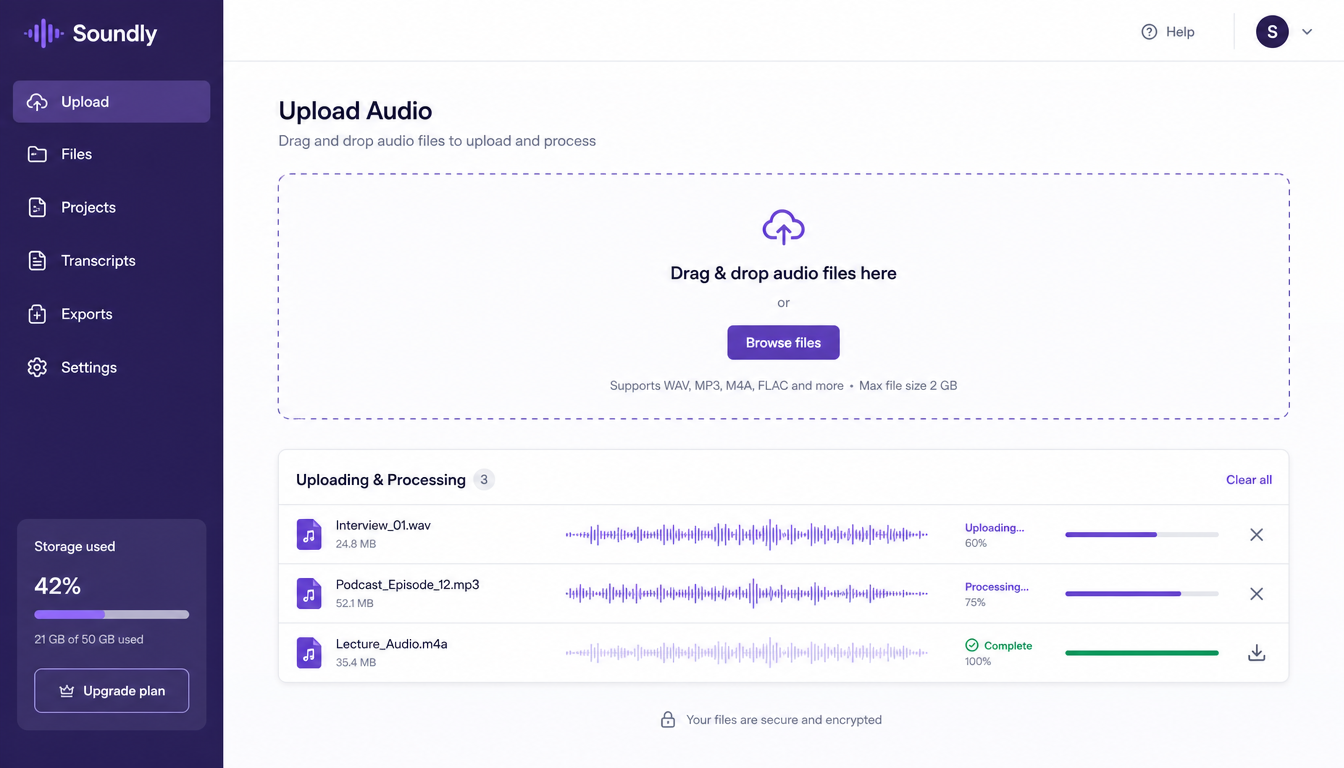
Upload a High-Quality Audio Sample
The quality of your voice clone depends on your input recording. We recommend uploading 2 to 3 minutes of high-quality, uninterrupted speech. Ensure you are recording in a quiet room with no background noise, fan hums, or echoes. Speak in your normal, conversational tone and pace. You can upload files in MP3, WAV, or M4A formats.
Train and Preview Your Voice Clone
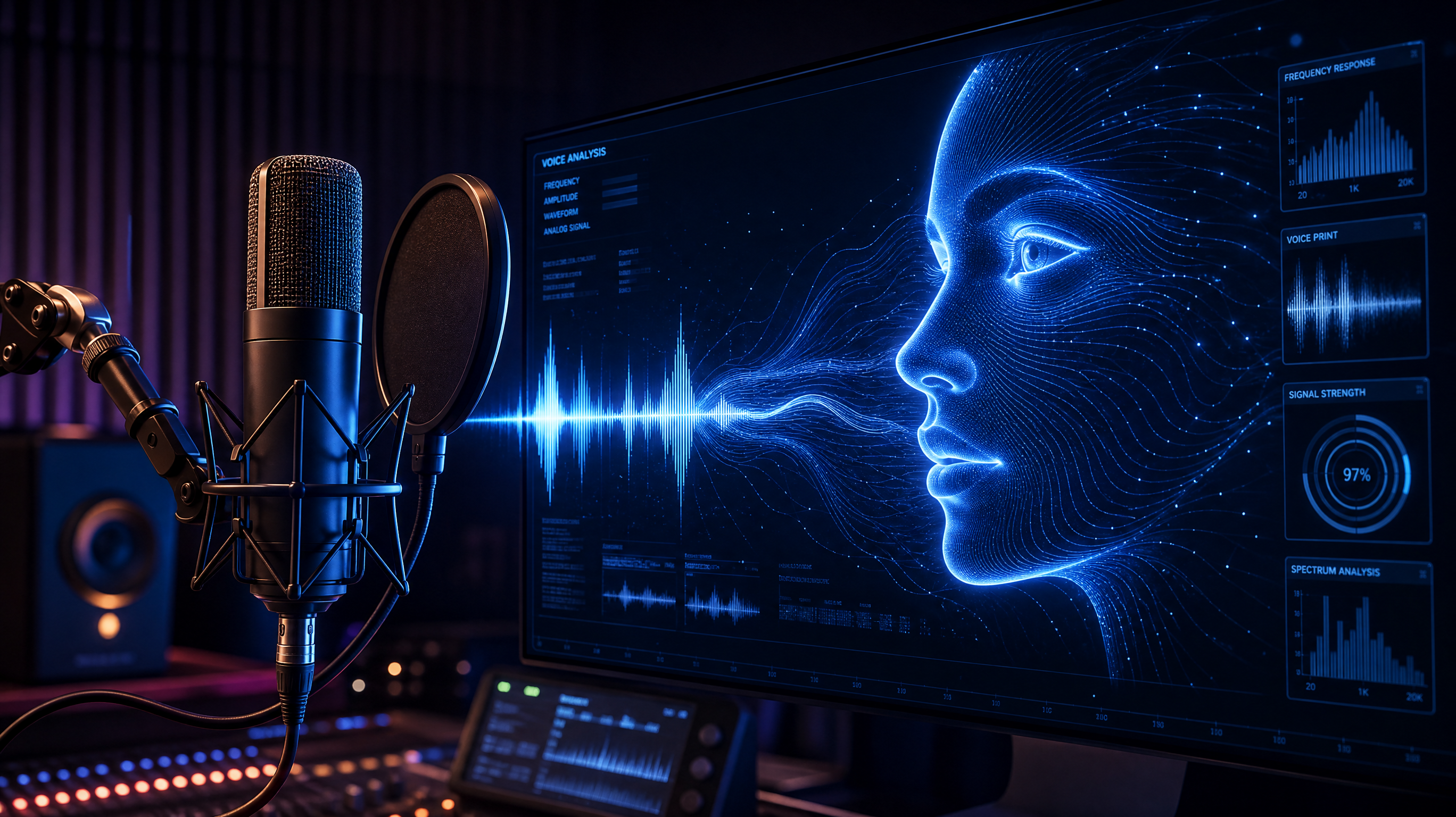
After uploading your audio, click the 'Generate Voice' button. The system will analyze your vocal characteristics, pitch variations, and unique accent. The training process takes less than two minutes. Once complete, you can test your clone by typing a test sentence and clicking play. The generated voice will read your text using your unique vocal pattern.
Deploy Your Clone in Video Projects
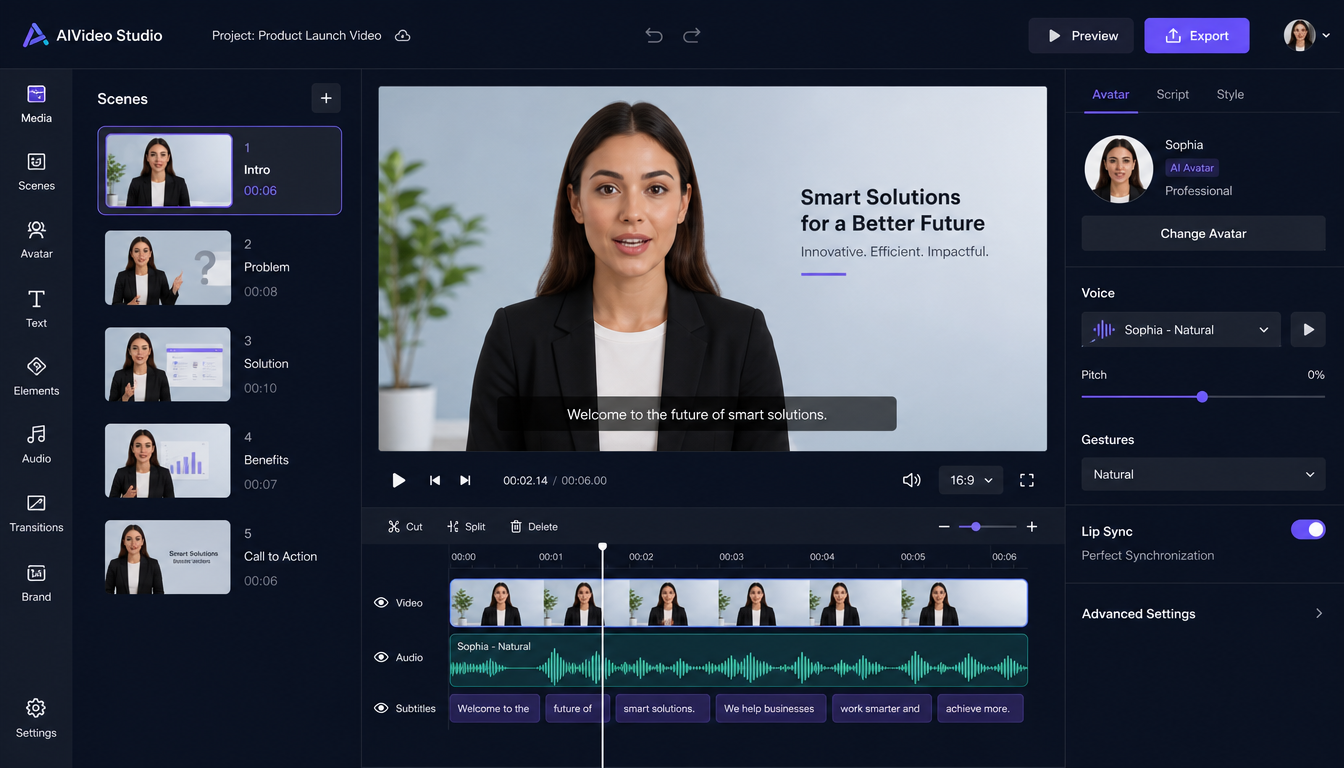
Your voice clone is now saved to your profile library. You can apply it to any video creation task. When using the AI story video maker or the AI UGC generator, open the voice selection dropdown menu and choose your cloned voice. The system will narrate your script using your cloned voice, matching auto-captions and scene pacing perfectly.
Ready to generate scroll-stopping video ads?
Access organic AI UGC avatars and text-to-speech in minutes.
Review Subscription PlansTips for Achieving a High-Fidelity Voice Clone#
To ensure your digital voice sounds natural and human, keep these tips in mind during your initial recording:
- Use a Dedicated Microphone: Avoid using built-in laptop microphones. A USB condenser microphone or a high-quality lapel mic provides much better clarity.
- Speak Naturally: Don't try to sound overly formal or robotic. Speak as if you are explaining a product to a friend, maintaining natural pitch shifts.
- Read a Diverse Script: Ensure your sample contains a mix of question tones, statements, and expressive sentences so the AI learns how your voice shifts in different contexts.
Stop Booking Overpriced Creators. Start Scaling UGC Ads.
Produce high-quality AI avatars, auto-captions, B-roll composites and translate scripts instantly. Generate 10+ hook variants for testing.
No credit card required • Start free trial instantly