How to Create UGC Ads With AI: Step-by-Step Tutorial (No Creators Needed)
Table of Contents
Creating AI UGC ads with GetShorts takes 4 steps: paste your product URL to auto-generate a script, pick an avatar that matches your target audience, select a voice, and export your 9:16 vertical video. Total time: under 15 minutes for your first ad, faster once you have a system.
UGC ads consistently outperform polished brand video on paid social — but building a creator pipeline is slow and expensive. AI UGC generation removes both problems. This tutorial walks you through the exact process of creating your first AI UGC ad from scratch, with no filming, no creator briefs, and no studio.
We'll use GetShorts throughout. If you don't have an account yet, sign up free — no credit card required — and follow along.
What You'll Need Before You Start#
You need two things: a product URL or a product description, and a clear idea of who you're targeting (age, interest, pain point). That's it. GetShorts handles the script, the avatar, the voiceover, the captions, and the export.

Step-by-Step: Creating Your First AI UGC Ad#
Follow these steps in order. The whole process takes under 15 minutes the first time.
Step 1 — Paste Your Product URL#
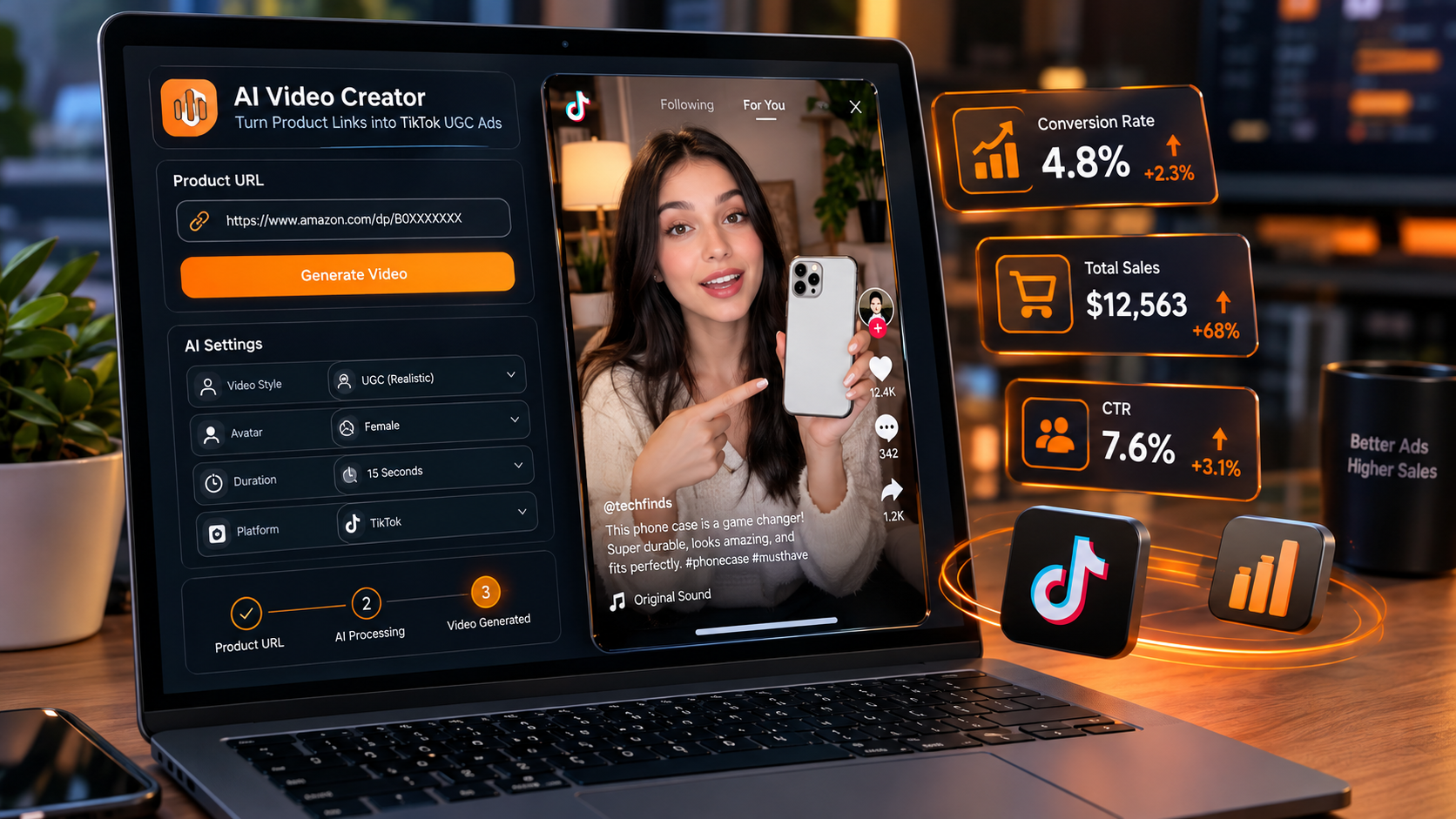
In the GetShorts dashboard, click Create New Video and select UGC Ad. Paste your product page URL into the input field. GetShorts' AI scrapes the page — product name, key features, price, images — and auto-generates a conversion-focused script.
If you'd rather start from scratch, you can skip the URL and type a product description manually. The UGC builder supports both modes.
Step 2 — Review and Edit the Generated Script#
The AI generates a 30-second script following the hook → problem → solution → CTA structure. Read through it and edit any line that doesn't sound natural. Key things to check: does the hook create immediate curiosity? Are the benefits specific? Is the CTA clear?
Pro tip: generate 3–5 script variations by clicking Regenerate with different prompts like "make the hook more urgent" or "focus on price comparison." You'll test these as separate ad variants later.

Step 3 — Select Your Avatar#
Choose an avatar from the library or create a custom one from a photo. For maximum UGC authenticity, select an avatar that looks like a real customer — casual clothing, natural setting, age-appropriate for your audience. Avoid formal corporate-style avatars for social ads.
If you want to use your own face or a team member's likeness, use the avatar studio to create a custom AI twin from a single photo. This takes about 2 minutes to process.
Step 4 — Choose a Voice#
GetShorts integrates with ElevenLabs for voice synthesis. Select from the built-in voice library or clone your own voice using the voice cloner tool. Match the voice energy to your brand — upbeat and fast-paced for consumer products, warmer and measured for services.
Step 5 — Generate and Export#
Click Generate. GetShorts renders your video in 9:16 vertical format with auto-captions, AI B-roll scenes between avatar segments, and your chosen voiceover. Render time is typically 2–4 minutes. Once done, preview the full video and export as MP4.
Your exported video is ready to upload directly to TikTok Ads Manager, Meta Ads, or YouTube Shorts campaigns. No editing software needed.
Ready to generate scroll-stopping video ads?
Access organic AI UGC avatars and text-to-speech in minutes.
Create Your First AI UGC Ad FreePro Tips: Making Better Ads Faster#
Batch your creation sessions: Instead of making one ad, make five in a single session. Same product, five different hooks. This gives you a full testing suite in one sitting.
Save your best scripts as templates: When you find a script structure that converts, save it. Reuse the structure for different products or seasonal variations.
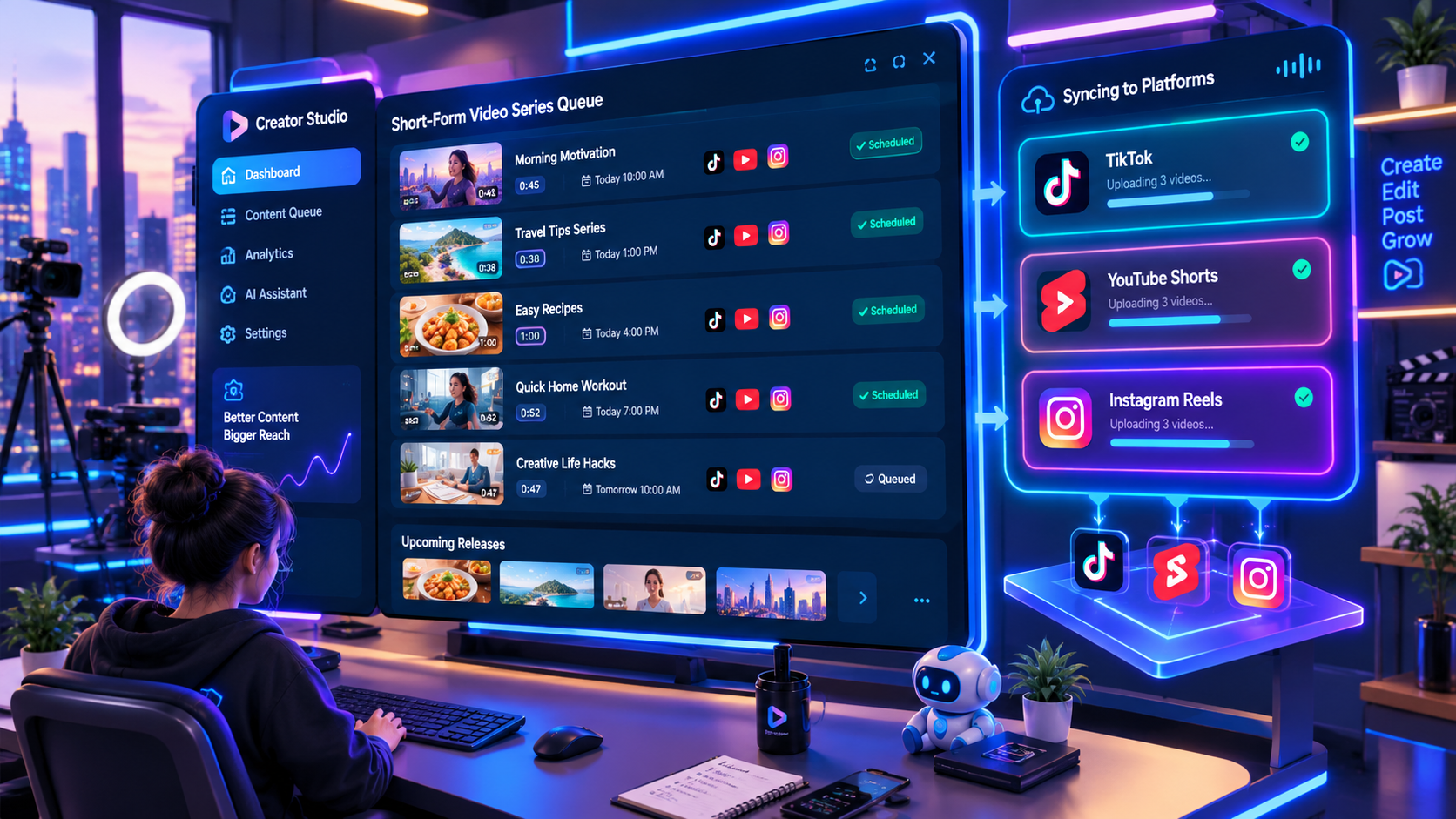
Set up automated series: Once you have a winning format, use GetShorts' series automation to schedule new video variations to post automatically on Mon-Wed-Fri. Your channel stays active without daily manual effort.

Common Mistakes to Avoid#
Weak hooks: "Hi, I want to tell you about..." kills a video before it starts. Lead with a specific pain point or bold claim in the first two words.
Wrong avatar for your audience: Picking the most polished avatar because it looks "professional" backfires on social. Match the look to your buyer persona.
Only making one variation: One ad is a guess. Five ads with different hooks is a test. Always generate multiple variants before running to paid.
Stop Booking Overpriced Creators. Start Scaling UGC Ads.
Produce high-quality AI avatars, auto-captions, B-roll composites and translate scripts instantly. Generate 10+ hook variants for testing.
No credit card required • Start free trial instantly