Top 5 AI Video Tools for Social Media Managers in 2026
Table of Contents
If you manage social media accounts in 2026, you already recognize that your core daily responsibilities have been completely overhauled. What was historically a role centered around copywriting witty captions, scheduling static image carousels, and managing community replies has transformed into an unrelenting, high-velocity video production studio. Algorithmic distribution across TikTok, Instagram Reels, YouTube Shorts, and LinkedIn now demands between three and seven native vertical videos per week just to maintain baseline organic discoverability.
For solo social media managers, boutique agency founders, and internal brand marketing teams, sustaining this volume through manual filming, lighting setups, and frame-by-frame editing is a guaranteed path to creative exhaustion. That is why identifying and mastering the right ai video tools for social media is no longer just a clever life-hack it is the central operational foundation separating thriving brand accounts from stagnant ones.
However, navigating the generative AI software market has become an overwhelming challenge. Hundreds of shallow wrapper apps, unreliable prompt tools, and overhyped prototypes promise the world but output glitchy, unusable video clips. To save your team weeks of trial and error, we tested dozens of platforms across real client campaigns. In this comprehensive review, we evaluate the top 5 AI video tools social media managers rely on in 2026, breaking down their strengths, practical limitations, and ideal use cases. For deeper strategic advice on building a reliable posting calendar, check out our breakdown of modern short-form video strategy.
Ready to generate scroll-stopping video ads?
Access organic AI UGC avatars and text-to-speech in minutes.
Try GetShorts Free TodayThe Evaluation Criteria: What Social Media Managers Actually Need#
Before comparing individual software options, it is essential to establish the exact benchmarks that matter on social media battlegrounds. Novelty visual effects look impressive in demonstration trailers, but they do not move audience retention metrics or generate qualified pipeline. Pragmatic social media managers evaluate tools against four rigorous operational requirements:
- Speed and Pipeline Velocity: Can your team take a raw product URL or bulleted campaign brief and generate a publishable, captioned video asset in under 15 minutes?
- Visual and Auditory Authenticity: Do the digital presenters, lip-sync mechanics, and synthetic voiceovers look and sound natural on 6-inch mobile screens, or do they scream uncanny valley automation?
- Granular Timeline Control: Does the software grant multi-track editing capabilities to swap B-roll, re-time audio hooks, and customize font styling, or are you held hostage by rigid black-box templates?
- Multi-Channel Format Agility: Can you easily adapt a single winning concept across vertical 9:16, square 1:1, and widescreen 16:9 aspect ratios without starting from scratch?
1. GetShorts — Best All-in-One UGC, Avatar, and Story Video Generator#
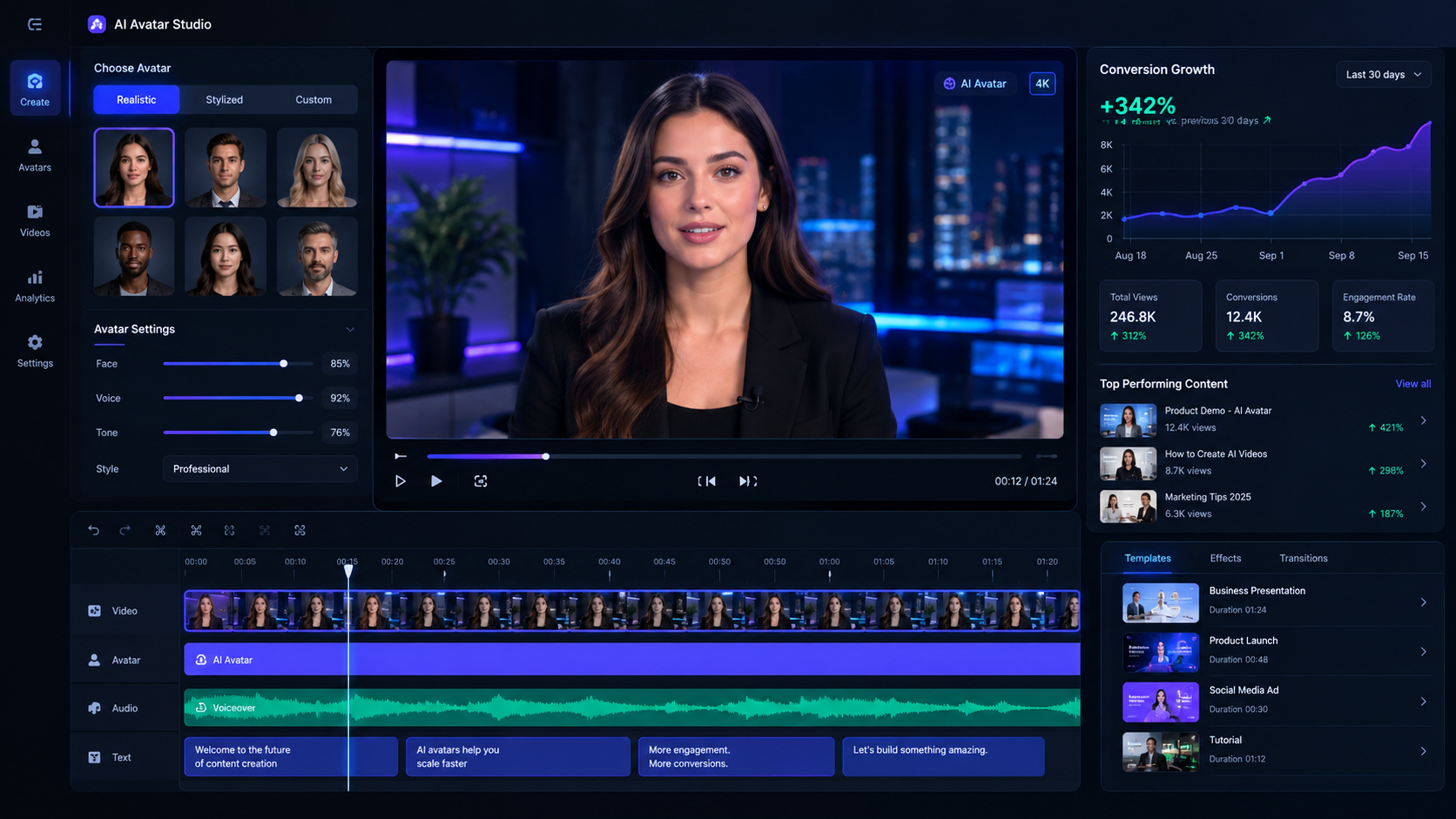
When your social media performance is measured on paid acquisition ROAS, organic lead generation, and measurable conversions, GetShorts represents the gold standard in AI video creation. While older legacy platforms push outdated corporate slideshow templates, our AI UGC generator is engineered specifically for modern social feeds. It enables marketing teams to produce authentic creator-style unboxings, custom AI twin avatars, and faceless viral story videos without ever hiring actors or booking studio space.
What makes GetShorts indispensable for social teams is its end-to-end creative ecosystem. You can collaborate directly with an AI director in UGC Chat Mode to brainstorm conversion-focused hooks and scripts, or utilize the full-featured AI video editor with timeline to layer custom B-roll, animated karaoke captions, and voice-cloned narration. Instead of spending weeks shipping product samples to micro-influencers who disappear after receiving free merchandise, you can generate 15 distinct ad angles in an afternoon.
Key Strengths: Native UGC video ad architecture, URL-to-video automation, multi-track timeline control, custom digital face cloning, and integrated series scheduling for TikTok, Reels, and Shorts.
Ideal For: E-commerce brands, performance marketing agencies, SaaS growth teams, and creators who need a scalable flow of conversion-optimized vertical video ads.
2. Descript — Best for Text-Based Audio & Video Editing#
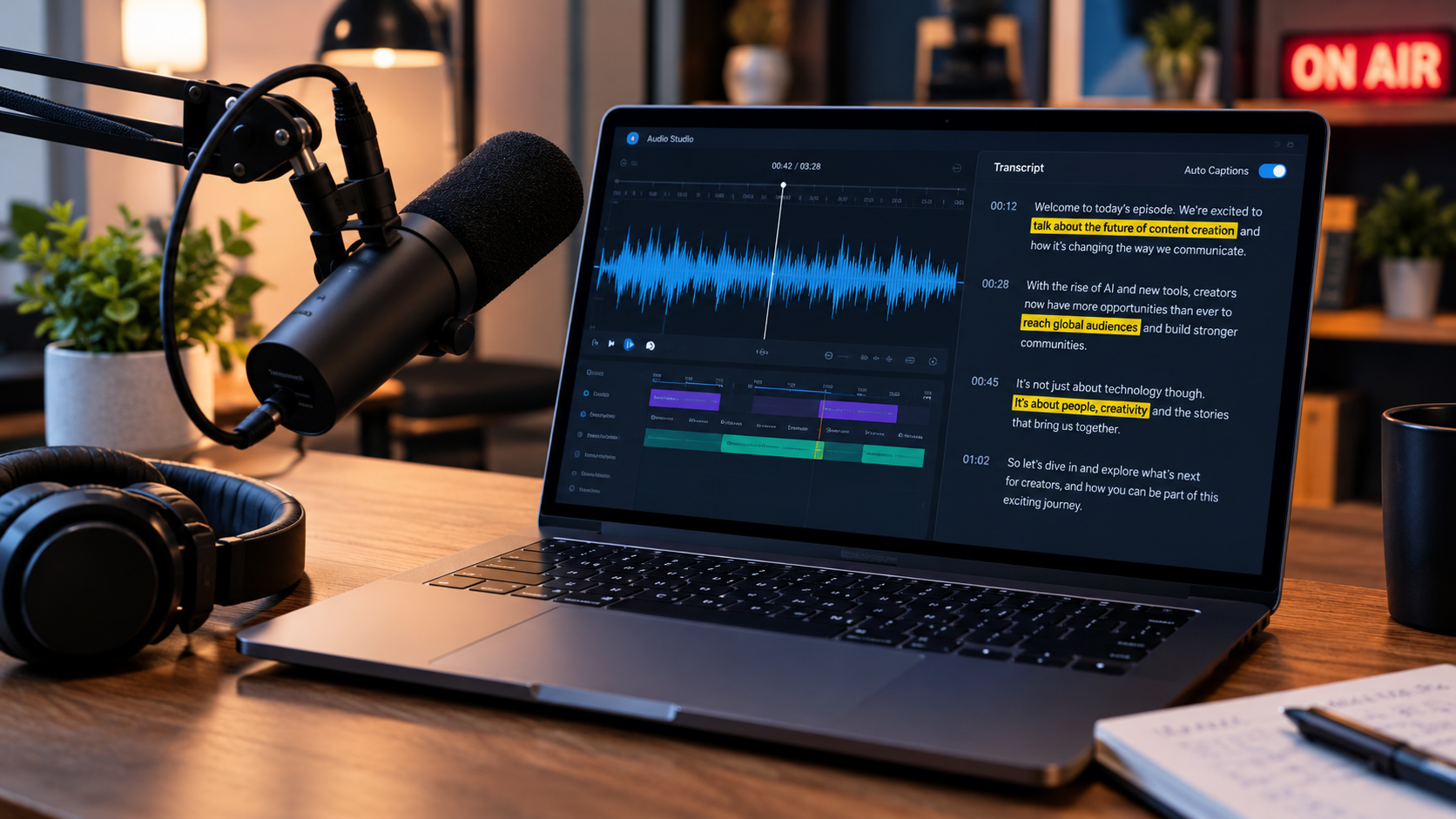
Descript pioneered text-based video editing and remains an essential weapon in the social media manager's toolkit for talking-head footage. Instead of scrubbing back and forth across confusing video timelines to locate awkward pauses or mistakes, Descript automatically transcribes your video file into a text document. When you backspace a sentence in the transcript, the underlying video and audio clip are cut with frame-level precision.
Its proprietary Studio Sound feature utilizes neural audio processing to isolate vocal tracks, eliminating background air conditioner buzz, street noise, and room reverb in a single click. Furthermore, its automated filler word purge tool scans 30-minute interviews and removes every 'um,' 'uh,' and 'like' in seconds. While Descript is not an generative AI video creator from prompts, it is the undisputed leader for refining real human footage.
Key Strengths: Lightning-fast transcript editing, automated filler word removal, Studio Sound vocal enhancement, and automated vertical eye-contact correction.
Ideal For: Social teams that produce podcast video snippets, executive thought leadership interviews, and webinar recaps.
3. Opus Clip — Best for Auto-Clipping Long-Form Podcasts#
If your brand produces a weekly podcast, webinar series, or lengthy YouTube show, Opus Clip offers one of the fastest avenues for multi-channel content repurposing. By simply pasting a YouTube URL, the platform's AI models analyze the spoken transcript to identify high-retention conversational hooks, assigning each excerpt a predictive virality score based on narrative tension and sentiment.
Opus Clip automatically reframes widescreen footage into 9:16 vertical video, dynamically keeping active speakers centered in the frame. It adds animated kinetic captions, emojis, and visual highlight effects that match current TikTok aesthetics. While it cannot generate original video ads or scripts from scratch, it serves as an exceptional force multiplier for squeezing maximum value from pre-existing long-form video archives.
Key Strengths: Automated virality scoring, intelligent auto-reframing for multi-person interviews, and automated animated captions with zero manual timing.
Ideal For: Content repurposing teams, podcast producers, and media brands with substantial catalogs of long-form video assets.
4. CapCut Pro — Best for Mobile-First Trend Effects & Audio#
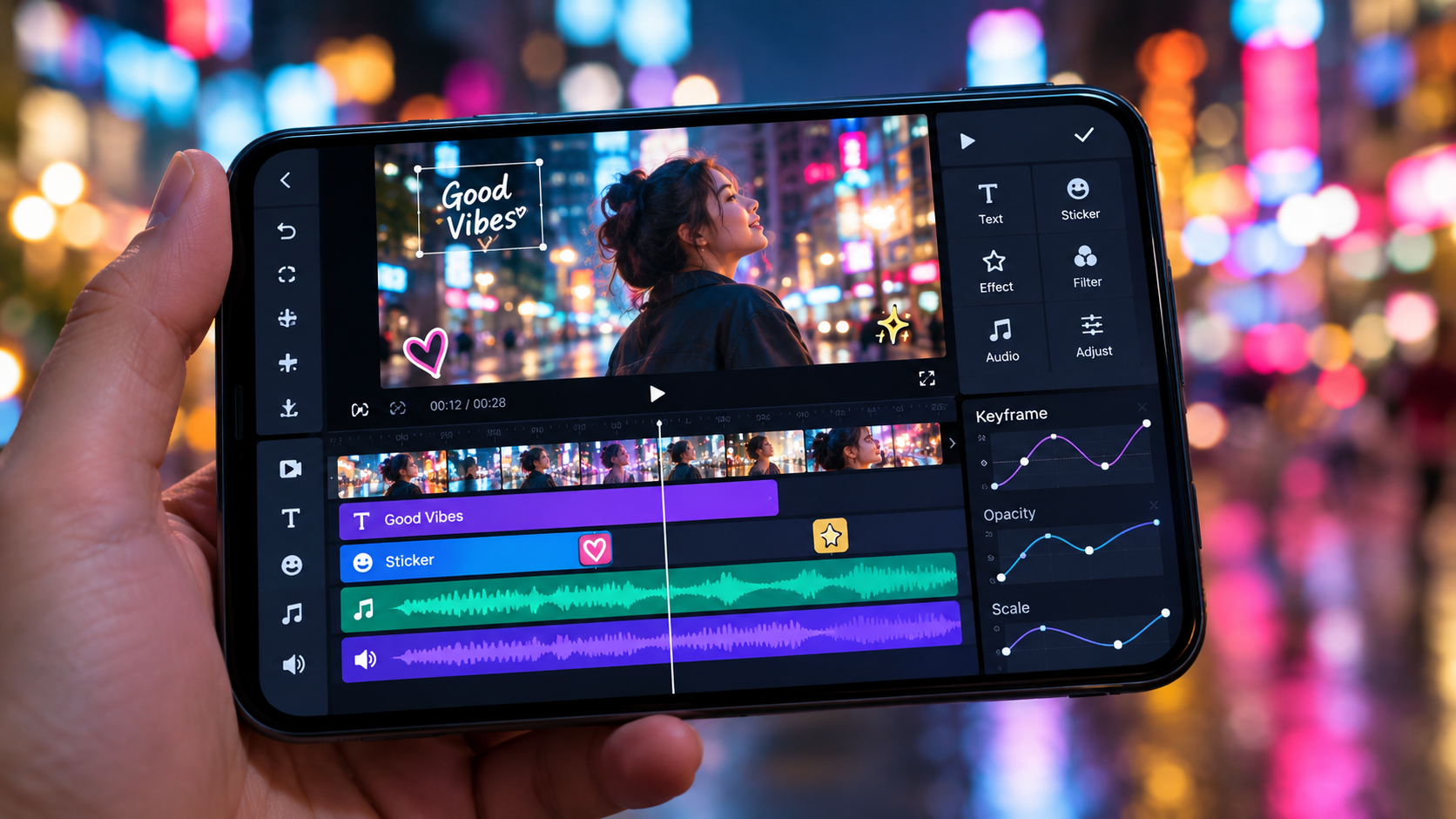
As ByteDance's dedicated editing platform, CapCut enjoys an unmatched competitive advantage when tracking real-time TikTok cultural trends. Available across desktop and mobile devices, CapCut gives creators direct access to viral audio templates, popular sound design hits, dynamic green-screen background removals, and advanced AI body tracking effects that social audiences recognize instantly.
CapCut excels at rapid assembly: its automated speech-to-text generates accurate multi-language captions, while its optical-flow speed ramping tools enable creators to construct energetic, visually punchy montages in minutes. For social media managers who must jump on an audio trend within two hours of its emergence, CapCut remains an indispensable mobile and desktop companion.
Key Strengths: Direct integration with TikTok's commercial sound library, viral visual effects templates, automated optical speed ramping, and background cutout tools.
Ideal For: Trend-driven social media managers, meme creators, and consumer-facing brands prioritizing real-time TikTok and Reels agility.
5. Runway (Gen-3 Alpha) — Best for Cinematic Generative B-Roll#
When your social campaigns demand surreal visual metaphors, futuristic landscapes, or hyper-specific cutaways that traditional stock footage repositories simply do not possess, Runway's Gen-3 Alpha model delivers extraordinary generative fidelity. By providing detailed descriptive prompts or reference images, marketing teams can synthesize photorealistic 5- to 10-second cinematic video scenes from scratch.
While Runway is not tailored for direct conversational scripts, lip-synced talking avatars, or product demonstrations, utilizing Gen-3 clips as atmospheric B-roll can elevate a standard social post into a visually arresting cinematic experience. To understand how dedicated ad creators perform against generalist visual generation models, explore our head-to-head benchmarking in our best AI video generator for ads comparison guide.
Key Strengths: Industry-leading visual motion quality, camera control parameters, text-to-video and image-to-video generation, and motion brush controls.
Ideal For: High-concept brand teasers, luxury creative campaigns, and motion designers seeking custom atmospheric visual assets on demand.
Feature and Workflow Comparison Across the Top 5 Tools#
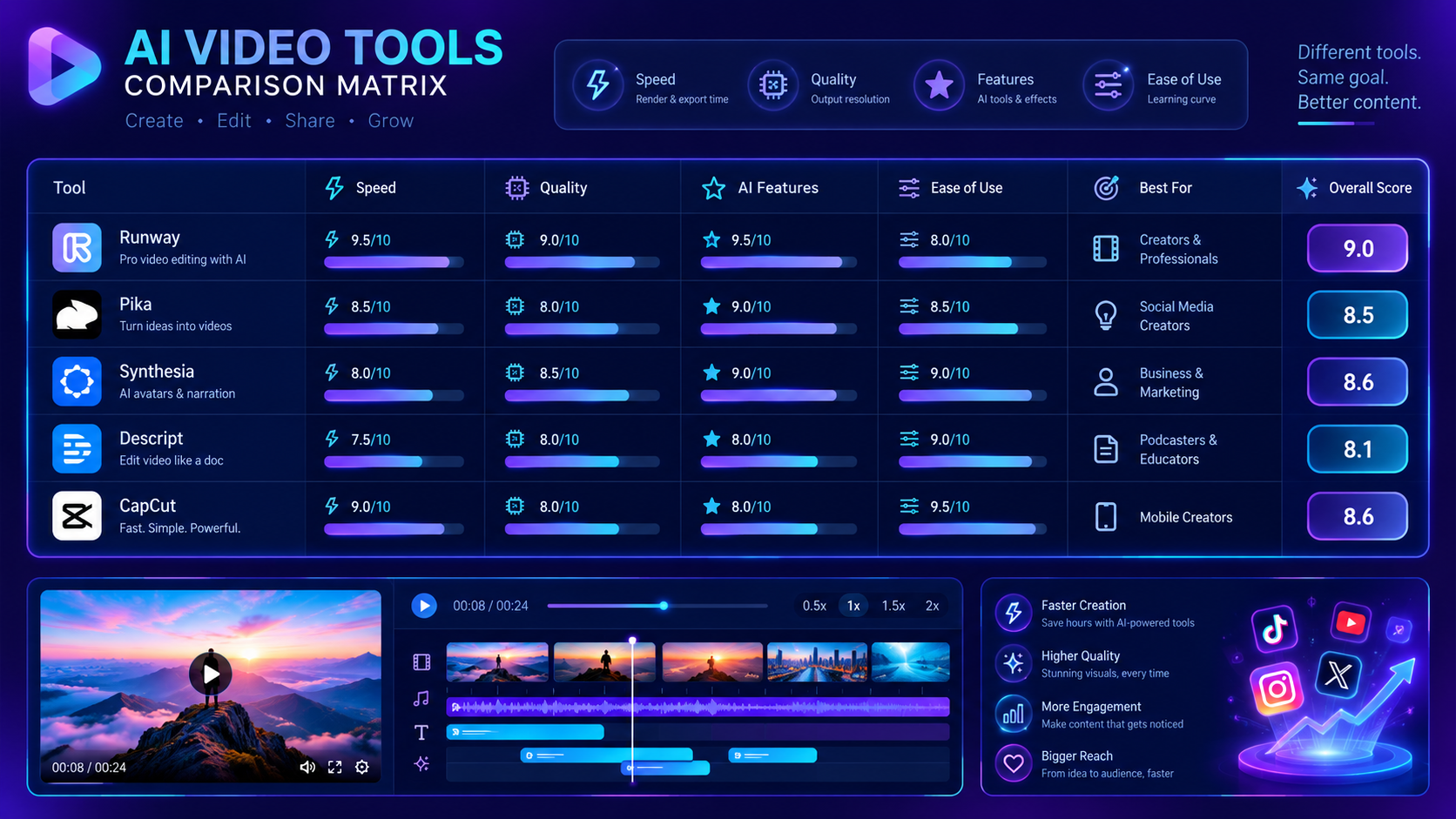
To clearly see how these platforms fit together in a cohesive social marketing stack, examine this practical feature and pricing comparison:
- GetShorts ($29–$99/mo): Best for end-to-end UGC ad creation, script-to-video generation, and automated daily series posting. Primary strength: High ad conversion and creator authenticity without filming.
- Descript ($12–$24/mo): Best for text-based transcript trimming and audio mastering. Primary strength: Effortless cleanup of spoken podcasts and webinar talking heads.
- Opus Clip ($9–$29/mo): Best for automatic highlight extraction from long-form YouTube URLs. Primary strength: Fast virality detection and vertical reframing.
- CapCut Pro ($7.99–$12.99/mo): Best for trending mobile stickers, meme audio, and instant speed ramping. Primary strength: Lightning-fast reactive trend publishing.
- Runway ($12–$76/mo): Best for photorealistic synthetic B-roll clips and surreal visual art. Primary strength: High-end artistic visual fidelity.
The Batching Blueprint: Scheduling 20 Videos in Under 3 Hours#
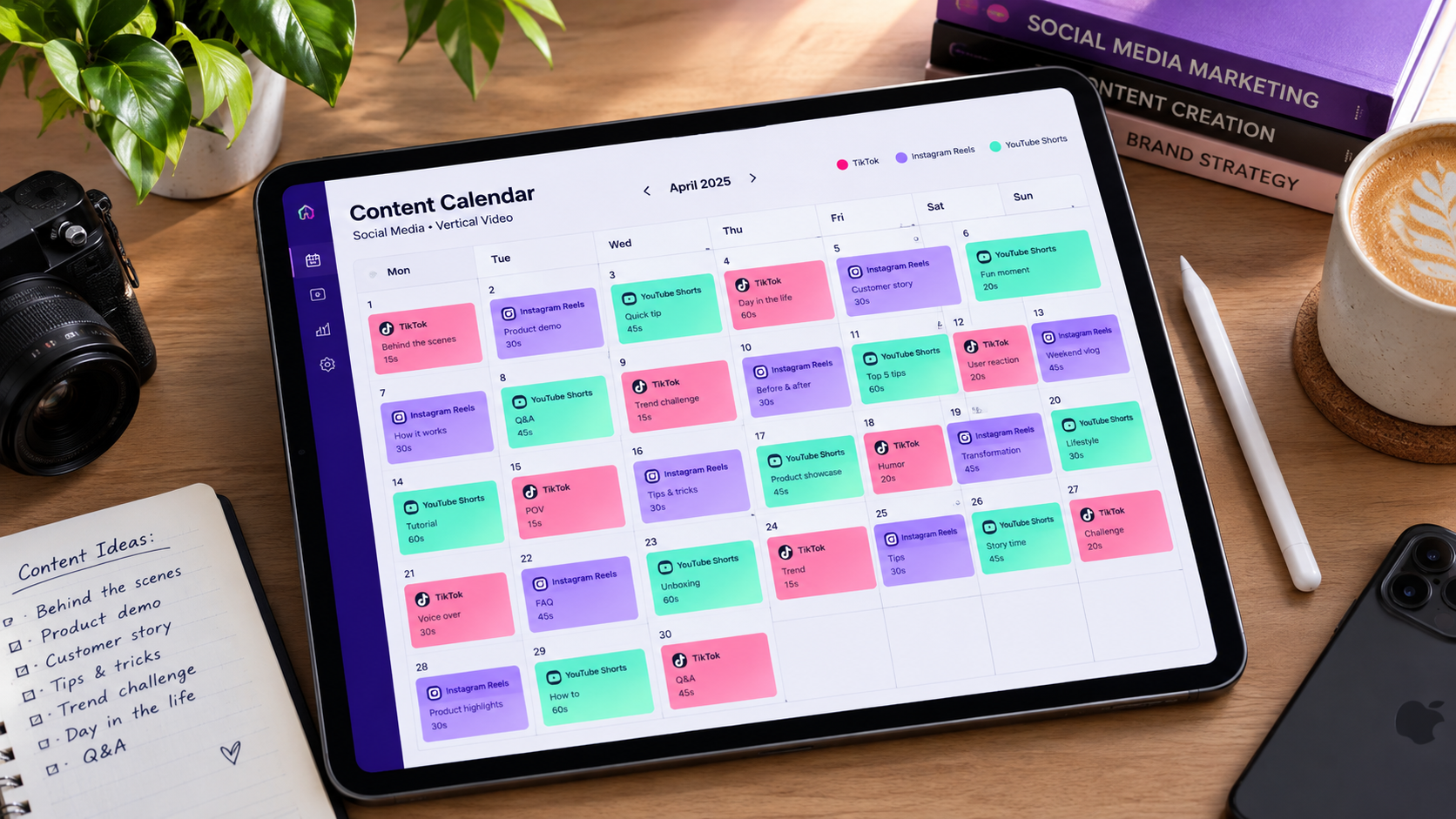
Creating videos on a daily, ad-hoc basis creates cognitive friction and guarantees inconsistency. Top social media managers schedule 20 to 30 posts per month by executing a disciplined three-stage batching system:
Block 1 - Ideation & Scripting (60 Minutes): Pick five core customer objections or product features. Use UGC Chat Mode to generate four hook and script variations for each concept, yielding 20 distinct script drafts in an hour.
Block 2 -AI Generation & Timeline Polish (90 Minutes): Queue the scripts in GetShorts to render avatar presenters and automated B-roll. Review the generated assets on the timeline, adjust caption timing, and insert custom screenshots where needed.
Block 3 - Multi-Platform Scheduling (30 Minutes): Upload the finalized MP4 assets into your social scheduler, distributing four to five videos per week across TikTok, Reels, and Shorts with optimized hashtags and sound hooks.
How to Build the Ultimate Social Video Stack in 2026#
No single application solves every video marketing challenge in isolation. High-performing social media managers avoid searching for a single mythical silver bullet; instead, they construct a lean, modular production stack where each tool plays a specialized position:
- For Daily UGC Ads & Avatar Shorts: Deploy GetShorts to generate high-retention creator-style videos and faceless story series without on-camera talent.
- For Long-Form Video Repurposing: Use Opus Clip to extract 10 vertical snippets from weekly webinars and founder podcasts.
- For Audio Clean-Up and Quick Trims: Use Descript to transcribe and eliminate audio blemishes in minutes.
- For Trend Audio and Final Mobile Touches: Use CapCut for rapid mobile assembly and platform-specific stickers.
- For Conceptual B-Roll: Use Runway when you need custom cinematic cutaway scenes that stock libraries do not have.
By integrating these purpose-built platforms, a single social media manager can easily output 20 to 30 high-performing video assets every week while maintaining pristine brand quality and avoiding burnout.
Stop Booking Overpriced Creators. Start Scaling UGC Ads.
Produce high-quality AI avatars, auto-captions, B-roll composites and translate scripts instantly. Generate 10+ hook variants for testing.
No credit card required • Start free trial instantly